All posts
Karolina Konopka
Customer Success Manager

 6 min read
Empower employees while caring for employee well-being. Prevent employee burnout and depression.
ex Platform
360 degree feedback software helps HR teams run employee reviews by collecting structured input from multiple raters (manager, peers, direct reports, and self) and turning it into actionable development insights. This guide is for HR leaders and people managers who want a repeatable, fair 360-degree review process—without spreadsheets, manual chasing, or inconsistent reporting. You’ll learn what to look for in a modern 360 degree feedback system, compare the top tools in 2026, and use a practical checklist to choose the right platform for your organization.
In this guide you’ll get:
- A shortlist of the best 360 degree feedback tools in 2026
- A feature checklist (anonymity, workflows, reporting, templates)
- Practical rollout tips (so feedback becomes development, not noise)
What is a 360-degree employee review?
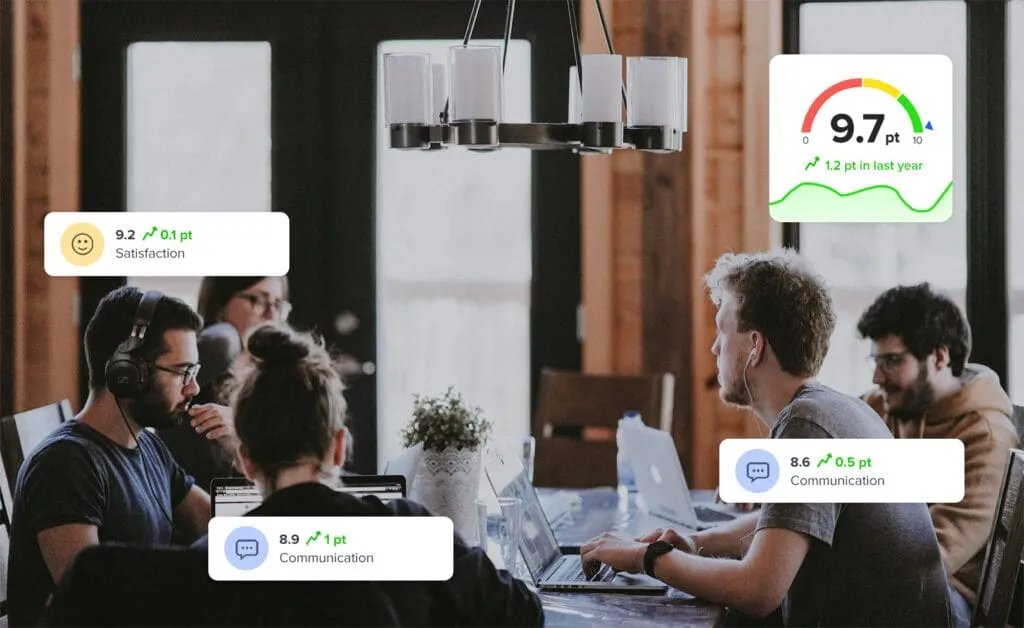
A 360-degree employee review (also called a 360 assessment or 360 performance review) collects performance feedback from multiple perspectives—typically a manager, peers, direct reports, and the employee themselves. The goal is to reduce blind spots, identify skill gaps, and create a clear development plan based on patterns across raters, not a single opinion. For a practical walkthrough, see the 360-degree review process.
Why 360-degree feedback matters in 2026
In 2026, many teams are distributed, cross-functional, and project-based—so “one manager’s view” often misses day-to-day collaboration signals. A well-run 360 process helps you:
- Develop leaders faster using concrete, competency-based feedback
- Improve collaboration by making expectations explicit
- Increase fairness by balancing input from multiple working relationships
For a longer implementation playbook, read how to implement 360-degree employee feedback.
Quick comparison: best 360 degree feedback software in 2026
| Tool | Best for | Key features | Pricing / free plan | Why choose it |
|---|---|---|---|---|
| Responsly | HR teams running repeatable 360 cycles | Templates, anonymity controls, automated invites/reminders, clear reporting | Free account + paid plans | Fast setup and practical workflows built for HR operations |
| SurveySparrow | Teams that want a portal-style survey experience | Employee portal, evaluator selection, automation | Varies by plan | Good if you already run multiple internal surveys in one platform |
| Typeform | Lightweight 360 questionnaires | Great UX, flexible logic, mobile-friendly forms | Varies by plan | Best when you need a simple 360 questionnaire, not a full review system |
| Qualtrics | Enterprise experience management | Governance, permissions, advanced analytics | Enterprise pricing | Strong controls for large orgs with complex requirements |
| Culture Amp | Engagement + development programs | People-science tooling, lifecycle feedback, action-oriented outputs | Varies by plan | Works well when 360 feedback is part of a broader people program |
360 degree feedback systems: key features to look for
A good 360 degree feedback program works when the process is easy for raters and actionable for the person receiving feedback. In 2026, prioritize these capabilities:
- Anonymity and rater thresholds: Control who can see what, and ensure peer/direct-report feedback is aggregated (e.g., min. 3 raters).
- Workflow automation: Invite flows, reminders, deadline tracking, and easy participant management across cycles.
- Role-based templates and question libraries: Start fast with research-backed competency questions and adjust per role.
- Action planning: Make it easy to translate feedback into a development plan (goals, follow-ups, coaching notes).
- Reporting that managers can actually use: Clear summaries, trends over time, and breakdowns by competency.
If you’re building a broader employee listening stack, connect 360 reviews with your overall employee experience program so you can combine structured reviews with ongoing feedback.
For background reading on the concept itself, see the neutral definition of 360-degree feedback.
Top 5 tools: pros, cons, and who they fit
1) Responsly
Responsly helps HR teams run structured 360-degree feedback cycles with a clean workflow: define competencies, choose raters, automate invites/reminders, and generate reports that support development conversations.
Why teams choose Responsly for 360 reviews:
- Anonymous feedback: Encourage honesty with clear rules and thresholds.
- Actionable insights: Turn results into specific development priorities and next steps.
- Customizable questions: Tailor competency areas to roles and levels.
- Team-level visibility: Get a view of strengths and gaps across a department.
To go deeper into implementation, read: how to implement 360-degree employee feedback and the 360-degree review process guide.
2) SurveySparrow
SurveySparrow is often used when teams want a survey platform with employee-focused flows. It can work for 360 reviews when you set up rater groups, automation, and reporting conventions.
Best for: organizations that already use SurveySparrow for internal surveys and want to extend it into 360 assessments.
3) Typeform
Typeform is best known for form UX. It can run a lightweight 360 questionnaire, especially for smaller teams, leadership coaching, or pilot programs.
Best for: simple 360 questionnaires where you don’t need a full 360 feedback system workflow.
4) Qualtrics
Qualtrics is designed for large organizations that need governance, complex reporting, and enterprise controls.
Best for: enterprise-scale programs where advanced analytics and permissions are critical.
5) Culture Amp
Culture Amp is widely used for engagement and development programs, and it can support 360-style feedback workflows depending on your setup.
Best for: teams that want feedback to connect with broader engagement and people development initiatives.
How to choose the right tool (selection checklist)
Use this checklist to quickly narrow your options:
- Rater model: Who needs to provide feedback (peers, direct reports, stakeholders)?
- Anonymity: Do you need minimum rater thresholds, comment masking, or manager visibility rules?
- Process depth: Development-only vs. performance decisions (the latter needs tighter governance).
- Time to launch: Can HR launch a cycle quickly using templates?
- Distribution channels: If you need multi-channel collection beyond email, explore tools aligned with your broader EX stack, e.g. employee experience solutions.
- Templates and reuse: Look for a templates hub to standardize cycles across departments: templates and HR templates.
Recommended next steps (a simple rollout framework)
A good 360 cycle is mostly process design, not software. Use this framework to keep it fair, fast, and actionable:
- Define competencies (6–10) and keep them role-relevant.
- Choose rater rules (minimums, anonymity, and who sees open-text comments).
- Keep it short (10–15 minutes) so response rates stay high.
- Run a pilot with one team, then scale.
- Close the loop: turn themes into a development plan with a manager check-in 2–4 weeks later.
If you want to start from a proven process, use the 360-degree feedback program overview and follow the review process guide.
Launch your first 360 review cycle with Responsly
If you want a practical, repeatable way to launch 360 reviews, start with Responsly’s 360 feedback solution and then create a free Responsly account.
Summary
360 degree feedback software is most effective when it balances anonymity, automation, and actionable reporting. In 2026, focus on tools that make the process easy for raters and useful for managers—then standardize your approach using templates and repeatable workflows.