Table of contents
- How do you collect customer feedback effectively?
- Quick comparison: 8 customer feedback methods
- Before you start: prepare to collect customer feedback
- 1) Customer feedback surveys (CSAT, CES, NPS)
- 2) Customer feedback through email
- 3) Social media (social listening + polls)
- 4) Add a feedback button (website or in-app)
- 5) Use chat surveys (post-resolution)
- 6) Run focus groups (qualitative research)
- 7) Create an online customer community
- 8) Offer a reward (carefully)
- How Responsly helps you collect and act on customer feedback
- Summary

Customer feedback is the fastest way to learn what customers actually experience—so you can fix friction, improve retention, and build products people recommend. This guide is for customer success, product, and support teams that want to collect customer feedback reliably (not just when something goes wrong). You’ll get eight practical methods, a quick channel comparison table, and a simple workflow for turning feedback into action. If you’re building a broader program, start with customer experience strategy and the basics of online surveys.
How do you collect customer feedback effectively?
You collect customer feedback effectively by asking short, targeted questions right after key moments (purchase, onboarding, support), using the channel customers already use (email, in-app, chat), and closing the loop by communicating what changed. Combine quantitative signals (CSAT, CES, NPS) with one open-ended question to understand the “why.”
Quick comparison: 8 customer feedback methods
| Method | Best for | What to ask | Watch-outs |
|---|---|---|---|
| Customer feedback surveys | Scalable measurement | CSAT/CES/NPS + “Why?” | Survey fatigue if too frequent |
| Email follow-ups | Depth and context | “What’s blocking you?” | Can be slow without follow-ups |
| Social listening | Candid sentiment | Themes and pain points | Not representative of all users |
| Website/app feedback button | Always-on UX feedback | “Report an issue / idea” | Needs triage to avoid noise |
| Chat surveys | In-the-moment feedback | 1–2 questions after resolution | Too long = drop-off |
| Focus groups | Qualitative discovery | Needs, reactions, language | Small sample bias |
| Customer community | Ongoing insight | Votes, discussions, ideas | Requires moderation |
| Rewards for feedback | Higher response rates | Short survey participation | Avoid incentives that feel like a bribe |
Before you start: prepare to collect customer feedback
You’ll get better responses if you answer these internally first:
- What are you trying to improve? Onboarding, activation, support, UX, pricing clarity, or retention.
- What action will you take based on results? Feedback without follow-through reduces trust.
- Which moment will you measure? Post-purchase, post-support, after a feature release, or at renewal.
For question design, use our survey design guide and choose the right formats from survey question types.
1) Customer feedback surveys (CSAT, CES, NPS)
Surveys are the most scalable way to measure customer experience—especially when you keep them short and tied to a specific moment.
- Use CSAT after a purchase or interaction—see our post-purchase survey guide.
- Use CES after support or onboarding to measure effort.
- Use NPS periodically to track loyalty.
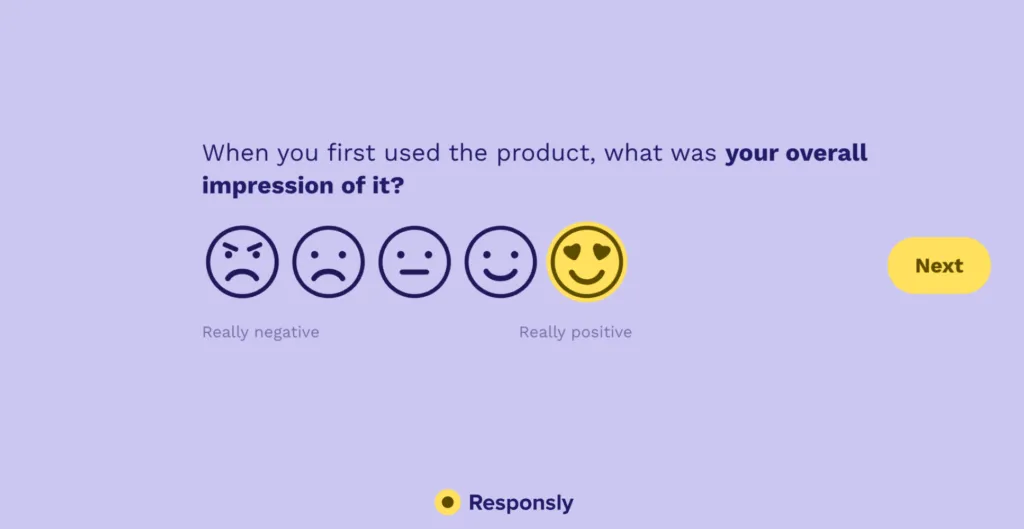
If you’re getting low-quality answers, improve the prompt. A helpful starting point is customer feedback email best practices.
2) Customer feedback through email
Email works best when you want context and you can personalize the ask. The key is timing: send it immediately after a meaningful moment. If your list lives in Mailchimp, check out our Mailchimp surveys guide to automate field mapping and follow-ups.
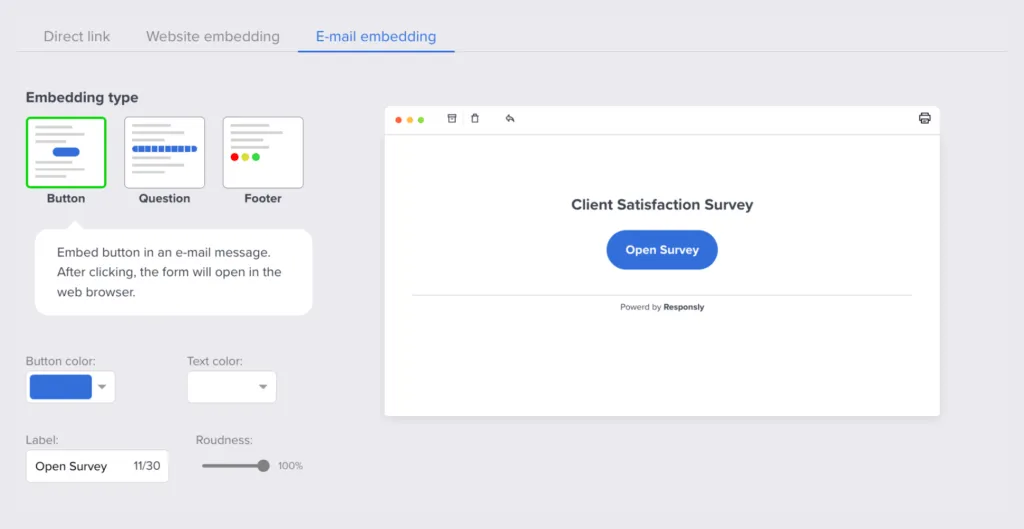
Tips that increase replies:
- Send from a real person (CSM/support), not a no-reply address.
- Ask one focused question and offer a quick follow-up call.
- Close the loop later: “Here’s what we changed based on your input.”
3) Social media (social listening + polls)
Social channels surface candid language and themes you won’t get in formal surveys. Use them to spot issues early and to learn how customers describe problems.
Use it for:
- Feature request trends
- Competitor comparisons
- Common confusion points
Then validate with surveys or interviews. For a structured one-question poll aimed at your Facebook audience, you can start from the Facebook Poll template and follow with a deeper survey when you need segments or follow-ups.
4) Add a feedback button (website or in-app)
A feedback button gives customers an always-available way to report friction while it’s happening. It works especially well for product teams.
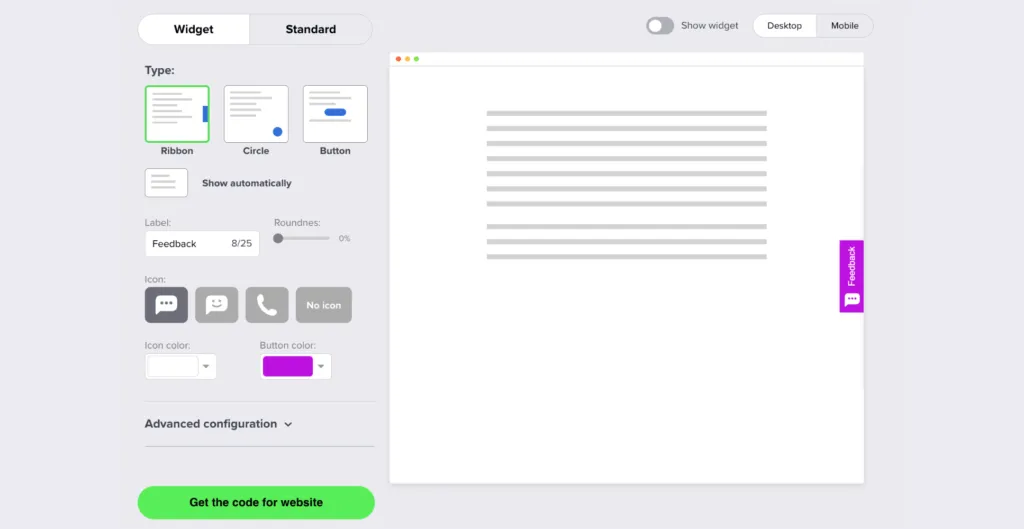
To avoid noise:
- Route feedback by type (bug, idea, complaint).
- Acknowledge receipt automatically.
- Review weekly and publish what changed.
If the feedback is complaint-heavy, also review how to respond to customer complaints.
5) Use chat surveys (post-resolution)
Chat surveys capture feedback at peak relevance: right after a support interaction. Keep it to 1–2 questions.
If you use tools like Intercom, you can trigger a CSAT question after a ticket is solved. Even if you don’t, you can share a short link survey.
For measuring loyalty over time, see our guide to implementing NPS surveys.
6) Run focus groups (qualitative research)
Focus groups are useful when you need language and depth: why customers choose you, what they struggle with, and what “value” means to them.
Best practices:
- Recruit from multiple segments.
- Use a structured script and capture quotes.
- Pair findings with quantitative data to avoid overfitting on one group.
If you’re deciding between methods, review qualitative vs quantitative research.
7) Create an online customer community
Communities create continuous feedback (ideas, votes, discussions). They’re best when you have enough user volume and a clear moderation plan.
To make it work:
- Assign an owner and moderation cadence.
- Seed discussions with questions tied to roadmap decisions.
- Close the loop in public threads.
8) Offer a reward (carefully)
Incentives can improve response rates, especially for longer surveys or interviews. The key is tone and transparency:
- Position it as “thanks for your time,” not “payment for a positive review.”
- Avoid incentives that bias outcomes.
- Keep the ask short even if there’s a reward.
How Responsly helps you collect and act on customer feedback
Responsly supports a practical end-to-end workflow: collect feedback at key moments, analyze themes, and act quickly.
- Run surveys for CSAT/CES/NPS and event-based feedback
- Use forms for structured intake (requests, leads, issues)
- Use quizzes when you want education + comprehension checks
- Start fast with templates and scale into recurring programs
If you’re building the broader CX operating system, see customer care and our customer experience resources.
Summary
To get customer feedback effectively, combine the right channel with the right moment, ask fewer questions, and always close the loop. Start with surveys and email follow-ups, add always-on collection (feedback button), and use qualitative methods (focus groups, community) to explain what the numbers can’t.
FAQ
What is customer feedback?
What are the best ways to collect customer feedback?
How often should I ask customers for feedback?
How do I increase customer feedback response rates?
What should I do after collecting customer feedback?
Tagged in
Last updated