Table of contents
- Why open-ended NPS comments are your most valuable (and most wasted) data
- What “analyze open-ended NPS” actually means
- How to analyze open-ended NPS comments: a step-by-step process
- Analyze across Promoters, Passives, and Detractors
- Best tools to analyze open-ended NPS comments in 2026
- Manual vs. AI analysis: why automation wins at scale
- Why Responsly is the smart choice for NPS comment analysis
- Conclusion

To analyze open-ended NPS comments, you categorize every verbatim into themes, tag each with sentiment and emotion, link those themes to Promoters, Passives, and Detractors, and quantify which drivers move your score the most. This guide is for CX, product, and support teams who track Net Promoter Score but leave the real insight—the free-text “why”—unread. You’ll get a repeatable process for analyzing NPS verbatims at scale, the difference between sentiment and theme analysis, how to read each NPS segment, and the best AI tools for the job, with honest trade-offs.
Why open-ended NPS comments are your most valuable (and most wasted) data
Your NPS number tells you that something changed. The follow-up comment—“What’s the primary reason for your score?”—tells you why, and the why is the only part you can act on. Two companies with an identical NPS of 30 can have completely different reasons behind it.
Yet most teams skim a handful of verbatims, paste a few quotes into a deck, and move on. The full body of comments—the actual explanation of the number—is never quantified. The result is an NPS program that measures sentiment precisely and explains it anecdotally.
The fix is treating the comment as data, not color. When every verbatim is themed and ranked by how much it moves the score, “NPS dropped four points” becomes “NPS dropped because of a specific onboarding issue concentrated in enterprise accounts.” That is the difference between tracking a trend and driving action.
What “analyze open-ended NPS” actually means
Analyzing open-ended NPS comments combines three distinct layers. Weak analysis stops at the first one; strong analysis uses all three.
- Sentiment analysis: Is the comment positive, negative, or neutral—and how intense is the emotion (frustration, delight, indifference)?
- Theme (verbatim) analysis: What is the customer talking about—onboarding, pricing, support speed, a specific feature?
- Driver analysis: How much does each theme move your NPS? Knowing 35% of customers mention “shipping” is not enough; you need to know it is costing you 5 NPS points.
Sentiment without themes tells you customers are unhappy but not why. Themes without sentiment tell you what is mentioned but not how strongly customers feel. You need the combination to prioritize.
| Layer | Question it answers | Example output |
|---|---|---|
| Sentiment | How do they feel? | ”Frustrated, high intensity” |
| Theme | What about? | ”Onboarding / setup” |
| Driver | How much does it matter? | ”Onboarding costs 5 NPS points” |
How to analyze open-ended NPS comments: a step-by-step process
Here is a repeatable workflow you can run every NPS cycle.
Step 1: Ask a follow-up question that produces usable text
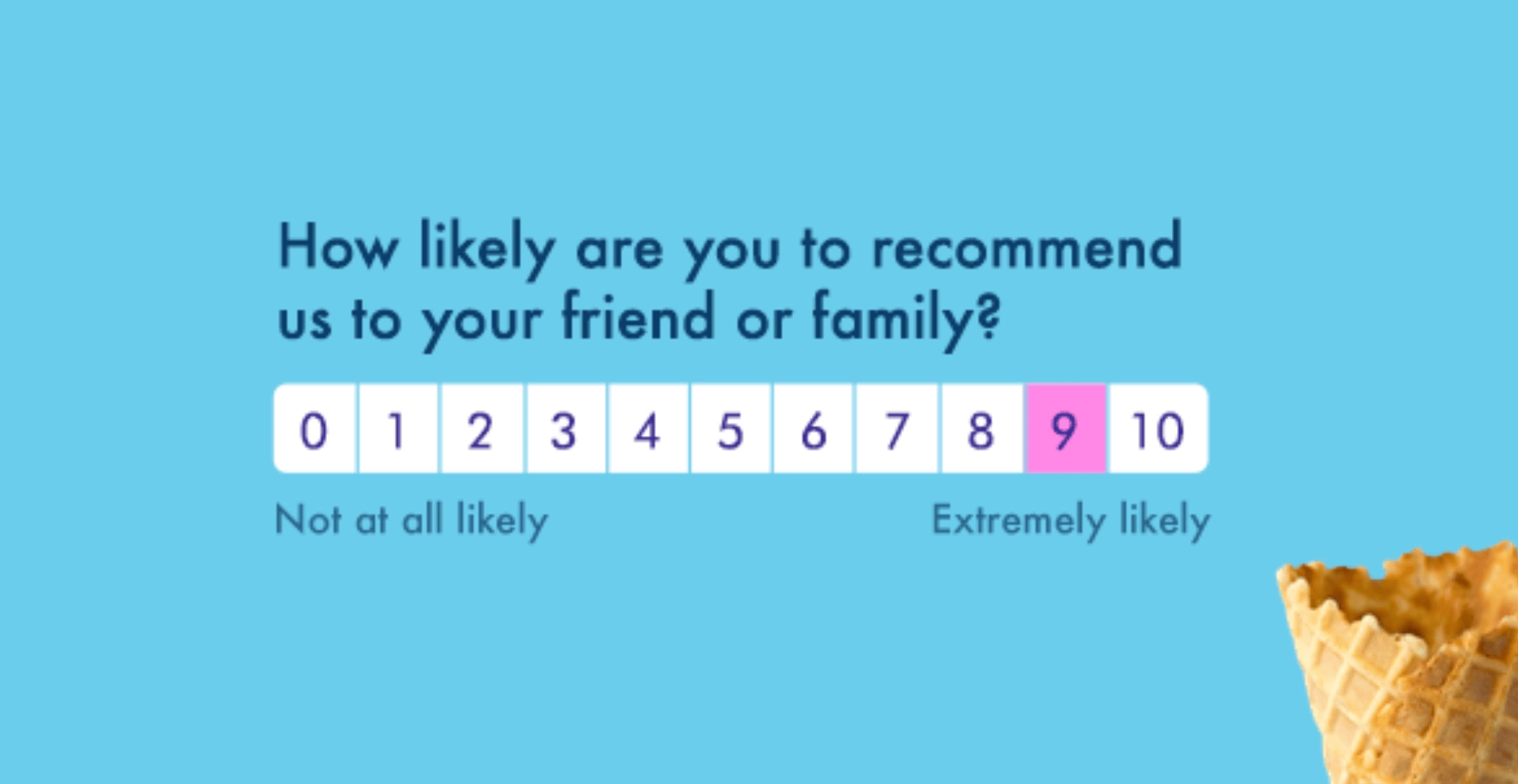
Every NPS survey should include one open-ended follow-up: “What’s the primary reason for your score?” Keep it single and neutral so you get specific reasons, not one-word answers. If you are setting up your program, our NPS survey implementation guide covers question design and timing.
Step 2: Centralize comments across every channel
NPS verbatims are only one source of the truth. Support tickets, chat logs, and reviews echo the same themes. Pull them into one place so a customer who mentions “slow support” in an NPS comment and again in a ticket gets tagged consistently. Collecting across email, SMS, and website in one platform removes this stitching work entirely.
Step 3: Auto-discover themes (don’t hand-tag)
Manual tagging biases the analysis toward what you expect to find and misses what you don’t. AI text analysis reads every comment and builds a theme taxonomy from the data itself—no predefined categories. This is what makes covering 100% of comments, every cycle, feasible.
Step 4: Add sentiment and emotion to each theme
Layer sentiment on top of themes so “support” becomes “support + frustration + urgent.” Modern LLM-based analysis understands context (“not bad” is mildly positive), catches sarcasm (“oh great, another outage”), and detects mixed sentiment within a single comment (“love the product, but setup was painful”).
Step 5: Run driver analysis to rank what to fix first
Quantify how many NPS points each theme adds or costs. A score-change breakdown—“shipping delays cost 5 points, support gained 2”—turns a vague metric into a clear, prioritized root cause. Fix the theme with the biggest impact, not the loudest or most recent one.
Step 6: Segment by NPS category and customer value
Break themes down by Promoter, Passive, and Detractor, and by segment (plan, region, account value). A detractor theme concentrated in high-value accounts matters more than a frequent one from free users. Segment-level analysis is where prioritization gets sharp.
Step 7: Close the loop and predict what’s next
Route flagged comments to the right team automatically—churn-risk language to customer success, feature requests to product—and follow up. Then track sentiment trends over time as a leading indicator: declining positive sentiment predicts an NPS drop before it happens. See our closed feedback loop guide for the follow-up playbook.
Analyze across Promoters, Passives, and Detractors
The same comment analysis reveals different, high-value signals depending on the segment.
- Promoters (9–10) hide friction. “Best product I’ve used, though onboarding could be smoother” scores as safe, but the complaint is a crack that widens over time. Flag Promoters with negative sentiment components for a proactive check-in.
- Passives (7–8) hide silent churn. “It’s fine, nothing special” signals indifference—zero emotional investment. These customers switch the moment a competitor looks marginally better. Detecting flat affect lets you re-engage before they leave.
- Detractors (0–6) hold recovery potential. A furious “charged me twice, took five days to fix” is a churn risk; “billing was frustrating, but the agent was amazing” is recoverable. Prioritize by urgency and emotion, not just the low score—teams that triage this way commonly lift recovery rates several-fold.
This segment lens is impossible to run by eyeballing a sample, and it is exactly where analyzing open-ended NPS comments pays off. It also connects NPS to customer churn: comment sentiment is an early churn signal your score alone won’t show.
Best tools to analyze open-ended NPS comments in 2026
Some tools collect the NPS response; the ones that matter here analyze the comment. The deciding question is whether you want to collect NPS, understand it, or both. The table below compares the strongest options.
| Tool | Best for | Collect + analyze? | Key strength | Pricing |
|---|---|---|---|---|
| Responsly | Collect and analyze NPS in one place | Yes | Athena AI: themes, sentiment, churn signals; omnichannel; GDPR-first | Free plan; affordable |
| Thematic | Verbatim & driver analysis | Analyze only | Automated theme discovery + NPS impact | Enterprise (custom) |
| Enterpret | Quantified drivers tied to revenue | Analyze only | Adaptive taxonomy across 50+ sources | Enterprise (custom) |
| Qualtrics | NPS inside a research suite | Both (complex) | Text iQ, deep analytics | Enterprise (high) |
| Medallia | Enterprise experience programs | Both (complex) | Phrase-level text analytics at scale | Enterprise (high) |
| AskNicely | NPS collection + frontline triage | Both (light) | NPS-native, frontline follow-up | Mid-range |
Responsly — best for collecting and analyzing NPS together
Most analysis tools assume you already collected NPS somewhere else and now need a separate layer to make sense of it. Responsly closes that gap: you collect NPS across channels and analyze the verbatims in one platform. Its AI agent Athena reads every open-ended comment, clusters themes, tags sentiment and emotion, and flags churn risk—then feeds it into feedback analytics dashboards where scores and reasons sit side by side. Because it is built in Europe, it is GDPR-first by default, which matters when NPS comments contain personal data. Teams at Red Bull, DB Schenker, and Schneider Electric use it—DB Schenker cut its survey drop rate by 40% after switching.
Analysis-only specialists
If you already collect NPS elsewhere and only need a deeper analysis layer, Thematic and Enterpret are respected specialists for automated theme discovery and driver analysis. Qualtrics and Medallia analyze verbatims inside their enterprise suites but need meaningful internal resources to set up and maintain. The trade-off with all four: you are adding a tool on top of your collection stack, not consolidating.
Manual vs. AI analysis: why automation wins at scale
Reading comments by hand works for the first 50 responses. Past that, coverage collapses to whatever a person has time to read, and nuance—sarcasm, mixed sentiment, emotional intensity—gets lost. A quick comparison:
| Approach | Coverage | Consistency | Speed | Best for |
|---|---|---|---|---|
| Manual coding | A sample | Subjective, drifts | Slow | Tiny volumes, one-off studies |
| AI text analysis | 100% of comments | Consistent tagging | Real-time | Ongoing NPS programs at scale |
The practical rule: use AI to theme and quantify everything, then sample high-impact tags for human review to catch edge cases. Distinguish this from tracking a single number—if you only want the metric, see sentiment score and net sentiment score; analyzing open-ended NPS is the technique that produces those signals.
Why Responsly is the smart choice for NPS comment analysis
If your NPS program measures precisely but explains anecdotally, the gap is analysis—and the simplest fix is a platform that collects and analyzes in one loop. With Responsly you can:
- Launch NPS surveys across email, SMS, and web, with an open-ended follow-up built in.
- Let Athena auto-theme verbatims, tag sentiment, and surface churn signals—no data-science team required.
- Rank drivers and track sentiment trends in feedback analytics, and route flagged comments to the right team.
- Keep everything GDPR-first, which matters because NPS comments often contain personal data.
For teams, this connects directly to outcomes: CX teams turn the “why” behind the score into a prioritized fix list instead of a spreadsheet of quotes.
Conclusion
Analyzing open-ended NPS comments is what turns NPS from a number you report into a roadmap you act on. Ask a clean follow-up question, centralize comments, auto-discover themes, layer on sentiment, rank drivers by score impact, segment by Promoter/Passive/Detractor, and close the loop. Do it with AI so you cover every comment, not a sample. Analysis-only tools like Thematic and Enterpret are strong if you collect NPS elsewhere—but if you want the score and its reasons in one GDPR-first platform, Responsly is the most direct path.
Ready to understand your NPS, not just track it? Create a free Responsly account and analyze your first open-ended NPS comments with AI, or learn how to calculate NPS first.
FAQ
How do you analyze open-ended NPS comments?
What is the difference between NPS verbatim analysis and sentiment analysis?
Can you analyze NPS comments automatically at scale?
How many NPS responses do you need for meaningful analysis?
What is the best tool to analyze open-ended NPS comments?
Tagged in
Published