All posts
Karolina Konopka
Customer Success Manager

 7 min read
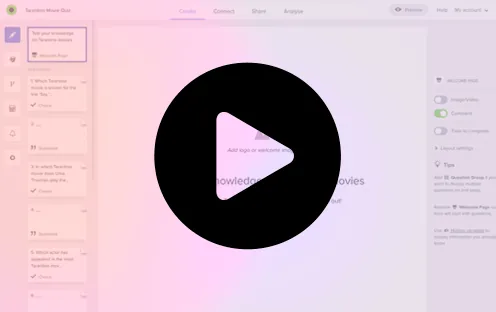

In today’s digital economy, speed and data quality are the currencies of success. Businesses can no longer afford to spend days drafting questions or weeks analyzing feedback. This is where AI survey generators have become a game-changer for marketers, product managers, and HR teams. These tools don’t just “write questions”—they structure entire studies, eliminate bias, and predict which flows will get the highest completion rates.
This guide reviews the 7 best AI survey generators available in 2025. Whether you need a simple poll or a complex market research study, we’ve tested these tools to help you find the perfect fit. You’ll discover which platforms offer the best AI capabilities, how they compare in pricing, and how tools like Responsly are setting new standards for automated insights.
What is an AI Survey Generator?
An AI survey generator is a software tool that uses artificial intelligence (specifically Large Language Models) to automate the creation and analysis of surveys. Instead of dragging and dropping fields manually, you simply type a prompt like “Create a customer satisfaction survey for a coffee shop”, and the AI builds the entire form—including multiple-choice questions, rating scales, and logic jumps—in seconds.
But the best tools go beyond creation. They offer:
- Smart Analysis: Automatically summarizing thousands of open-ended text responses.
- Bias Detection: Flagging leading questions before you hit send.
- Predictive Logic: Suggesting the best question type to maximize response rates.
Comparison: Top 7 AI Survey Generators at a Glance
Before we dive deep, here is how the top players stack up.
| Tool | Best For | Key AI Feature | Free Plan | Pricing |
|---|---|---|---|---|
| Responsly | Overall Best (CX, UX, HR) | Generative Survey Creation & Auto-Analysis | Yes (Generous) | Affordable |
| Typeform | Design-first quizzes | ”Typeform AI” (Drafting) | Limited | Mid-Range |
| SurveyMonkey | Enterprise Research | ”Genius” (Scoring) | Very Limited | High |
| Formstack | Workflow Automation | Workflow logic | No | High |
| SurveySparrow | Chat-style surveys | AI Chatbot surveys | Limited | Mid-Range |
| HotJar | UX/Website Feedback | AI Summary of recordings | Limited | Mid-Range |
| Qualtrics | Enterprise / Academic | Predictive Intelligence | No | Enterprise |
1. Responsly
Best for: Businesses wanting an all-in-one AI platform for CX, HR, and Product feedback without the enterprise price tag.
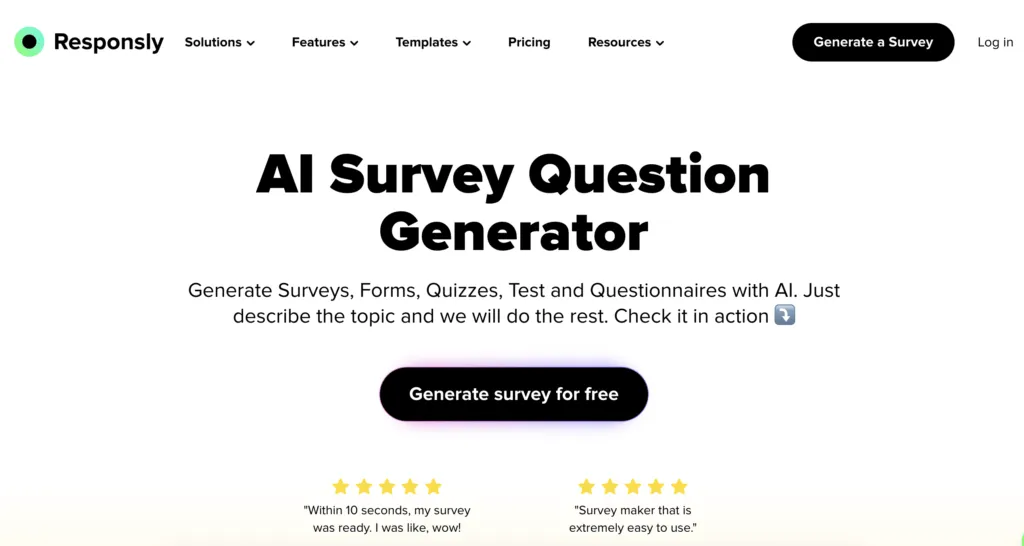
Responsly is a state-of-the-art AI survey generator meticulously engineered to streamline the entire feedback lifecycle. Unlike legacy tools that bolted AI on top of old code, Responsly was built with automation at its core. Its AI Survey Maker allows you to generate comprehensive surveys for any scenario—from employee engagement to customer satisfaction—in seconds.
Key AI Features
- Prompt-to-Survey: Type “Market research for a vegan bakery” and get a ready-to-launch survey with relevant questions and logic.
- AI Analysis Dashboard: Automatically categorizes open-ended feedback (sentiment analysis and topic grouping), saving you hours of manual reading.
- Smart Suggestions: The AI suggests improvements to question phrasing to reduce bias and improve clarity.
Why Choose It?
Responsly shines in its versatility. It’s not just a survey tool; it’s a full Experience Management Platform. You can use it for mobile app surveys, link surveys, and even website popups. Plus, the analytics are actionable—giving you “Key Takeaways” rather than just raw charts.
Pros & Cons
- ✅ Pros: Intuitive interface, powerful free plan, built-in NPS & CSAT analytics, unlimited questions on higher plans.
- ❌ Cons: Newer than SurveyMonkey, so fewer legacy integrations (though Zapier covers most).
2. Typeform
Best for: Engaging, conversational forms and quizzes that look beautiful.
Typeform is famous for its “one question at a time” interface. Their AI implementation focuses on helping you draft these conversational forms faster.
Key AI Features
- Typeform AI: Helps draft questions based on your goals.
- Smart Optimization: Suggests changes to improve completion rates based on millions of past responses.
Pros & Cons
- ✅ Pros: Unmatched design quality, great for marketing quizzes.
- ❌ Cons: Analysis features are basic compared to CX-focused tools; can get expensive quickly as response volumes grow.
3. SurveyMonkey
Best for: Large enterprises conducting formal market research.
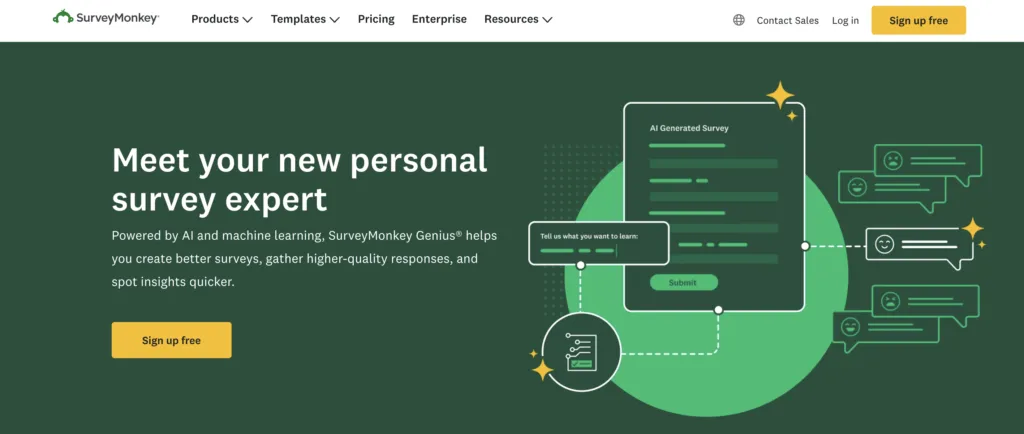
SurveyMonkey is the giant of the industry. Their “Genius” feature is an AI-powered assistant that scores your survey before you send it.
Key AI Features
- Survey Genius: estimates completion rates and flags potential bias or errors.
- Sentiment Analysis: Basic sentiment tagging for text responses.
Pros & Cons
- ✅ Pros: Massive question bank, trusted by enterprises, deep statistical analysis tools.
- ❌ Cons: Extremely restrictive free plan (view only a few responses), clunky interface for modern web use.
4. Formstack
Best for: Automating complex business workflows and data collection.
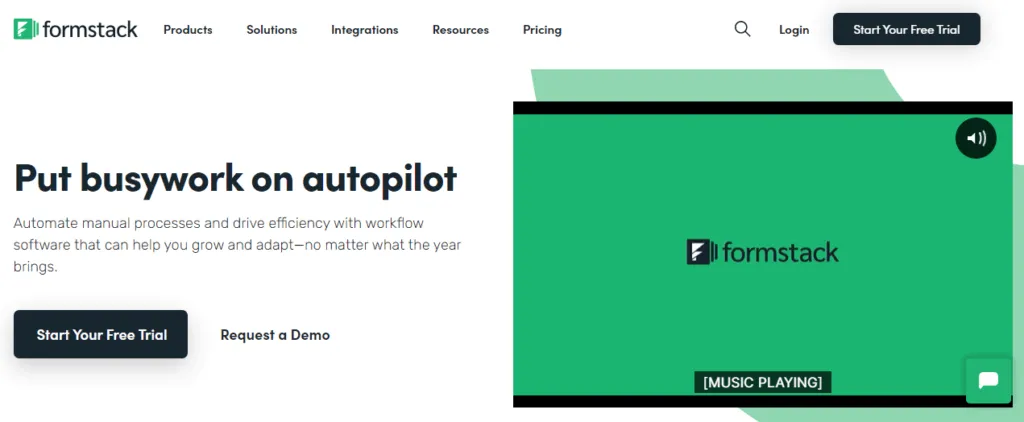
Formstack is less of a “survey tool” and more of a “data collection platform”. It uses AI to optimize forms for conversion.
Key AI Features
- Field Bottleneck Analysis: Identifies which questions cause users to drop off.
- Smart Routing: AI-driven logic to route data to different departments.
Pros & Cons
- ✅ Pros: Excellent for internal workflows, HIPAA compliance options.
- ❌ Cons: Overkill for simple surveys; expensive; UI feels dated.
5. SurveySparrow
Best for: Mobile-first, chat-style surveys.
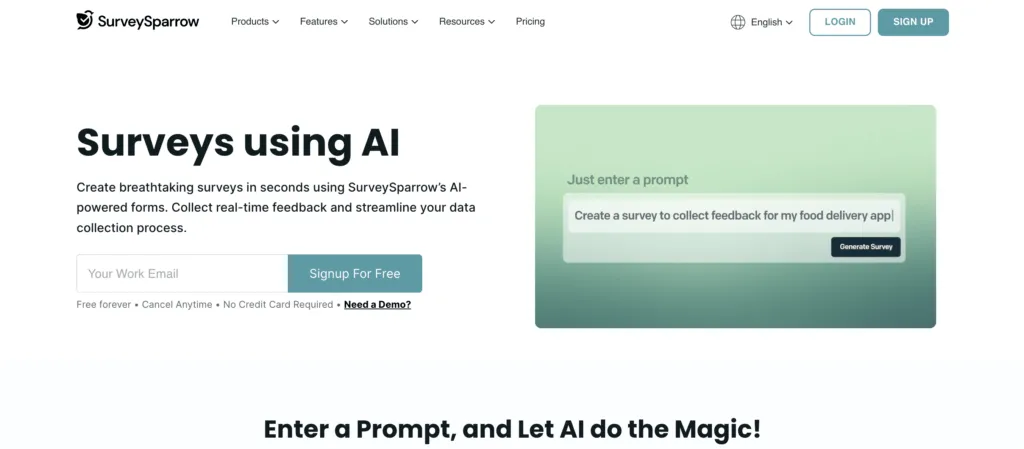
SurveySparrow turns surveys into chats. Their AI helps generate these conversational scripts to feel more human.
Key AI Features
- AI Cognition: Refines question phrasing to be more conversational.
- Ticket Management: AI routes negative feedback to support tickets automatically.
Pros & Cons
- ✅ Pros: High completion rates on mobile, engaging format.
- ❌ Cons: Chat format isn’t suitable for complex academic or long-form research.
6. HotJar
Best for: Visualizing website behavior and collecting feedback on specific pages.
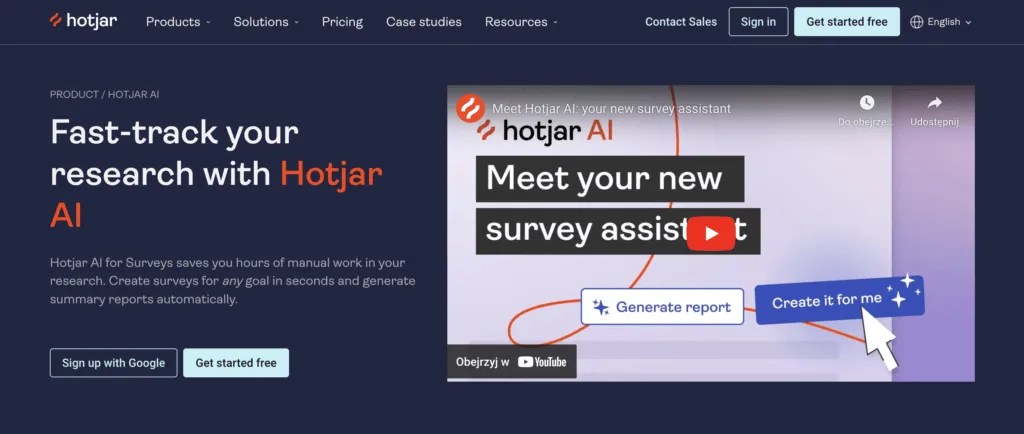
HotJar combines surveys with heatmaps. Its AI features are focused on summarizing user sessions and feedback.
Key AI Features
- AI Summary: Summarizes hours of user recording sessions into key insights.
- Sentiment Analysis: Quickly gauges user mood from feedback widgets.
Pros & Cons
- ✅ Pros: indispensable for UX designers; visual context for feedback.
- ❌ Cons: Not a standalone survey tool (lacks email distribution, complex logic).
7. Qualtrics
Best for: Enterprise-grade experience management and academic research.
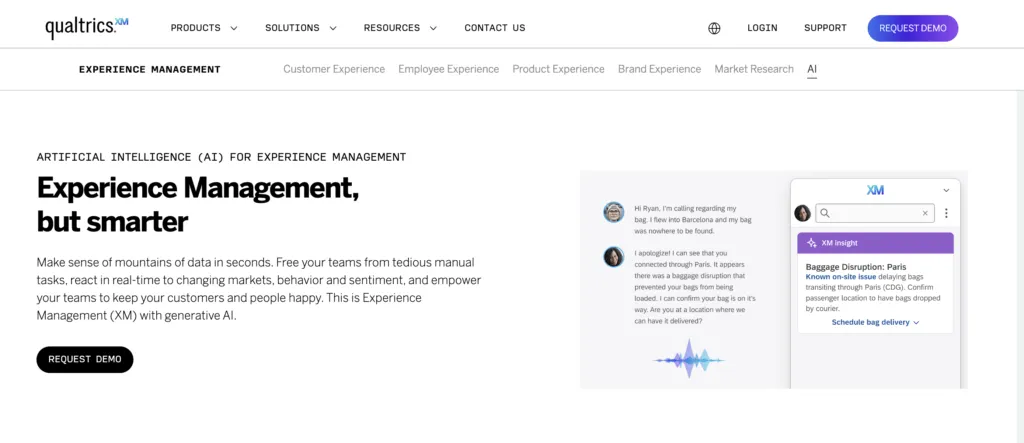
Qualtrics is the heavyweight champion for large corporations. Its “Predictive Intelligence” is powerful but comes with a steep learning curve.
Key AI Features
- ExpertReview: AI analyzes survey design for methodology flaws.
- Text iQ: Advanced natural language processing for analyzing massive text datasets.
Pros & Cons
- ✅ Pros: The most powerful analytics on the market; highly customizable.
- ❌ Cons: Extremely expensive; requires training to use effectively; overkill for most businesses.
How to Choose the Right AI Survey Tool?
With so many options, how do you decide? Here is a simple framework:
- Define your goal: Are you measuring Customer Experience (CX)? Go with Responsly or Qualtrics. Need a fun quiz? Go with Typeform.
- Check the Analysis: Generation is easy; analysis is hard. Look for tools that summarize text (like Responsly’s AI analysis) so you don’t have to read every comment.
- Integration needs: Do you need data in HubSpot or Slack? Ensure the tool connects easily.
- Budget: If you are an SMB, avoid the enterprise tax of Qualtrics/SurveyMonkey and opt for modern, value-driven tools like Responsly.
Why Responsly is the Smart Choice for 2026
While all tools on this list use AI, Responsly stands out because it democratizes enterprise-grade features. It offers the generative power of Typeform combined with the analytical depth of Qualtrics, wrapped in a user-friendly package.
With Responsly, you can:
- Create a professional survey in 30 seconds with AI.
- Distribute via Email, SMS, and QR Codes simultaneously.
- Get instant AI summaries of what your customers are really saying.
- Use 50+ pre-built templates for faster launching.
Ready to transform how you collect data?
Start building your AI survey for free with Responsly.