Table of contents
- Why a use-case ranking beats a “10 best” list
- Best free quiz maker for AI generation: Responsly
- Best free quiz makers for the classroom
- Best free quiz makers for lead generation and marketing
- Best free quiz makers for simple assessment and data collection
- Best free quiz maker for customer quizzes, feedback, and Voice of Customer
- The decision matrix: pick by your real priority
- Why Responsly is the strongest all-rounder
- Conclusion: there is no single “best” quiz maker
Free online quiz makers are tools that let you build, share, and score interactive quizzes at no cost—but the “best” one depends entirely on the job you’re hiring it for, not on a generic top-10 ranking. This guide is for teachers, marketers, trainers, and content creators who are tired of “10 best” lists where every tool sounds the same. Instead of ranking ten products from one to ten, we grouped them by use case—AI quiz generation, live classroom games, lead-generation quizzes, and simple assessment—and we’re upfront about each tool’s real free-plan limits and who it is not for. If your audience is academic, pair this with our guide to a survey maker for students.
Why a use-case ranking beats a “10 best” list
After building quizzes across every tool below, one thing became obvious: a single ranking is misleading. A teacher running a live trivia round and a marketer building an outcome quiz to capture leads have almost nothing in common. Kahoot! is brilliant in a classroom and useless for lead capture; Typeform is gorgeous for marketing and impractical for a 200-student class on a free plan.
So the only honest question is: what job are you hiring the quiz maker to do? Here are the five jobs we’ll cover, with our pick for each.
| Use case | Best free pick | Other strong options |
|---|---|---|
| AI quiz generation (from text, PDF, URL) | Responsly | Quizgecko |
| Live classroom games & gamification | Kahoot! | Quizlet Live, Formative |
| Lead-generation & marketing quizzes | Responsly | Opinion Stage, Typeform |
| Customer quizzes for feedback & Voice of Customer | Responsly | Opinion Stage |
| Simple assessment & data collection | Google Forms | SurveyMonkey, ProProfs |
The common thread across three of these four jobs is an all-in-one platform, which is why Responsly appears more than once. But where a specialist genuinely wins—like Kahoot! for the live classroom—we say so.
What to actually check before you commit
Most “best of” lists describe features. The things that actually trip people up after they start using a free plan are narrower:
- Response and view caps. This is the #1 reason people outgrow a free tier mid-project. Check the monthly number, not just “free forever”.
- Question types you’ll really use. Multiple-choice is universal; fill-in-the-blank, ranking, and outcome logic are not. See our breakdown of survey question types.
- How quizzes get shared. A link is the bare minimum. Email, SMS, WhatsApp, website embeds, and QR codes determine your real response rate.
- Where the results go. Native analytics vs. an export to a spreadsheet vs. AI-assisted analysis changes how much manual work you do later.
- Branding and customization. Free plans often lock your logo behind a paywall—fine for a class, a dealbreaker for a brand.
Best free quiz maker for AI generation: Responsly
If your biggest cost is time, AI generation is the job to optimize for—and this is where Responsly stands out. With the AI quiz generator, you describe a topic or upload a file (PDF, DOCX, and more) and get a complete, structured quiz in seconds. You can set the quiz length and difficulty level up front, which is the detail most AI tools miss—it’s the difference between a usable draft and one you rewrite from scratch.
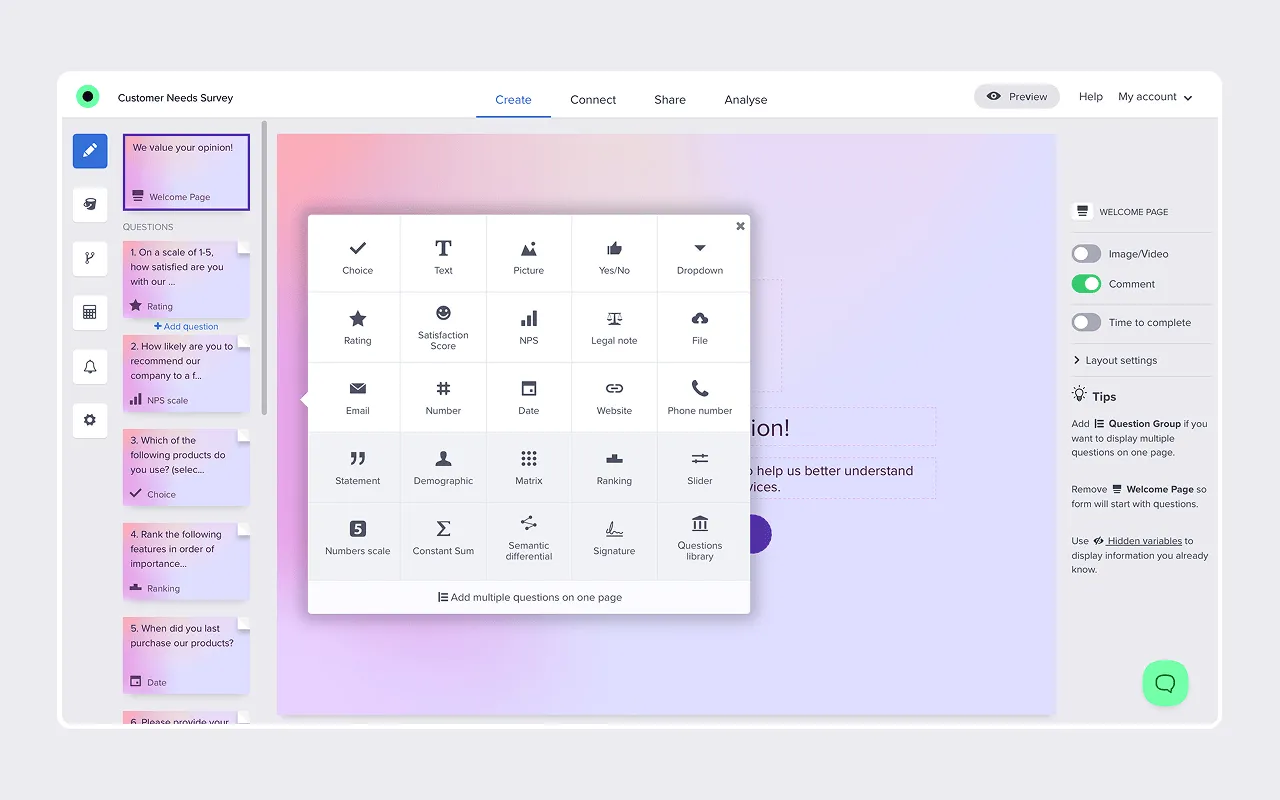
Where Responsly separates itself from single-purpose quiz tools is distribution and analysis. You can share a quiz by WhatsApp, SMS, email, a public link, a website embed, or a QR code—so the same quiz reaches people on the channel they actually respond to. Results flow into built-in analytics, and the AI agent Athena summarizes open-ended answers, so a knowledge check doubles as feedback you can act on.
Choose Responsly if you want one tool for quizzes, surveys, and forms, you value omnichannel sharing, and you want AI to handle both the building and the analysis. It’s used by teams at Red Bull, DB Schenker, and Schneider Electric.
It’s probably overkill if you only ever need a single live trivia game for one classroom—Kahoot! is simpler for that one job.
For a deeper look at AI options specifically, see our roundup of the best AI quiz generation tools, and try ready-made quiz templates to launch faster.
Quizgecko — the AI specialist
Quizgecko is a focused AI quiz maker: paste text, upload a document, or drop a URL and it generates questions automatically across multiple formats—including multiple choice, true/false, short answer, and fill-in-the-blank. It’s a clean tool if AI generation is all you need.

The trade-off: its free tier is limited (trial-style usage), and because it’s generation-only you’ll still need somewhere to distribute and analyze responses at scale.
Best free quiz makers for the classroom
For live, in-room engagement, specialists beat all-in-one platforms—so this is a category where we don’t pick Responsly.
| Tool | Best for | Free plan reality | Watch out for |
|---|---|---|---|
| Kahoot! | Live, competitive trivia | Basic games for small groups | Advanced modes and larger games are paid |
| Quizlet Live | Flashcard-based study games | Free study sets | Built for memorization, not graded tests |
| Formative | Graded assessment & tracking | Free for teachers | Less “fun”, more assessment-focused |
Kahoot!
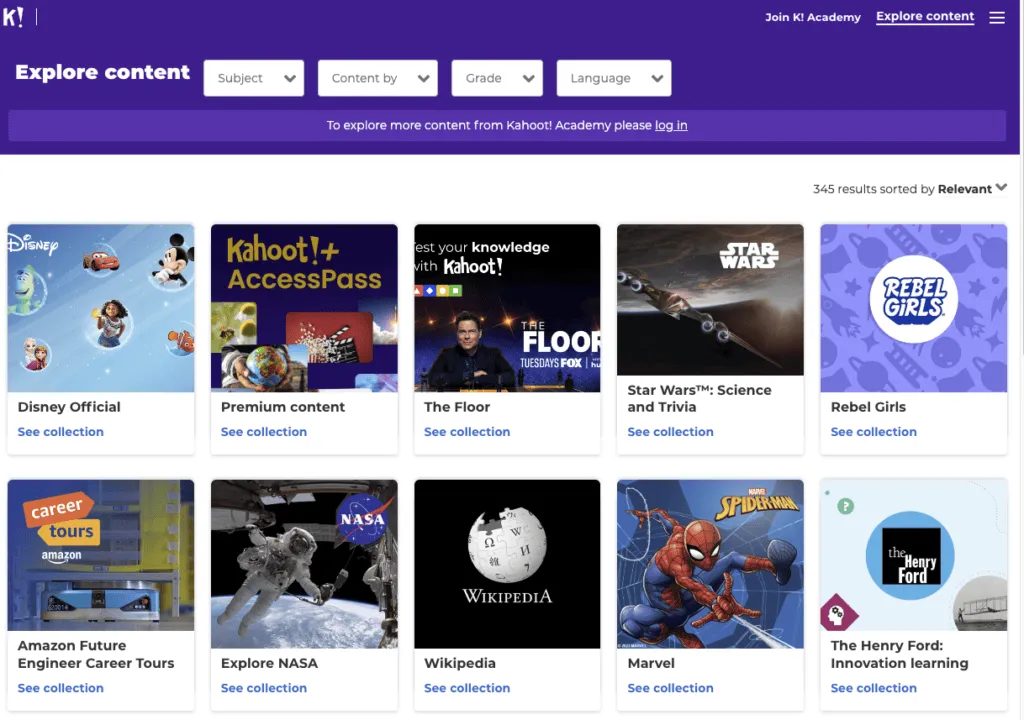
Kahoot! is the default for live classroom energy. Students join with a code and compete in real time, with music, points, and a leaderboard. You can add images, video, true/false, and fill-in-the-blank questions, and tag quizzes by topic. Nothing else on this list matches the in-the-room buzz.
It’s not for you if you need quiet, asynchronous, or graded assessment—Kahoot!‘s speed-rewards format favors fast guessers over deep thinkers. If you’ve outgrown it, see our Kahoot! alternatives.
Quizlet Live
Quizlet Live turns study sets—definitions, terms, flashcards—into collaborative games. It shines for vocabulary and memorization, and you can reuse the millions of public sets other users have shared instead of building from scratch.

Formative
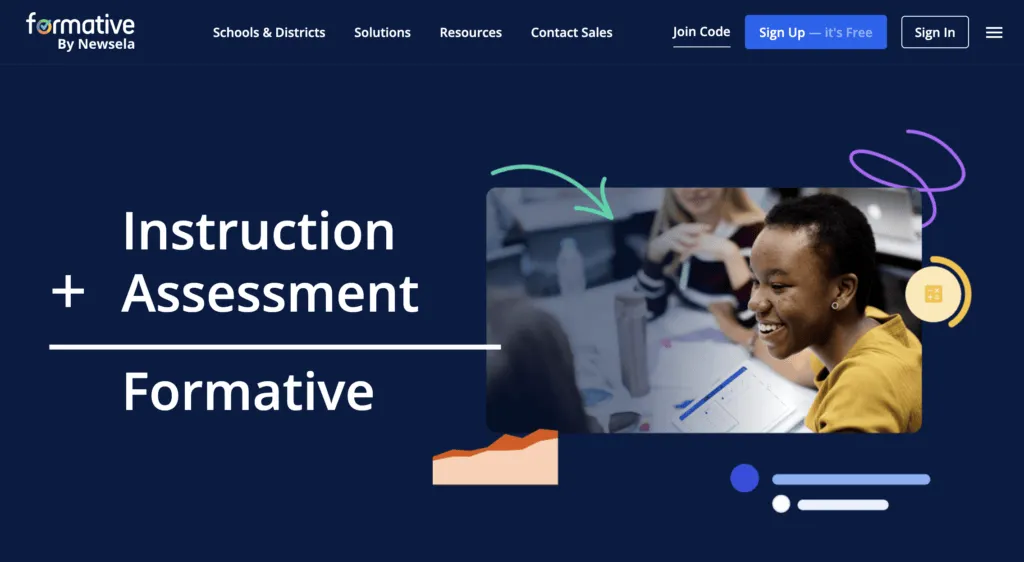
Formative is the assessment-first option. It supports varied question types and multimedia, gives real-time feedback as students answer, and tracks performance over time—useful when you care about measuring learning, not just engagement. It’s free for teachers.
For more options in this space, see our guide to easy test maker tools.
Best free quiz makers for lead generation and marketing
Here the job changes completely: the quiz is a marketing asset. You want on-brand design, outcome logic (“Which X are you?”), and—critically—email capture before the result.
| Tool | Best for | Free plan reality | Lead capture |
|---|---|---|---|
| Responsly | On-brand quizzes + analytics | Generous free tier | Email/contact fields, omnichannel |
| Opinion Stage | Visual, social-style quizzes | Unlimited items, capped views | Built-in lead forms |
| Typeform | Design-led, conversational | ~10 responses/mo | Yes, but cap limits campaigns |
Responsly wins this job for the same reason it wins AI generation: you build an on-brand outcome quiz, capture leads with form fields, distribute it across multiple channels, and read the results in one place—then push contacts onward through integrations and automations. One tool covers the quiz, the form, and the follow-up.
Opinion Stage
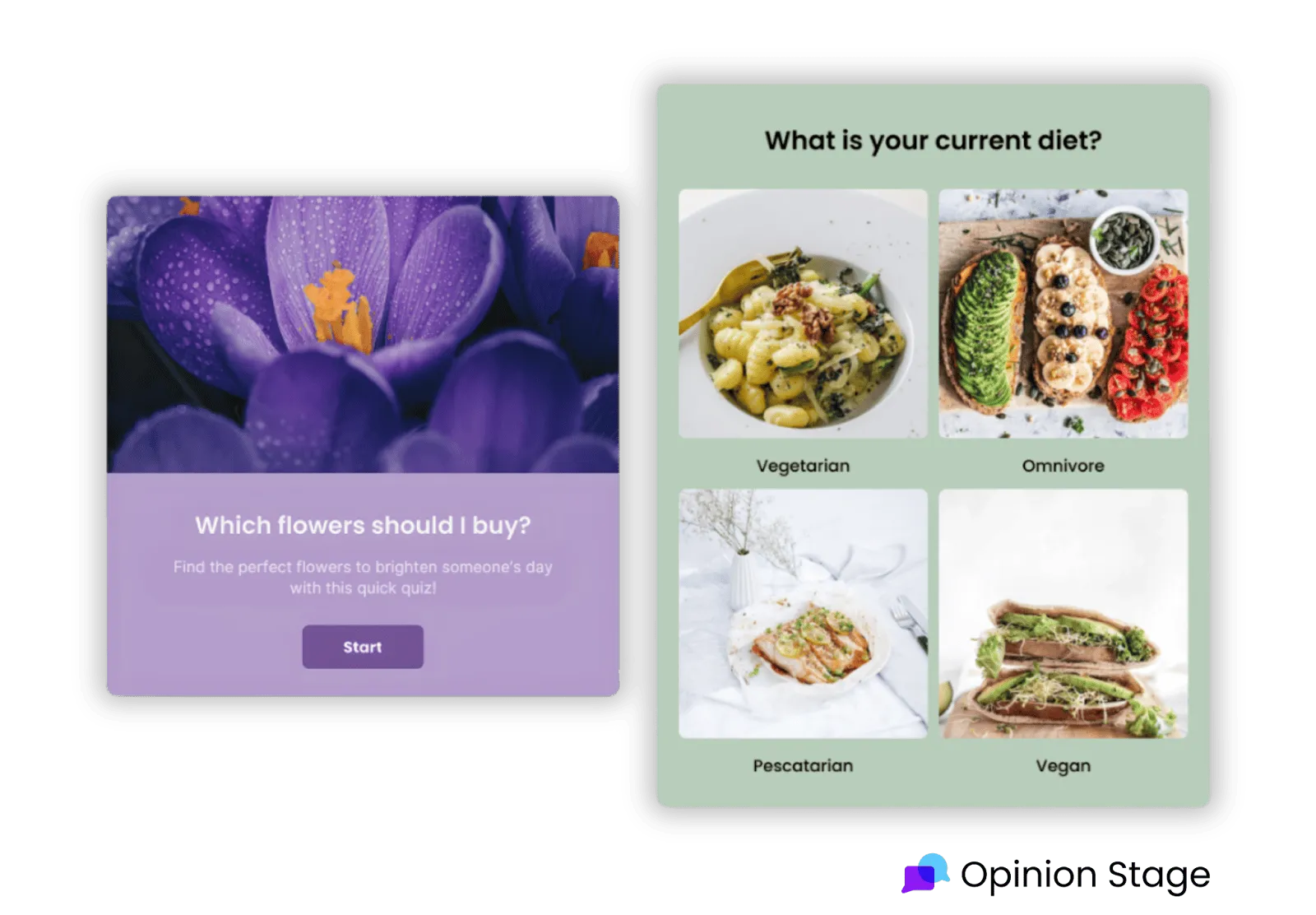
Opinion Stage specializes in visual, conversational quizzes, polls, and forms with no coding. It offers strong templates, image- and video-based questions, custom theming, and real-time analytics. Its free-forever plan includes unlimited items and questions—just note that views are capped, so high-traffic campaigns will hit a ceiling.
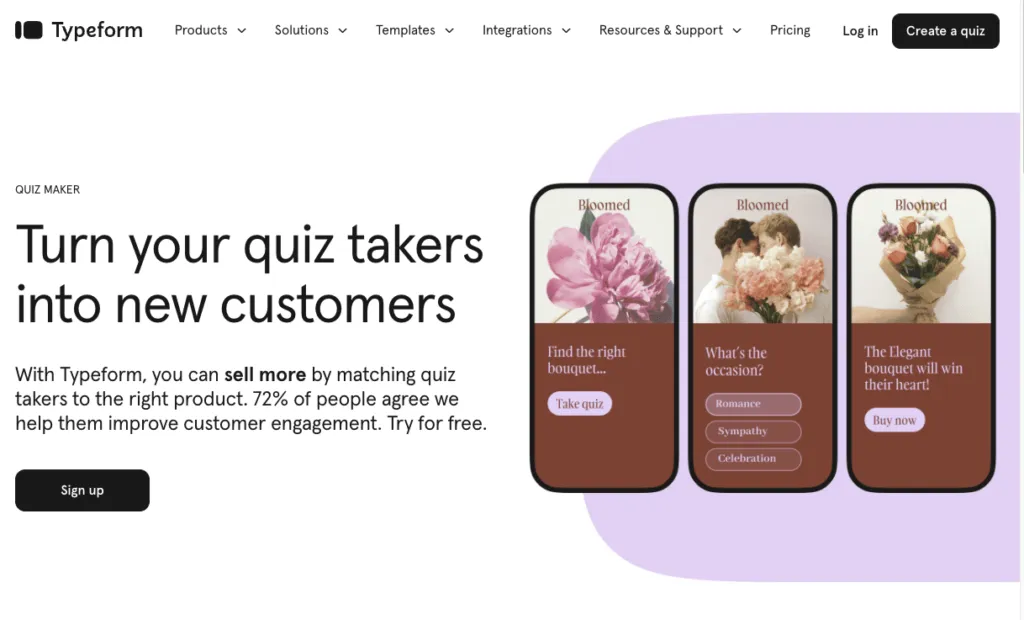
Typeform
Typeform is the design benchmark—one question at a time, smooth transitions, and logic jumps that feel conversational. It supports varied question types, full branding, and multi-language quizzes.
The catch is the free plan: roughly 10 responses per month makes it impractical for any ongoing campaign. It’s a showcase tool that nudges you to a paid plan fast. If that’s a dealbreaker, see our Typeform alternatives.
Best free quiz makers for simple assessment and data collection
If you just need answers in a spreadsheet with no cost and no cap, simplicity wins.
| Tool | Best for | Free plan reality | Watch out for |
|---|---|---|---|
| Google Forms | Unlimited free collection | Unlimited forms & responses | Basic design, no live mode |
| SurveyMonkey | Familiar survey workflows | Limited free responses | Strong features sit behind paywall |
| ProProfs | Scored quizzes & certificates | Basic public quizzes | Best features are paid |
Google Forms
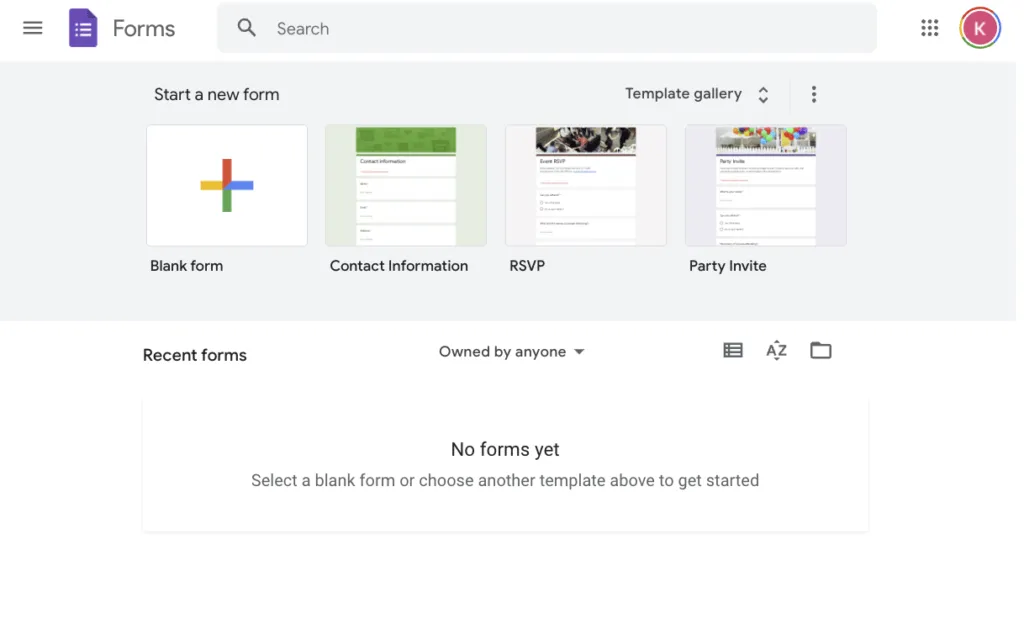
Google Forms is the only mainstream tool with genuinely unlimited forms and responses for free, plus instant export to Sheets. Turn on quiz mode for auto-graded multiple-choice and short answers. It’s the pragmatic default for teachers and small teams who value zero cost over polish.
It’s not for you if you need live presentation modes, advanced branding, or rich engagement—it’s deliberately plain. For workarounds and tips, see how to create a quiz in Google Forms, or browse Google Forms alternatives if you’ve hit its ceiling.
SurveyMonkey
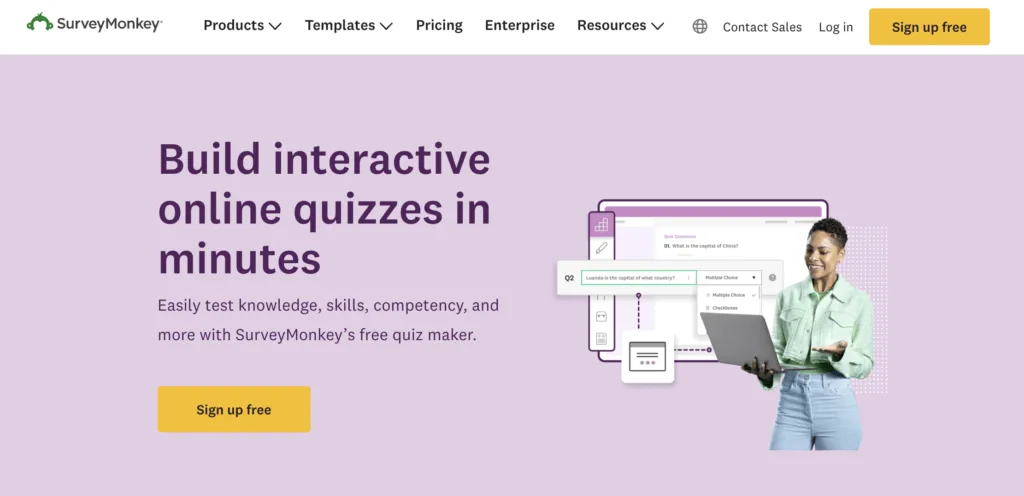
SurveyMonkey brings its survey heritage to quizzes—varied question types and solid analytics in a familiar interface. The free plan is tighter than its reputation suggests, with limited responses, so it’s best when you already live in the SurveyMonkey ecosystem.
ProProfs Quiz Maker
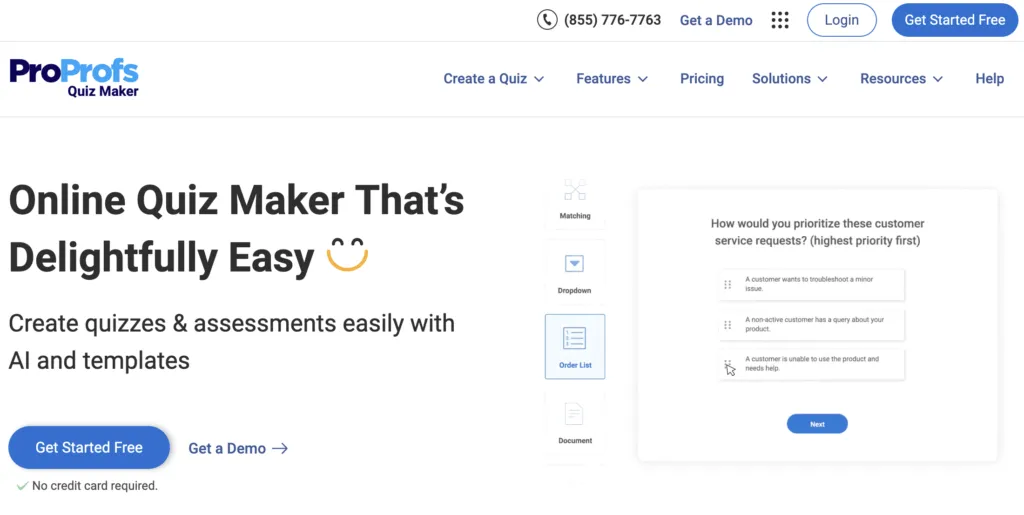
ProProfs is geared toward training and certification—scored quizzes, certificates, multimedia, and learner tracking. The free plan covers basic public quizzes; the certification and reporting features that make it worthwhile are paid.
Best free quiz maker for customer quizzes, feedback, and Voice of Customer
This is the use case most “quiz maker” roundups miss entirely—and it’s the one we care about most. A customer quiz is an interactive, low-friction way to collect feedback that feels like engagement instead of an interrogation. Instead of a dry survey form, you ask customers a few branded, conversational questions and, in return, give them something useful: a product recommendation, a “which plan fits you” result, a readiness score, or a personalized tip. The byproduct is exactly what a feedback program needs—first-party data on preferences, intent, and sentiment.
Why this matters: traditional surveys suffer from low completion because they feel like work. A quiz flips the incentive. People finish it because there’s a payoff at the end, which is the whole idea behind non-annoying customer feedback. That makes quizzes a practical front door to a broader Voice of Customer strategy.
Where customer quizzes fit in a feedback program
- Onboarding & segmentation. A “what’s your goal with us?” quiz routes new customers to the right setup and tells you who they are.
- Product recommendation. An outcome quiz captures stated needs and preferences while it helps the buyer—useful signal for product and marketing teams.
- Pre-survey warm-up. A short quiz lifts engagement before you ask the harder NPS, CSAT, or CES questions.
- Knowledge & expectation checks. Test how well customers understand a feature, then feed the gaps back to your content and product roadmap.
Why Responsly is the best fit here
Most quiz tools stop at “you got result B”. Because Responsly is a customer feedback and Voice of Customer platform first, a quiz isn’t a dead end—it’s the start of an insight loop:
- Mix quiz and feedback in one flow. Combine outcome questions with rating, NPS, and open-ended questions in the same experience.
- Reach customers where they are. Trigger quizzes on your website, in-app, or via email, SMS, and WhatsApp—not just a shared link.
- Turn answers into insight automatically. The AI agent Athena clusters themes in open-ended responses, flags sentiment, and predicts churn, so a quiz becomes a source of feedback analytics instead of a spreadsheet to clean up.
- Act as a team. Route results to the people who own them—see CX teams, product teams, and marketing teams.
Start from a ready-made customer feedback template or a quiz template and you can launch a customer quiz that doubles as a feedback channel in minutes.
Other option: Opinion Stage works for lightweight, visual customer quizzes, but it’s an engagement tool, not a feedback platform—you’ll still need somewhere to analyze and act on the responses.
The decision matrix: pick by your real priority
Don’t pick the tool with the longest feature list. Pick the one that matches your single most important constraint.
| Your priority | Best pick | Why |
|---|---|---|
| Save prep time with AI | Responsly | Generates quizzes from a topic or file, then analyzes results |
| Never hit a response cap | Google Forms | Unlimited forms and responses, free |
| Live classroom energy | Kahoot! | Real-time, competitive, code-to-join games |
| Capture leads on-brand | Responsly / Opinion Stage | Outcome logic + lead capture + omnichannel sharing |
| Customer feedback & Voice of Customer | Responsly | Quiz + NPS/CSAT/CES + AI analysis in one loop |
| Memorization & flashcards | Quizlet Live | Study-set games and huge public library |
| Graded, tracked assessment | Formative | Real-time tracking, free for teachers |
| Award certificates | ProProfs | Built-in scoring and certificates |
Why Responsly is the strongest all-rounder
Specialists win their single job—Kahoot! in the classroom, Google Forms on cost. But if your needs span more than one of these jobs, juggling separate tools gets expensive and messy. That’s the gap Responsly fills.
- Build with AI: generate a full quiz from a description or a PDF with the AI quiz generator, then refine the length and difficulty.
- Use real variety: mix multiple-choice, true/false, fill-in-the-blank, and open-ended questions—and design them well with our survey design guide.
- Distribute everywhere: share via email, SMS, WhatsApp, link, embed, or QR—including quizzes on WhatsApp.
- Understand results: built-in analytics plus Athena to summarize open-ended answers automatically.
It scales from a free plan upward, so the same platform that runs a single classroom quiz can power a company-wide training program or a lead-gen campaign.
Conclusion: there is no single “best” quiz maker
The honest takeaway from testing all ten is that the right free online quiz maker is the one that fits your job. Choose Kahoot! for live classroom games, Google Forms for unlimited zero-cost collection, Formative for graded assessment, Opinion Stage for visual marketing quizzes—and Responsly when you want one AI-powered tool that handles generation, omnichannel distribution, and analysis together, or when a quiz needs to double as a customer feedback and Voice of Customer channel.
If what you actually need is a graded assessment rather than an engagement quiz — question pools, time limits, results you can defend — that is a different category of tool; our online test maker covers it.
Ready to build your first quiz? Create a free Responsly account and generate a quiz in seconds, or explore ready-made quiz templates to start even faster. For school and university teams specifically, see how Responsly supports education.