Table of contents
- What survey tools integrate with Salesforce?
- Why use a dedicated Salesforce survey tool?
- What to look for in a Salesforce survey tool
- Salesforce survey tools, ranked by use case
- Best all-in-one Salesforce survey tool: Responsly
- Best native option: SurveyVista (data stays in Salesforce)
- Best for enterprise XM programs: Qualtrics
- Best for complex form workflows: Formstack
- Best for conversational lead capture: Typeform
- Best free starting point: Jotform
- Best general-purpose surveying: SurveyMonkey
- Best Salesforce survey tool for regulated industries and global rollouts
- Feature comparison: top Salesforce survey tools
- The decision matrix: pick by your real priority
- How Responsly closes the Salesforce feedback loop
- Final thoughts
Salesforce survey tools are apps that connect feedback directly to Salesforce records—so NPS, CSAT, and CES scores land on Contacts, Cases, and Opportunities instead of detached spreadsheets. This guide is for Salesforce admins, RevOps, support leaders, and CX teams who need dependable Salesforce integration, repeatable automation (Flows and Workflow Rules), and governance-ready capture (GDPR/CCPA). Instead of a generic 1-to-7 ranking, we organize the market by use case—all-in-one CX, native in-CRM storage, enterprise XM, form-heavy workflows, lead capture, and regulated/global rollouts—so you can match a tool to your motion. We also answer two questions buyers actually search but rarely get a straight answer to: which survey tools integrate with Salesforce, and what works for a compliant, multi-country deployment.
You will leave with a practical shortlist built on:
- CRM-native mapping — sync answers to standard and custom objects with explicit field rules.
- Triggered sends — launch surveys after case closure, won opportunities, or onboarding milestones.
- Governance — compliance, SSO, data residency, and audit-ready capture for regulated teams.
Design surveys in a dedicated survey maker, anchor loyalty metrics with a clear Net Promoter Score program, and route respondents through email surveys when batch sends beat in-app-only outreach. For background on why feedback ties to CRM strategy, see customer relationship management as a discipline.
What survey tools integrate with Salesforce?
The most reliable survey tools that integrate with Salesforce are Responsly, SurveyVista, Qualtrics, Formstack, SurveyMonkey, Typeform, and Jotform. The important distinction is how they connect—because that determines reliability, object-mapping depth, and how much admin work you inherit.
| Integration type | What it means | Tools |
|---|---|---|
| Native OAuth / two-way sync | App connects directly; responses map to objects in real time | Responsly |
| 100% native AppExchange | Built inside Salesforce; data never leaves the org | SurveyVista |
| Native form builder | Forms map to objects from within the app | Formstack |
| Dedicated connector | Vendor-built connector, not in-CRM native | Qualtrics, SurveyMonkey |
| Native on paid plans / AppExchange | Integration gated to paid tiers or app listing | Typeform, Jotform |
A quick note on a recurring search: “Survey Force” is an old free app from Salesforce Labs. It can create basic surveys tied to records, but it is dated and limited on question types, design, distribution, and automation—so treat it as a legacy curiosity, not a shortlist candidate.
Why use a dedicated Salesforce survey tool?
Because Salesforce’s built-in Surveys rarely cover every journey. Teams want deeper question libraries, branded experiences, and feedback that lands on the right CRM record without manual CSV work. A dedicated app closes the loop from trigger event to dashboard in hours, not weeks—which matters when CSAT must attach to Cases or NPS must roll up to Accounts for executive reporting.
- Automatic response syncing — answers land directly on Contact, Lead, Account, Case, or Opportunity records.
- Trigger-based sending — send CSAT, NPS, or CES surveys when a deal is won or a support case is resolved.
- Closed-loop follow-up — create tasks, alerts, or field updates in Salesforce based on respondent scores.
- Unified reporting — build dashboards that combine CRM data with real-time feedback.
What to look for in a Salesforce survey tool
Start from integration mechanics, then expand to workflow needs: confirm OAuth or native connectors, map each question to the correct field types, and validate in a sandbox before production cutover.
| Criterion | Why it matters |
|---|---|
| Native vs. connector integration | Native/OAuth syncs are more reliable and need less technical setup |
| Object mapping depth | Can you map to Contacts, Accounts, Cases, Opportunities, and Custom Objects? |
| Automated sending | Trigger surveys from Salesforce Flows or Workflow Rules |
| Response-driven workflows | Can survey scores trigger tasks, alerts, or field updates? |
| Question types | NPS, CSAT, CES, open text, matrix, file upload, e-signature |
| Security & compliance | GDPR, CCPA, SSO, data residency, audit trails |
| Distribution reach | Email, SMS, WhatsApp, link, and in-app beyond the CRM |
Browse ready-made starting points in the survey templates hub when you align question sets to Salesforce fields.
Salesforce survey tools, ranked by use case
There is no single “best” tool—only the best tool for the job you’re hiring it to do. Here’s the quick map before we go deeper.
| Use case | Best pick | Other strong options |
|---|---|---|
| All-in-one CX/EX + Salesforce (omnichannel) | Responsly | Qualtrics |
| 100% native, data stays in Salesforce | SurveyVista | — |
| Enterprise XM & analytics | Qualtrics | Responsly |
| Complex form-to-CRM data flows | Formstack | Jotform |
| Conversational lead capture | Typeform | Responsly |
| Free / flexible form starting point | Jotform | — |
| General-purpose cross-department surveys | SurveyMonkey | Responsly |
| Regulated industries & global rollouts | Responsly / SurveyVista | Qualtrics |
Best all-in-one Salesforce survey tool: Responsly
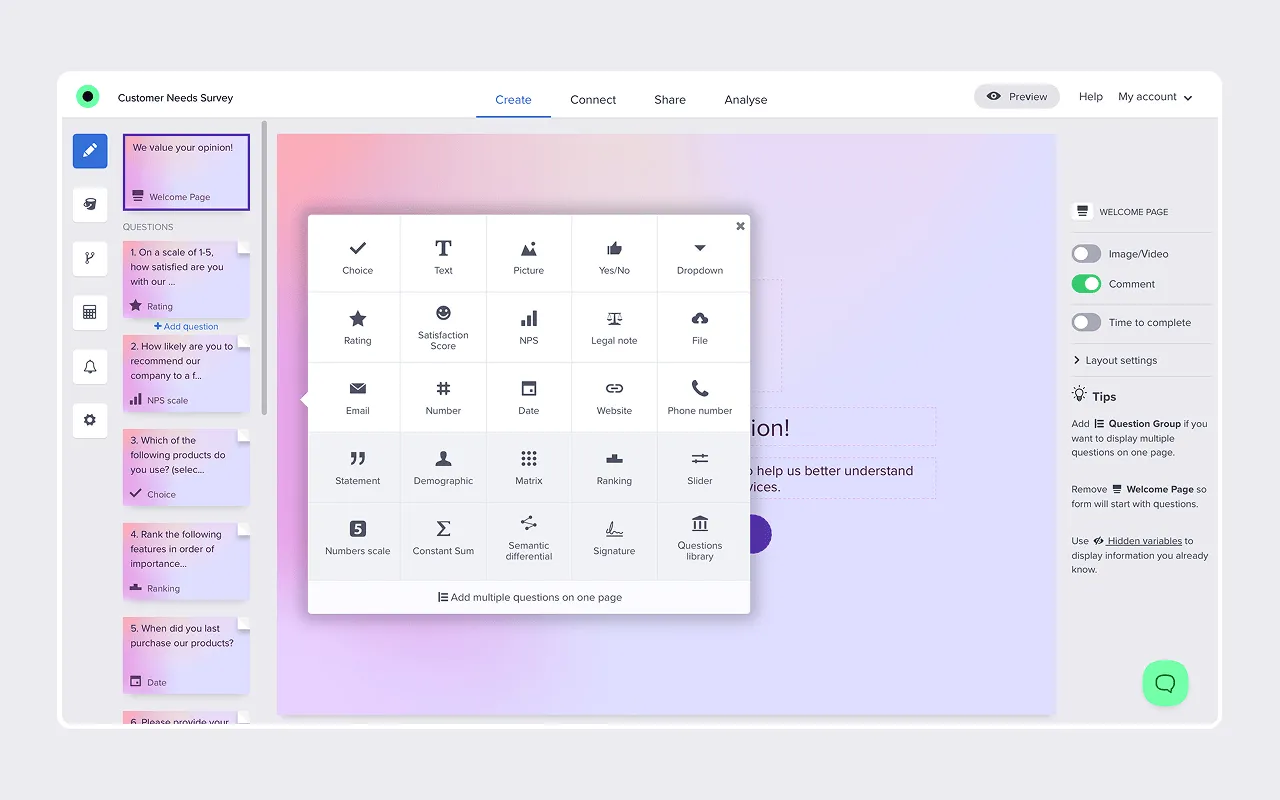
Choose it if: you want a powerful, easy-to-configure Salesforce integration—plus distribution and analytics—without enterprise-only contracts.
Responsly is a full-featured experience-management platform built around a survey maker, used worldwide for omnichannel feedback programs. Its differentiator in the Salesforce ecosystem is a native, two-way Salesforce integration—no third-party middleware. Most teams pair Salesforce triggers with Responsly’s survey maker and AI survey generator for faster launches, then reach people through email surveys, SMS surveys, or WhatsApp surveys when CRM email alone isn’t enough.
Key integration features:
- Map responses to any Salesforce object—standard (Lead, Contact, Account, Opportunity, Case) and Custom Objects.
- Automated sending via Workflow Rules/Flows when a Case is closed, an Opportunity is won, or any event you define.
- Merge-tag support to personalize each survey link with Salesforce data ({!Contact.Email}, {!Case.Id}) in Classic and Lightning syntax.
- Response-driven automation—escalate detractors, assign tasks, or update lead status based on scores.
- Create new records—generate Leads or Contacts directly from Responsly form responses.
- Object relationship mapping—link a Contact to an Account when syncing data.
It supports NPS, CSAT, CES, and fully custom surveys with 20+ question types (ratings, sliders, matrix, file upload, e-signature, dropdowns). Setup uses a straightforward OAuth flow—no managed package to install. Map each question to the right field (CSAT score → CSAT_Score__c, feedback → CSAT_Feedback__c), and responses sync in real time. For standardized service measurement, start from the customer satisfaction survey template and connect insights to broader customer experience software reporting.
On governance, Responsly is GDPR and CCPA compliant with TLS 1.2 + AES-256 encryption, two-factor authentication, and SSO, and connects to both Sandbox and Production for safe testing—see security and compliance. Published tiers change over time, so confirm current plans on the Responsly pricing page.
Not for you if: you require survey data to physically never leave the Salesforce org (see SurveyVista), or you need a research-grade statistical XM suite (see Qualtrics).
Best native option: SurveyVista (data stays in Salesforce)
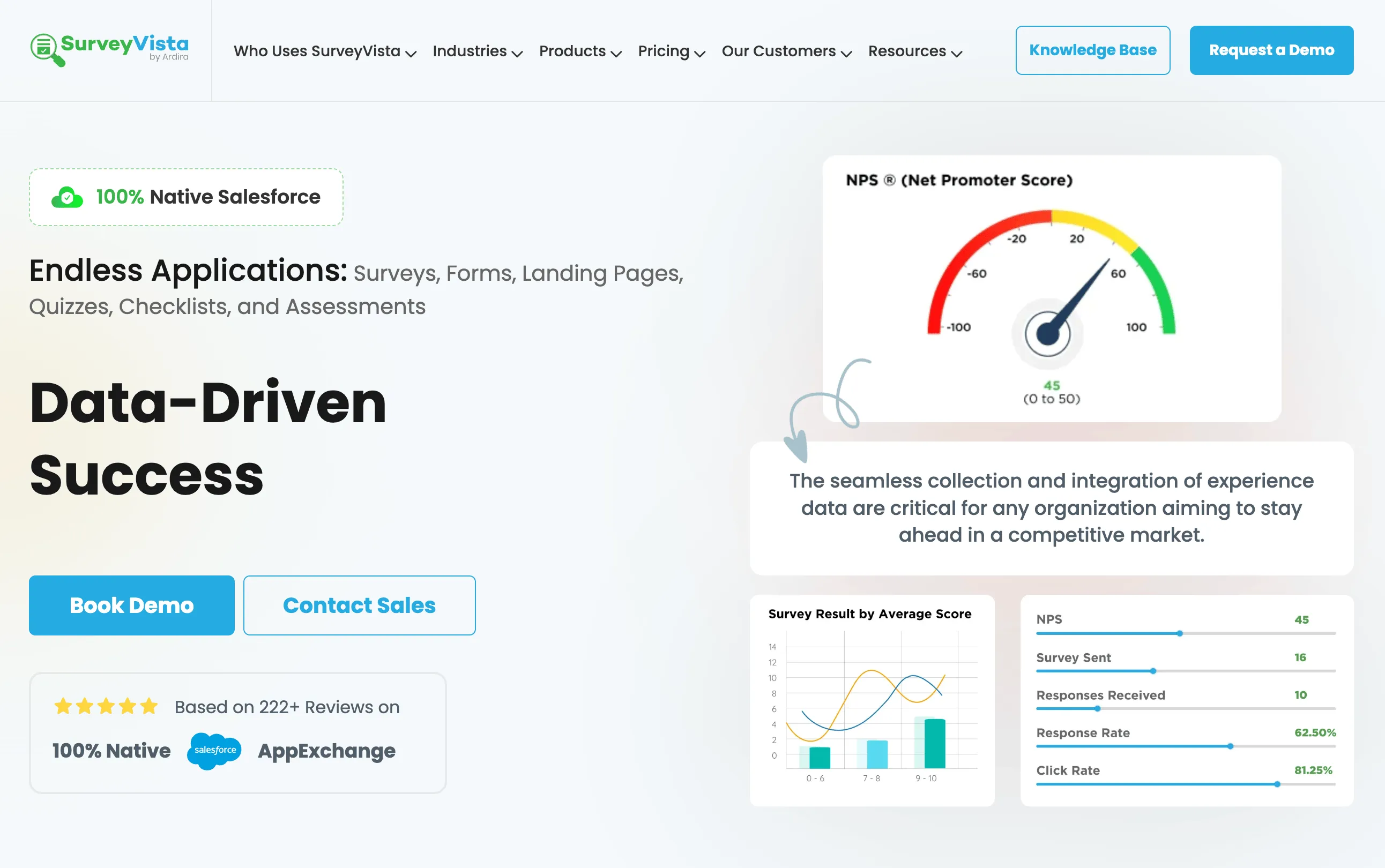
Choose it if: you’re a Salesforce-first team and data residency rules mean survey data must stay 100% inside the platform.
SurveyVista is built entirely within Salesforce, so survey data never leaves the environment. It supports 35+ question types, AI-powered sentiment analysis, real-time syncing, and multi-channel notifications (email, SMS, Slack), plus a Dynamic Salesforce Data question type, quota management, and advanced scoring. Contact SurveyVista for AppExchange licensing.
Not for you if: you want to distribute surveys widely outside Salesforce (standalone links, WhatsApp, embedded website forms)—a native-only app is less flexible there.
Best for enterprise XM programs: Qualtrics
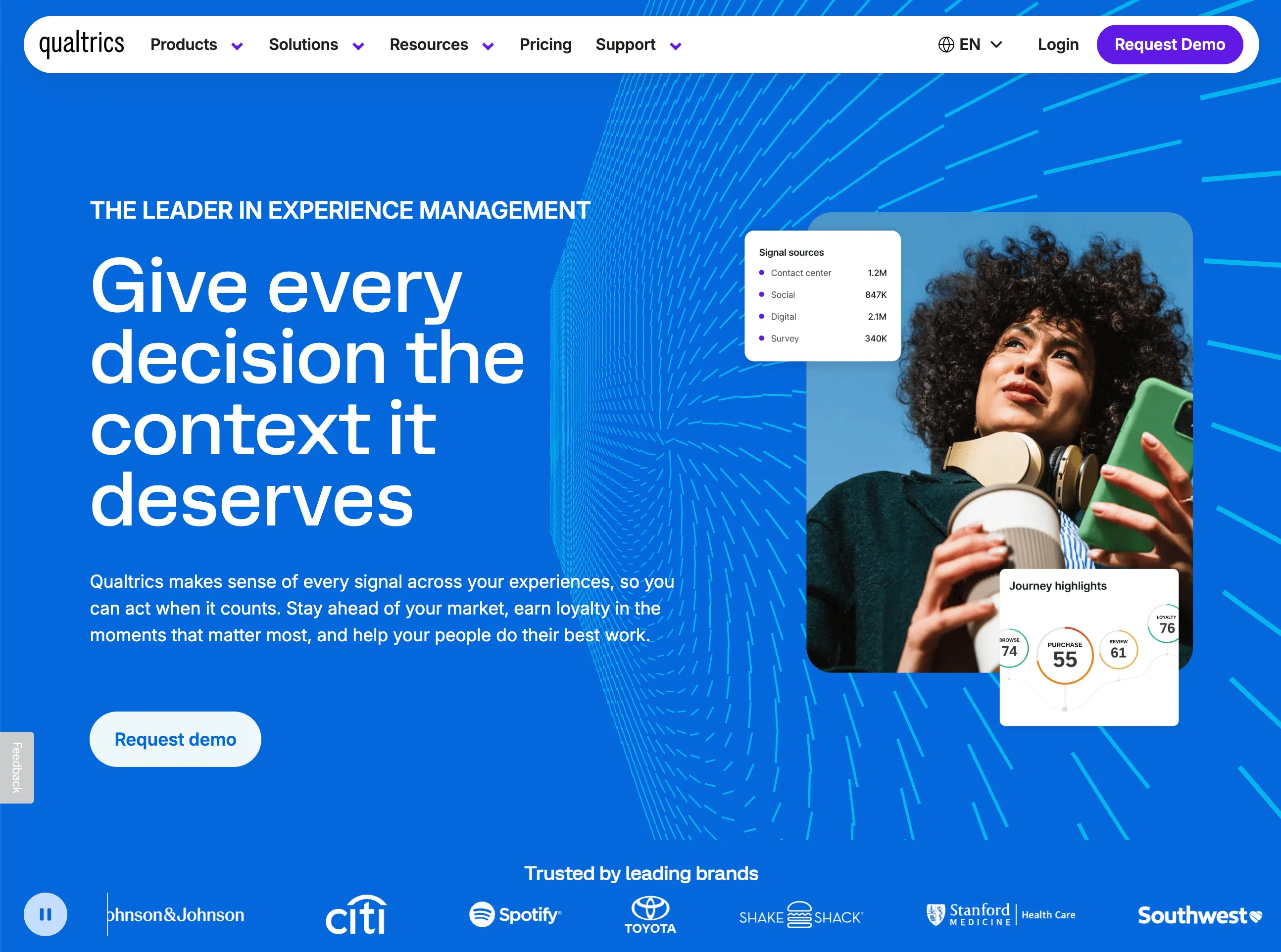
Choose it if: you run a sophisticated, research-heavy CX program with the budget to match.
Qualtrics (part of SAP) is the enterprise XM benchmark. Its Salesforce integration triggers surveys from CRM events—deal closures, support interactions, milestones—and syncs results back with automated alerts and escalations, embedded XM dashboards, and AI-powered analytics. Verify current packaging on Qualtrics pricing, and compare lighter setups in our Qualtrics alternatives guide.
Not for you if: you’re mid-market—Qualtrics relies on a dedicated connector (not native) and is among the most expensive options.
Best for complex form workflows: Formstack
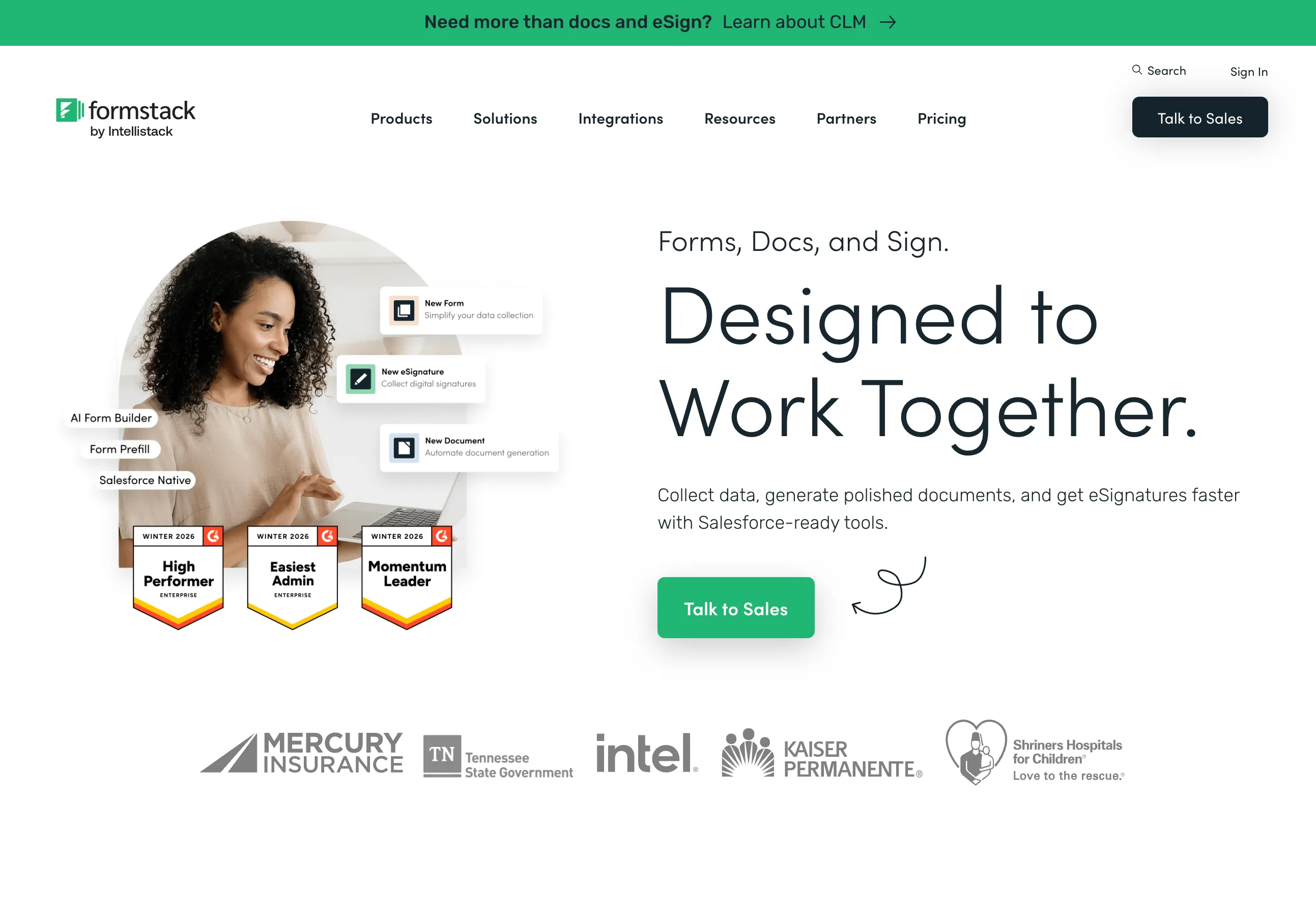
Choose it if: you’re a Salesforce admin who needs native object mapping and complex, multi-step data flows.
Formstack offers a native Salesforce form builder—create forms and connect them to any standard or custom object without leaving the app, with dynamic prefill, record creation/updates, conditional logic, approvals, and HIPAA-compliant plans. Check Formstack pricing for current Salesforce packages.
Not for you if: you need rich CX surveys—Formstack is form-first, so its survey depth trails dedicated platforms.
Best for conversational lead capture: Typeform
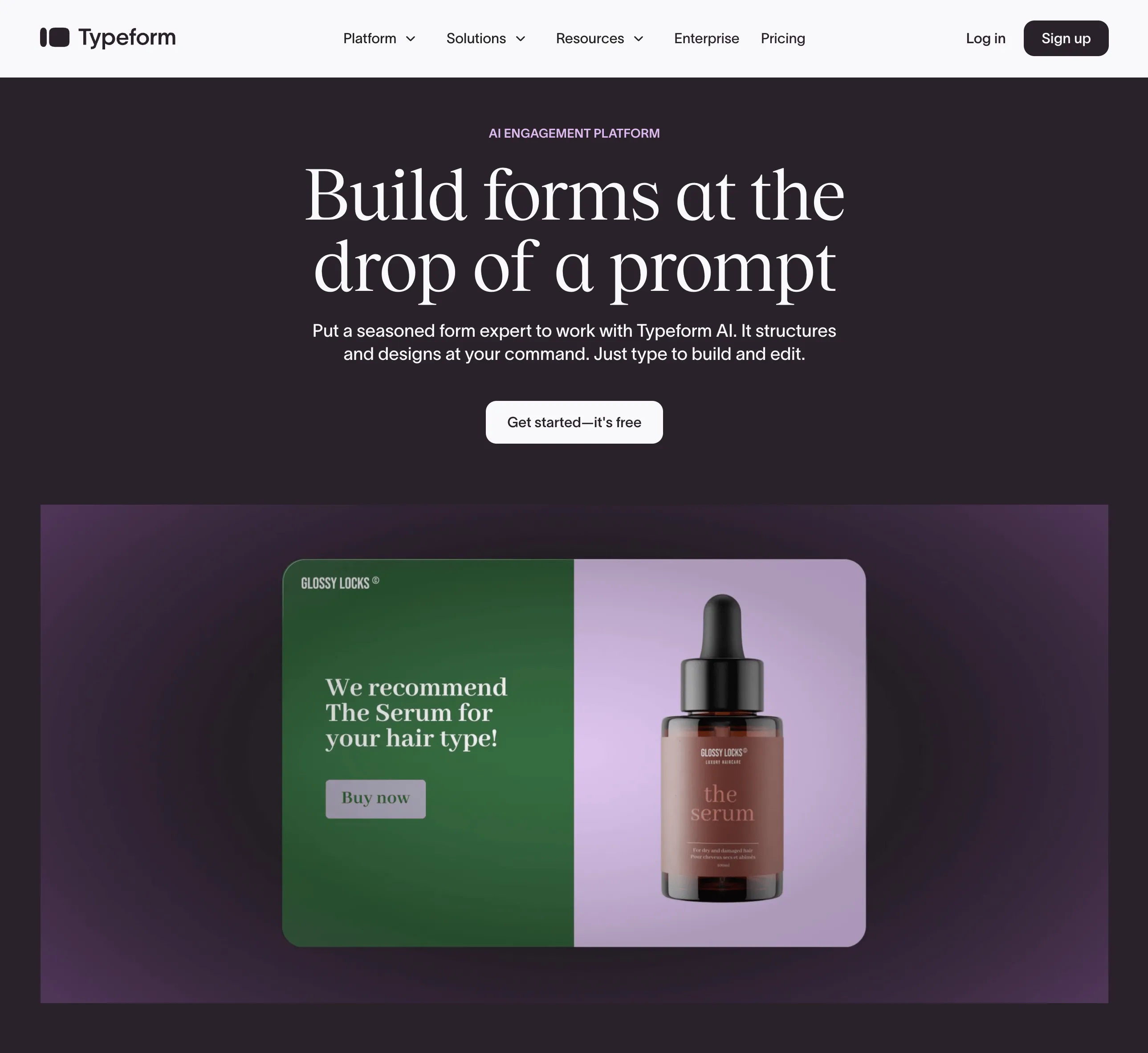
Choose it if: marketing and sales want beautifully designed, one-question-at-a-time forms that convert high-intent leads.
Typeform’s conversational interface typically lifts completion rates, and its Salesforce integration (paid plans) maps submissions to Leads, Contacts, and custom objects, with conditional logic and middleware options (Zapier, Make). See Typeform pricing, and our Typeform alternatives for migration patterns that apply to CRM routing.
Not for you if: you need deep CX workflows—Typeform’s mapping to multiple Salesforce objects is less flexible than dedicated survey platforms.
Best free starting point: Jotform
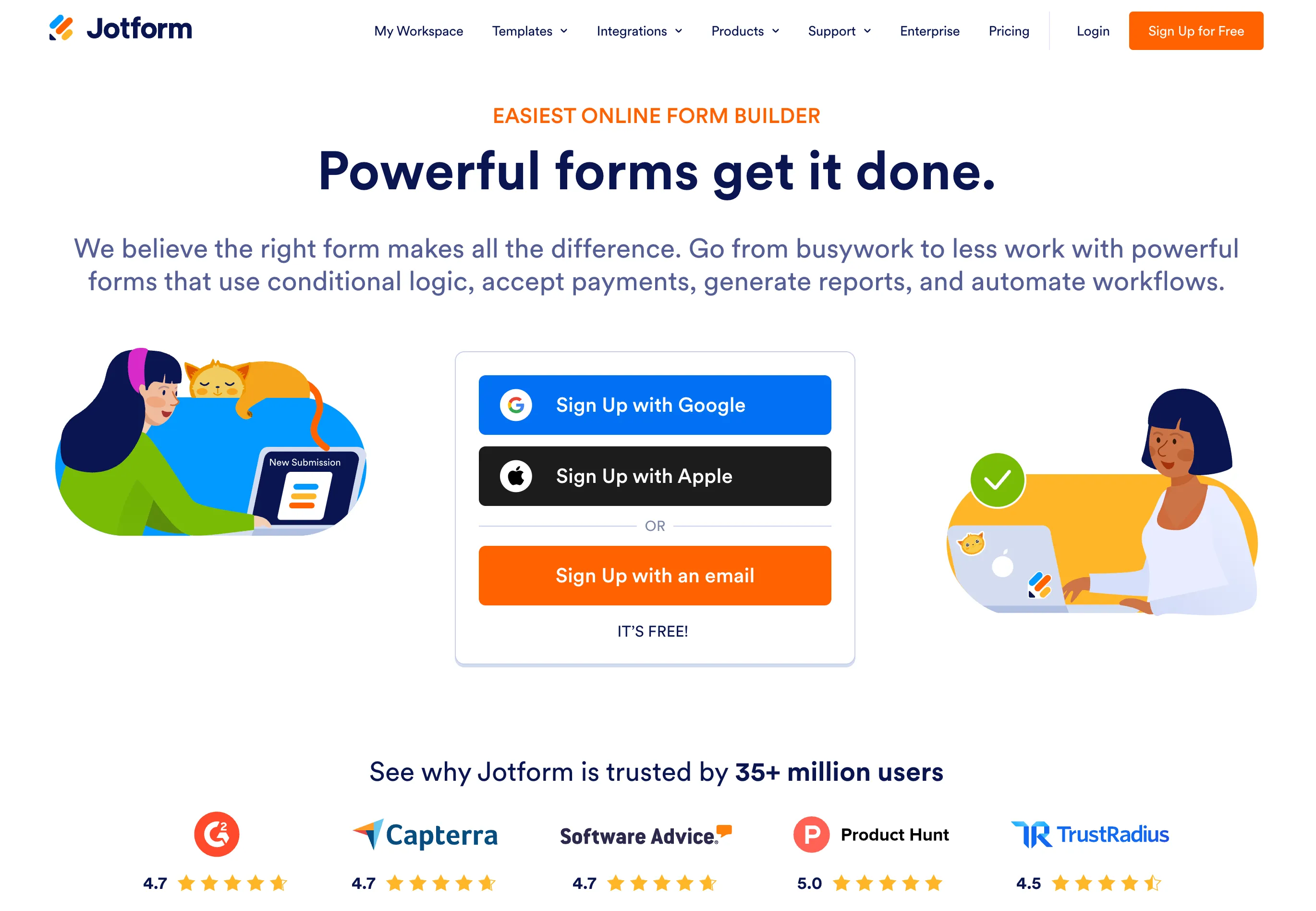
Choose it if: you want fast setup, a free plan to start, and maximum flexibility in form design (great for nonprofits).
Jotform connects via AppExchange and offers a drag-and-drop builder with 2,000+ templates, conditional logic, Salesforce response routing, kiosk mode, and “save and continue”. Check Jotform pricing for limits and Salesforce add-ons.
Not for you if: you need deep, reliable object mapping and CX analytics—the connection and analysis are lighter than dedicated platforms.
Best general-purpose surveying: SurveyMonkey
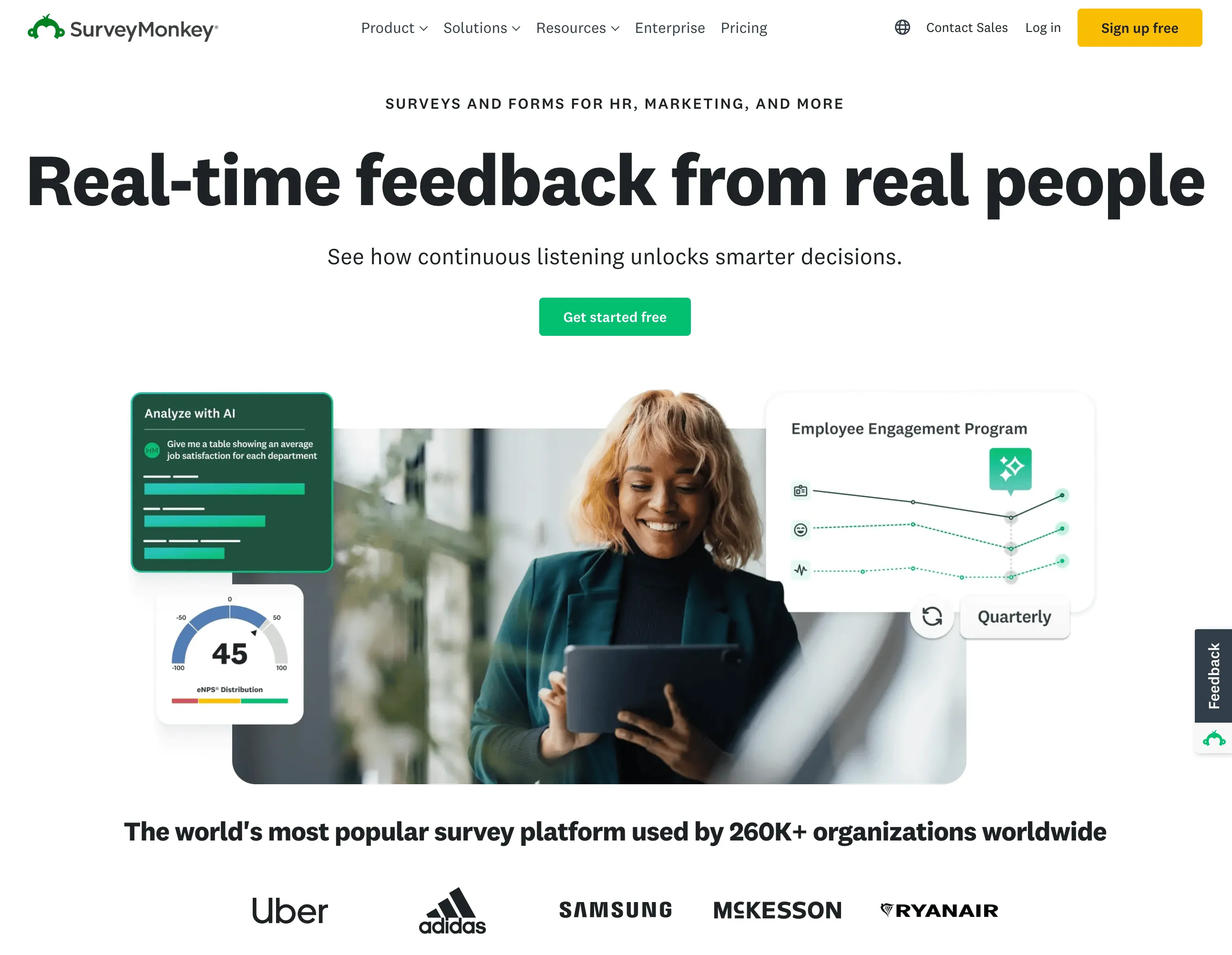
Choose it if: different teams (HR, marketing, support, sales) need easy-to-launch surveys with solid analysis.
SurveyMonkey is one of the most recognized survey platforms, with a large template library, built-in reporting, and a Salesforce integration via an external connector. Verify current rates on the SurveyMonkey pricing page.
Not for you if: you need deep, real-time CRM object mapping—the connector-based sync limits depth and reliability versus native options.
Best Salesforce survey tool for regulated industries and global rollouts
This is the scenario most roundups ignore, and it’s a real one we hear often: “I need to deploy post-training surveys to 200 sales reps across multiple countries—what works for a pharmaceutical compliance environment that integrates with Salesforce?” It’s worth answering directly because the requirements are different from a simple CSAT send.
Short answer: prioritize a tool with strong compliance posture (GDPR/CCPA, SSO, encryption, audit trails), multi-language and multi-country distribution, and a clean Salesforce sync—then validate it against your industry’s specific rules (e.g., HIPAA, GxP, data residency) before rollout. For most teams that means Responsly (omnichannel + compliance + native sync) or SurveyVista (data never leaves Salesforce), with Qualtrics for the largest enterprise compliance programs.
What to check for a compliant, multi-country training-survey deployment:
- Compliance and security. Confirm GDPR/CCPA, SSO, 2FA, and encryption, and validate any sector-specific requirement—see Responsly’s security and compliance. For pharma/healthcare, verify data-handling against your validated-systems policy directly with the vendor.
- Data residency. Decide whether data must stay in-region or in-Salesforce (where SurveyVista’s native model helps).
- Multi-language and localization. Run the same training survey in each rep’s language so completion and data quality hold up across markets.
- Channel reach for a distributed field force. Reps don’t live in the CRM, so combine triggered Salesforce sends with omnichannel distribution—email, SMS, and WhatsApp—to reach 200 people across time zones.
- Per-rep tracking and audit trail. Map each response to the rep’s Contact/User record so completion is auditable and managers can follow up on gaps.
- Automation and follow-up. Auto-remind non-responders and escalate low knowledge-check scores via Salesforce workflows.
The practical pattern: build a localized knowledge-check survey in the survey maker (or draft it fast with the AI survey generator), trigger it from a Salesforce training-completion event, distribute across channels, and map each response to the rep’s record for an auditable, country-by-country view.
Feature comparison: top Salesforce survey tools
| Tool | Native SF integration | Auto-trigger surveys | Custom object mapping | Cost posture (typical) | Best for |
|---|---|---|---|---|---|
| Responsly | Native OAuth | Workflow Rules & Flows | Yes | Published tiers; trial available | All-in-one CX/EX + Salesforce |
| SurveyVista | 100% native | Yes | Yes | Salesforce-native vendor quote | Salesforce-first, data residency |
| Qualtrics | Dedicated connector | Event-triggered | Yes | Enterprise-led; some self-serve | Enterprise XM programs |
| Formstack | Native builder | Yes | Yes | Tiered forms; SF bundles quoted | Complex form workflows |
| Typeform | Native on paid plans | Via middleware | Limited | Freemium entry; paid for integrations | Conversational lead capture |
| Jotform | AppExchange-based | Limited | Limited | Free tier + paid upgrades | Free/flexible forms, nonprofits |
| SurveyMonkey | Connector-based | Limited | Limited | Per-seat team plans + enterprise | General-purpose surveying |
The decision matrix: pick by your real priority
Don’t replace one oversized contract with another. Match the tool to your single most important constraint.
| Your priority | Best pick | Why |
|---|---|---|
| Native integration + omnichannel + analytics | Responsly | OAuth sync, NPS/CSAT/CES, email/SMS/WhatsApp, AI analysis |
| Data must stay inside Salesforce | SurveyVista | 100% native AppExchange app |
| Deep enterprise research & XM | Qualtrics | Advanced analytics, embedded dashboards |
| Complex form-to-CRM data flows | Formstack | Native form builder with conditional logic |
| Conversational lead capture | Typeform | High-completion conversational UI |
| Free, flexible starting point | Jotform | Free tier, 2,000+ templates |
| Cross-department general surveys | SurveyMonkey | Familiar, broad template library |
| Regulated industry / global rollout | Responsly / SurveyVista | Compliance + omnichannel or in-CRM residency |
How Responsly closes the Salesforce feedback loop
Responsly is a strong fit when you need Salesforce-triggered surveys plus channels beyond the CRM—email surveys, SMS surveys, and WhatsApp surveys—and it connects to sales-engagement tools like Reply to fold feedback into outreach sequences. Design flows in the survey maker, draft faster with the AI survey generator, surface themes and churn signals with Athena AI, and connect insights to broader reporting through customer experience software. Start from the survey templates hub and align each question with your Salesforce field mapping.
Getting started with Responsly + Salesforce
- Create your survey (NPS, CSAT, CES, or custom) using the AI survey generator, a template, or from scratch.
- Create a Responsly account if you’re new to the platform.
- Connect Salesforce via the Connect tab—authorize with OAuth in a single pop-up.
- Configure merge tags to identify respondents (Contact Email, Contact ID, Case ID).
- Map questions to Salesforce fields—e.g., NPS score →
NPS_Score__con Contact, CSAT score →CSAT_Score__con Case. - Set up a Workflow Rule or Flow to send the survey on a trigger event (e.g., Case Closed = True).
- Build dashboards from the synced data to track CSAT by agent, team, or time period.
Responses sync in real time and can immediately trigger follow-up—like escalating a detractor to the account manager or thanking a promoter. For a step-by-step setup with screenshots (OAuth, field mapping, and Workflow Rules), follow the Salesforce integration setup guide.
Final thoughts
Connecting a survey tool to Salesforce is one of the highest-leverage moves a CX, sales, or support team can make—it turns feedback from a static export into a living, actionable layer in your CRM. But the “best” tool is the one that fits your job: SurveyVista when data must stay in Salesforce, Qualtrics for enterprise XM, Formstack for form-heavy flows, and Responsly as the all-in-one, native-integration pick that also covers omnichannel distribution, compliance, and regulated or multi-country rollouts.
Ready to close the loop? Create a free Responsly account and connect your Salesforce sandbox in minutes, or compare lighter enterprise setups in our Qualtrics alternatives guide.
FAQ
What survey tools integrate with Salesforce?
What is the best Salesforce survey tool?
What is Survey Force in Salesforce?
Which Salesforce survey tool is best for regulated industries like pharma?
Can I automatically send surveys when a Salesforce case is closed?
Does Salesforce have a built-in survey tool?
Are there free Salesforce survey apps?
Tagged in
Last updated