Table of contents
- Why the onboarding moment decides retention
- When to send a customer onboarding survey
- Onboarding metrics that matter
- Customer onboarding survey questions (with examples)
- A step-by-step onboarding feedback framework
- Choosing the right channel
- How Responsly helps you measure onboarding
- Conclusion and next steps
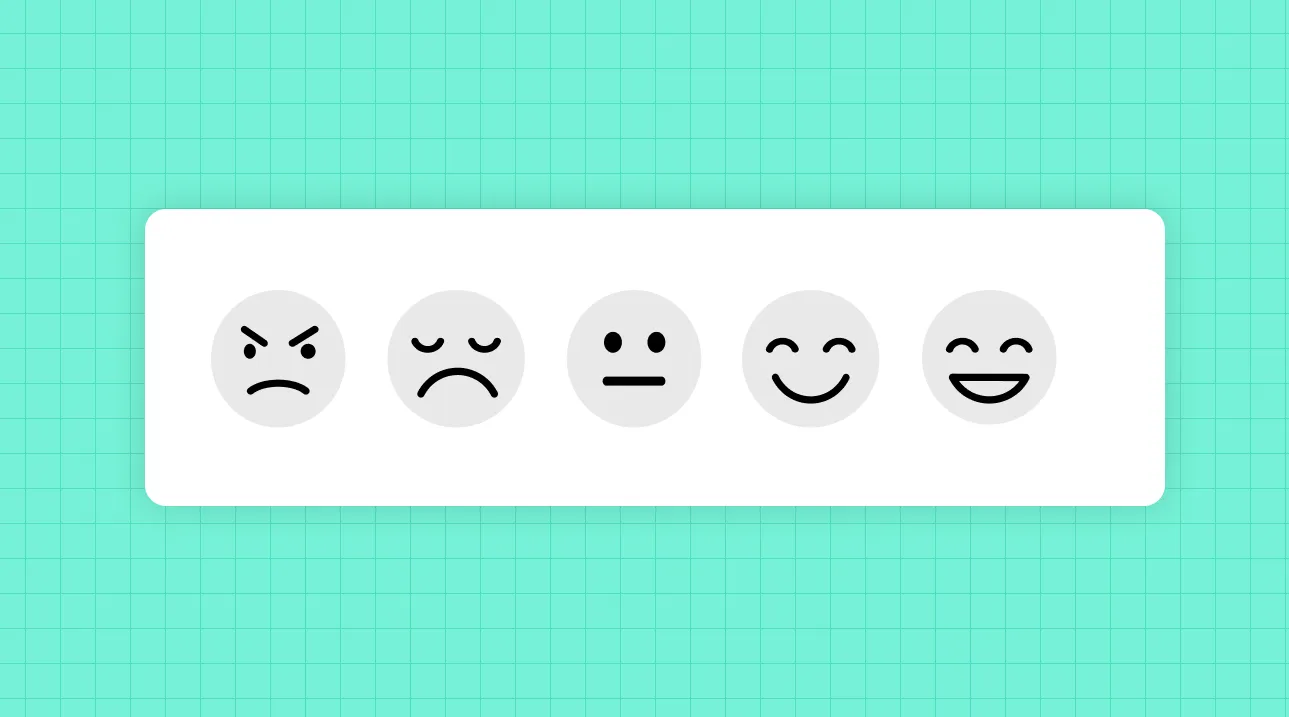
A customer onboarding survey is a short questionnaire sent during a new customer’s first days or weeks to measure how easily they reach value with your product. This guide is for customer success, product, and CX teams who want to reduce time-to-value and stop early churn. You’ll learn exactly when to ask, which onboarding metrics matter, the best questions to copy, and a step-by-step framework to turn responses into a smoother first experience. Note: this article covers customer onboarding (activation after purchase), not employee onboarding, which is a separate topic.
Why the onboarding moment decides retention
Most customers who churn never reach the “aha” moment—the point where your product delivers obvious value. Onboarding is where that moment is won or lost, which makes it the highest-ROI place to collect feedback.
A customer onboarding survey helps you:
- Cut time-to-value. Spot the steps where new users stall and remove them before frustration sets in.
- Prevent early churn. Activation problems are a leading cause of cancellations in the first 30–90 days; feedback catches them early. See how this connects to your customer churn rate.
- Align expectations. Discover where what you sold and what the customer expected diverge.
- Improve self-serve adoption. Identify which docs, tooltips, or steps actually help—and which confuse.
According to UX research from the Nielsen Norman Group, onboarding works best when it is contextual and tied to real tasks rather than front-loaded tours—exactly the kind of insight a well-placed survey confirms for your specific product.
When to send a customer onboarding survey
A single survey can’t capture a multi-step journey. Use a short sequence mapped to onboarding milestones instead.
| Stage | When | Best metric | What you learn |
|---|---|---|---|
| Welcome / expectations | Day 0–1 | Open-ended + goals | What success looks like for this customer. |
| Setup effort | Right after first key action | CES | Whether getting started was easy or painful. |
| First value (“aha”) | When core value is reached | CSAT | Whether the product delivered as promised. |
| Confidence check | Day 7–14 | Confidence scale + CES | Whether they can use the product independently. |
| Onboarding wrap-up | Day 30 | NPS + open-ended | Overall sentiment and likelihood to stay. |
Trigger surveys on behavior, not just calendar dates. A setup-effort survey should fire when the customer completes (or abandons) a key step—not on a fixed day when they may not have started yet.
Onboarding metrics that matter
Feedback is most powerful when paired with behavioral data. Track these together:
- Onboarding CES. The core sentiment metric—how much effort setup required. Lower effort strongly predicts retention. Learn the method in our Customer Effort Score guide.
- Time-to-value (TTV). The elapsed time from sign-up to first meaningful outcome. Shorter is better.
- Activation rate. The percentage of new customers who complete the key actions that correlate with long-term retention.
- Onboarding completion rate. How many finish your guided setup.
CES is calculated as a simple average of effort ratings:
On a 7-point scale, aim for an onboarding CES of 5.5 or higher. Anything lower signals friction worth investigating. For how these fit alongside CSAT, NPS, and operational KPIs, see the full guide to customer service metrics.
Customer onboarding survey questions (with examples)
Keep each touchpoint to 2–4 questions. Below are proven prompts grouped by onboarding stage.
Expectations (day 0–1)
- “What’s the main goal you’re hoping to achieve with [product]?”
- “What made you decide to sign up?”
- “Is there anything you’re worried about as you get started?”
Setup effort (after first key action)
- “How easy was it to set up [product]?” (1–7 effort scale)
- “Was there any step that was confusing or took longer than expected?”
- “Did you have everything you needed to get started?”
First value and confidence (day 7–14)
- “How confident do you feel using [product] on your own?” (1–5)
- “Has [product] done what you expected so far?”
- “What feature has been most useful to you?”
Wrap-up (day 30)
- “On a scale of 0–10, how likely are you to recommend [product]?” (NPS)
- “What would have made your first few weeks easier?” (open-ended)
The one question that reveals the most
Always include: “What almost stopped you from getting started?” This surfaces the silent blockers—missing integrations, unclear pricing, a confusing first screen—that rarely appear in support tickets but quietly drive churn.
A step-by-step onboarding feedback framework
- Map your activation milestones. Define the 2–4 actions that correlate with retained customers. These become your survey triggers.
- Attach one micro-survey per milestone. Short, contextual, in the moment—ideally in-app.
- Choose the right channel. Use in-app surveys for contextual effort checks and email surveys for reflective day-7 to day-30 questions.
- Route detractors to a human. Any low score or negative comment should automatically alert a CSM. Speed of response is everything during onboarding.
- Close the loop. Follow up, fix the issue, and confirm the fix. A closed feedback loop turns a shaky start into loyalty.
- Feed insights to product. Recurring friction in onboarding is a product backlog, not just a support problem.
Choosing the right channel
| Channel | Best for | Why |
|---|---|---|
| In-app widget | Contextual effort & confidence checks | Captures feedback at the exact moment of friction. |
| Day-7 to day-30 reflective surveys | Gives room for open-ended thought. | |
| Shareable link | High-touch onboarding calls | CSMs can send a quick pulse after a kickoff. |
| Website widget | Returning users in trial | Non-intrusive nudge during evaluation. |
In-app is usually the backbone of onboarding feedback because it reaches the customer where the effort actually happens.
How Responsly helps you measure onboarding
Responsly is an AI-powered customer feedback platform that makes it easy to run onboarding surveys without annoying new customers. Specifically:
- In-app and omnichannel surveys: trigger contextual micro-surveys with in-app surveys, then follow up by email or shareable link.
- Ready-to-use templates: start fast with a Customer Effort Score template or a customer satisfaction survey.
- Automation and integrations: connect your product or CRM so surveys fire on real activation events, and route low scores to your team instantly.
- AI analysis with Athena: Athena reads open-ended onboarding feedback, clusters the recurring blockers, and predicts which new accounts are at risk—so success teams act before customers go quiet.
Explore the full toolkit on the feedback collection hub, or see how it fits the work of CX teams and product teams.
Conclusion and next steps
Onboarding is the highest-leverage moment in the customer lifecycle, and a customer onboarding survey is how you make it measurable. Map your activation milestones, attach a short contextual survey to each, prioritize Customer Effort Score, and—above all—close the loop on every low score quickly.
Start by launching a CES template, or create a free Responsly account and connect it to your activation events. To go deeper on the metrics behind retention, read our guides to customer service metrics and customer retention strategies.
FAQ
What is a customer onboarding survey?
What questions should a customer onboarding survey include?
When should you send an onboarding survey?
Which metric is best for measuring onboarding?
Tagged in
Published