Table of contents
- Why feature feedback surveys matter
- When to send a feature feedback survey
- Feature feedback metrics that matter
- Feature feedback survey questions (with examples)
- From feedback to roadmap: a simple framework
- Choosing the right channel
- How Responsly helps you collect feature feedback
- Conclusion and next steps

A feature feedback survey is a short, targeted survey that asks users about a specific product feature—how useful it is, how easy it was to use, and what’s missing. This guide is for product managers, PX, and growth teams who want feedback that actually shapes the roadmap instead of gathering dust. You’ll learn when to trigger feature surveys, which metrics to track (usefulness, CES, adoption), the exact questions to copy, and how to turn responses into prioritized decisions. Browse product experience templates for ready-made feature and onboarding surveys, and tie each step to the broader work of measuring product experience.
Why feature feedback surveys matter
Shipping a feature is a hypothesis, not a conclusion. A feature feedback survey is how you test that hypothesis with the people who actually use it—before you double down or quietly deprecate it.
Done well, feature feedback helps you:
- Validate new releases fast. Catch confusion or low value within days of launch, while it’s cheap to fix.
- Prioritize the roadmap with evidence. Replace “the loudest stakeholder wins” with data on what users actually need.
- Improve adoption. Surface the usability friction and discoverability gaps that keep good features underused.
- Reduce churn. Features that miss the mark are a silent driver of cancellations; feedback catches the gap early.
This work sits inside a healthy product feedback loop—see our guide to the benefits of product feedback surveys for the wider context.
When to send a feature feedback survey
Timing determines whether you get signal or noise. Trigger on behavior, not on a fixed calendar.
| Goal | When to trigger | Best metric | Why this timing |
|---|---|---|---|
| New feature validation | Within the first 1–3 uses after launch | Usefulness + CSAT | Early reactions reveal value and confusion. |
| Usability check | Immediately after the user completes the feature flow | CES | Friction is fresh and specific. |
| Prioritization | After repeated use by active users | Usefulness + “most wanted” | Experienced users give the sharpest input. |
| Beta / early access | Throughout the beta period | Open-ended + satisfaction | Depth matters more than volume in beta. |
| Deprecation decision | Before sunsetting a low-use feature | Adoption + reliance | Confirms who still depends on it. |
The cardinal rule: ask only users who have actually experienced the feature. Surveying everyone produces averages that hide the truth.
Feature feedback metrics that matter
Pair survey sentiment with behavioral data for a complete view.
- Feature adoption rate. The share of eligible users who actually use the feature.
- Usefulness / value score. A direct rating of how valuable the feature is to the user’s workflow.
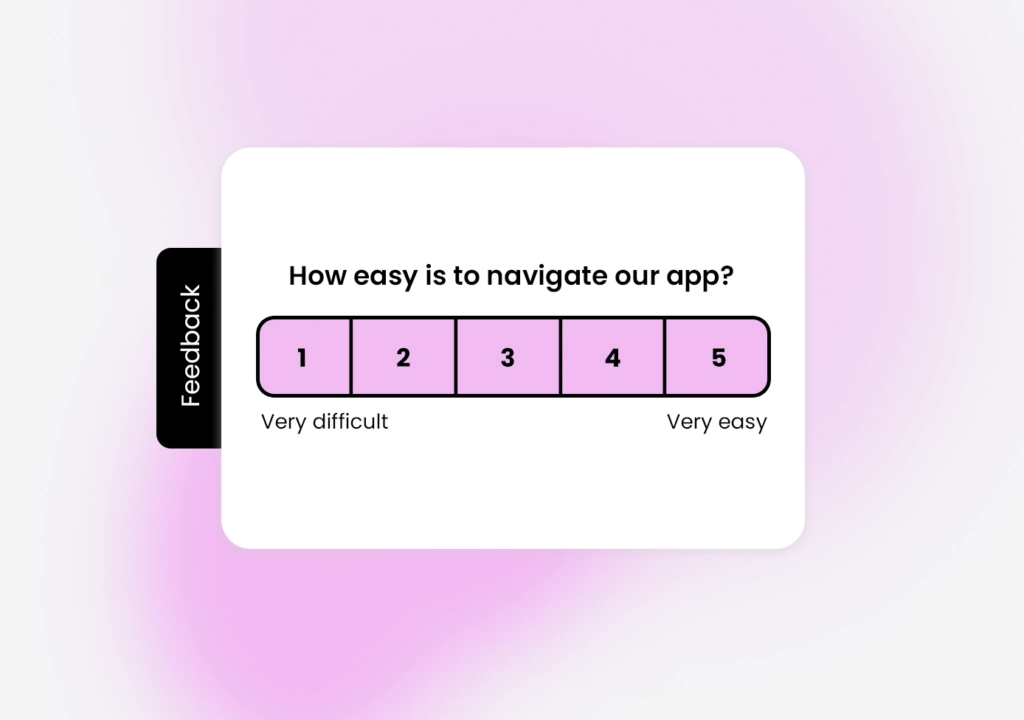
- Feature CES (Customer Effort Score). How easy the feature is to use—your best early-warning signal for usability problems.
- The PMF “very disappointed” score. Borrowed from product-market fit research: the percentage of users who would be “very disappointed” if the feature disappeared. Above ~40% signals a feature worth investing in.
Feature feedback survey questions (with examples)
Keep each survey to 2–4 questions. Lead with the core metric and always end with one open-ended prompt.
Usefulness and value
- “How useful is [feature] for your work?” (1–5)
- “How well does [feature] solve the problem you needed it for?”
- “How disappointed would you be if [feature] were removed?” (Very / Somewhat / Not disappointed)
Ease of use
- “How easy was it to use [feature]?” (1–7 effort scale)
- “Was there anything confusing about [feature]?”
Prioritization and discovery
- “What’s missing from [feature] that would make it more valuable?”
- “Which improvement to [feature] would help you most?” (single choice from a shortlist)
- “How did you discover [feature]?” (reveals discoverability gaps)
The one open-ended question to always include
End with: “If you could change one thing about [feature], what would it be?” These verbatim answers are where the roadmap insights hide—and an AI feedback platform can cluster hundreds of them into clear themes automatically.
From feedback to roadmap: a simple framework
- Define the decision first. Know whether you’re validating, prioritizing, or deciding to sunset—this dictates the questions.
- Trigger contextually. Fire the survey after real feature usage with an in-app survey, not a disconnected email blast.
- Segment respondents. Separate power users from first-timers; their needs differ sharply.
- Quantify open text. Group free-text answers into themes and count them to find the real priorities.
- Close the loop. Tell users when their requested change ships. “You asked, we built it” is the most powerful driver of future response rates.
Choosing the right channel
| Channel | Best for | Why |
|---|---|---|
| In-app survey | Contextual, post-usage feedback | Reaches users at the moment of experience. |
| Microsurvey widget | Single-question pulse checks | Minimal disruption, high response rate. |
| Beta cohorts & reflective input | Room for longer, considered answers. | |
| Shareable link | Advisory boards & interviews | Pairs well with qualitative research. |
In-app is the backbone of feature feedback because relevance and timing drive both response rate and data quality.
How Responsly helps you collect feature feedback
Responsly is an AI-powered customer feedback platform built to capture non-annoying, contextual feedback exactly when features are used:
- In-app and omnichannel surveys: trigger contextual in-app surveys on feature events, then follow up by email or link.
- Ready-to-use templates: launch fast with a product feedback survey, a beta product feedback survey, or a product-market fit survey.
- AI analysis with Athena: Athena reads open-ended feature feedback, clusters feature requests and complaints, and highlights what to build next.
- Automation and integrations: connect your product analytics or project tools so feedback flows straight into your roadmap.
See how it supports product teams, or explore the full toolkit on the feedback collection hub.
Conclusion and next steps
A feature feedback survey turns guesswork into evidence: it validates launches, prioritizes the roadmap, and protects adoption. Define the decision first, trigger surveys in context after real usage, combine usefulness with effort and adoption metrics, and—above all—close the loop when you act.
Start with a product feedback survey template, or create a free Responsly account and connect it to your feature events. To go deeper, read our guide to product experience and learn how in-app surveys capture feedback in the moment.
For research-backed guidance on feature discoverability and usability testing, the Nielsen Norman Group is an excellent, non-commercial source.
FAQ
What is a feature feedback survey?
What questions should a feature feedback survey ask?
When should you send a feature feedback survey?
How do you measure feature adoption and satisfaction?
Tagged in
Published