Table of contents
- Why measure feedback after live chat
- CSAT or CES: which metric fits live chat?
- When and how to trigger a post-chat survey
- Live chat survey questions (with examples)
- Live chat survey best practices
- Connect your live chat tool to automated surveys
- How Responsly helps you run live chat surveys
- Conclusion and next steps
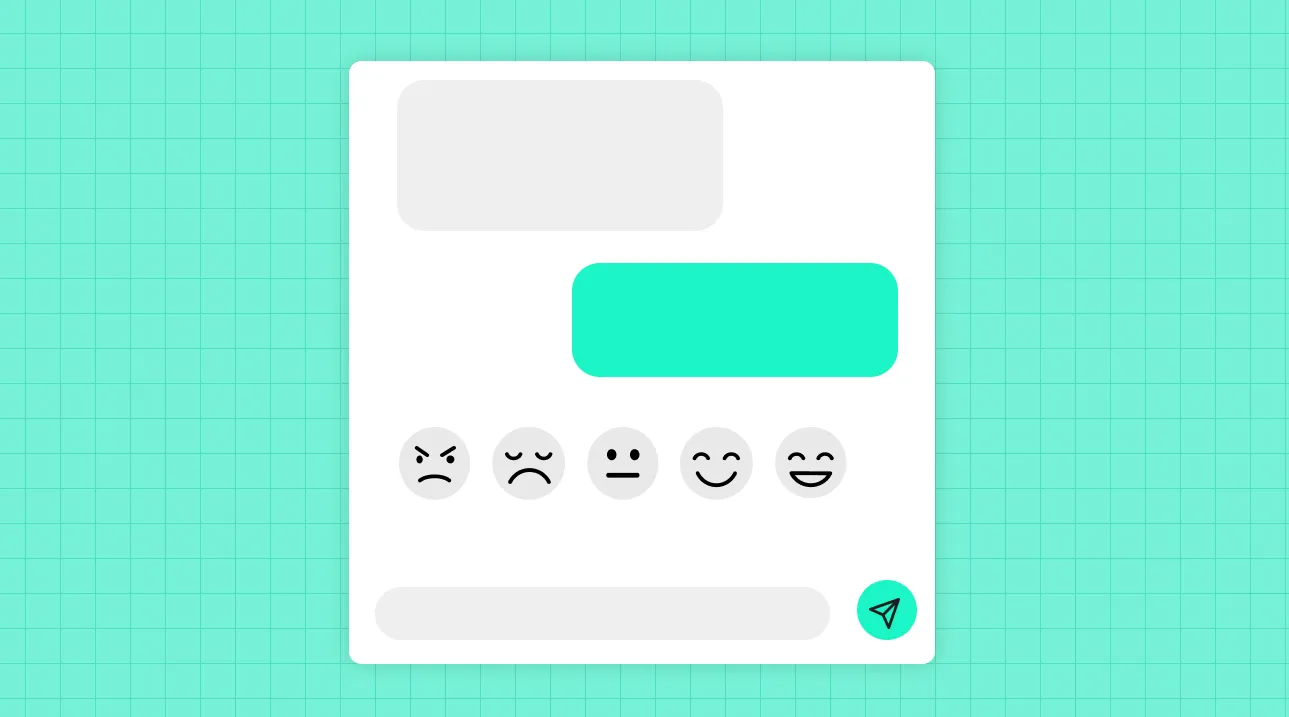
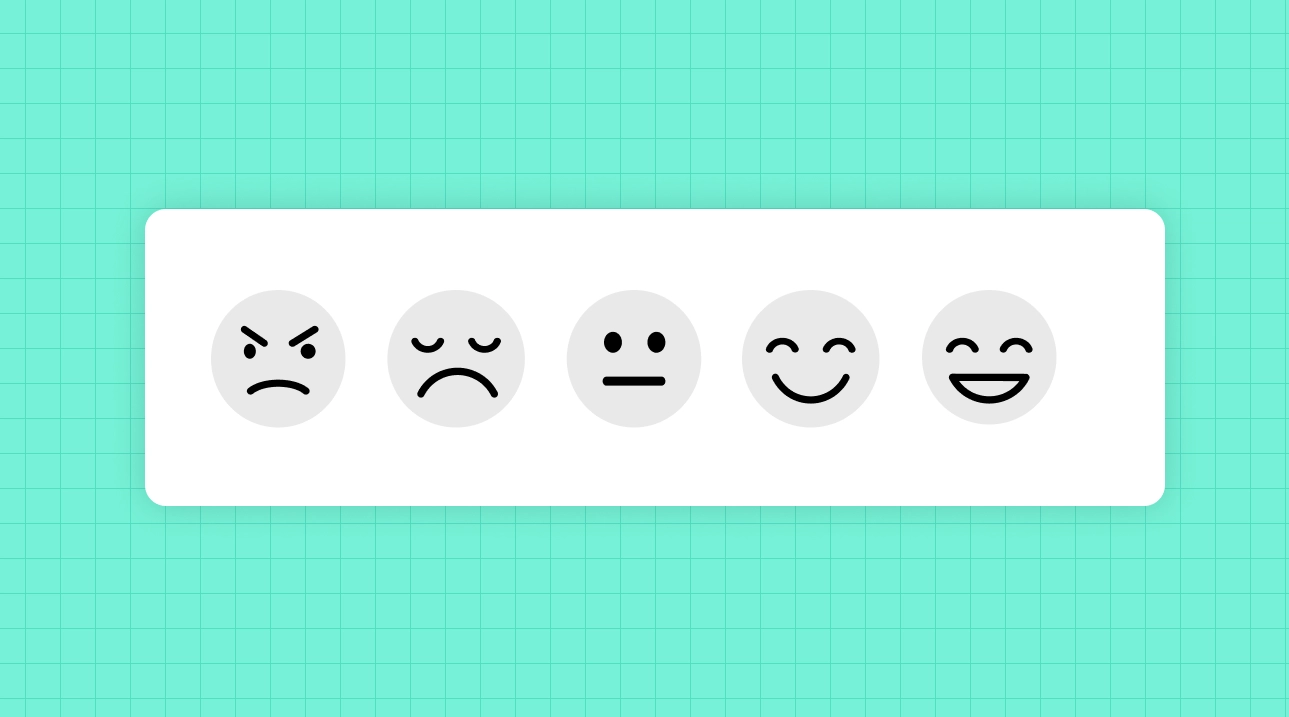
A live chat survey is a short feedback request shown immediately after a chat conversation ends, usually measuring CSAT or CES to gauge how well the issue was resolved. This guide is for support and CX teams running live chat through tools like Intercom, Zendesk, or Freshdesk who want reliable, agent-level feedback. You’ll learn which metric to use, the exact post-chat questions to ask, the right moment to trigger them, and how to connect your chat tool so surveys fire automatically. We’ll tie every step back to the wider set of customer service metrics your team should track.
Why measure feedback after live chat
Live chat is one of the highest-expectation channels: customers want fast, effortless resolution in real time. A post-chat survey is the only way to know whether each conversation actually delivered that—at the level of the individual agent, chatbot, or topic.
Post-chat feedback helps you:
- Coach agents with real data. Conversation-level CSAT shows who excels and who needs support, far better than gut feel.
- Catch failures while they’re recoverable. A low score the instant a chat ends lets you follow up before a customer churns or leaves a public review.
- Spot systemic friction. Recurring low scores on a topic reveal a broken process, a confusing product area, or a knowledge gap.
- Measure chatbot vs. human performance. Compare resolution quality across automated and live conversations.
These conversations also feed your first contact resolution rate—and live chat surveys are how you connect the customer’s perception to that operational number.
CSAT or CES: which metric fits live chat?
Both work, and they answer different questions. The strongest setups combine them.
| Metric | Question it answers | Best post-chat use |
|---|---|---|
| CSAT | ”Were you happy with this conversation?” | The default one-click rating after every chat. |
| CES | ”How easy was it to get your issue resolved?” | Diagnosing friction in self-service or complex flows. |
| NPS | ”Would you recommend us?” | Periodic relationship check—not after every chat. |
CSAT is calculated as the share of positive ratings:
A practical pattern: show a quick thumbs-up/thumbs-down or 1–5 CSAT the moment the chat closes, then ask a short CES or open-ended question only to customers who rated poorly. This keeps the experience light for happy customers while gathering depth where it matters.
When and how to trigger a post-chat survey
- Fire on resolution. The best moment is the instant the conversation is marked resolved—feedback is most accurate while the interaction is fresh.
- Keep it in the chat window. An inline, single-click rating dramatically outperforms a separate email sent later.
- Follow up by email for depth. For complex tickets, a short email survey an hour later can capture more reflective comments.
- Don’t over-survey. If a customer has several chats in a day, cap how often they’re asked to rate.
Live chat survey questions (with examples)
Keep post-chat surveys to one or two questions. Length is the enemy of response rate in a real-time channel.
Immediate rating (every chat)
- “How would you rate the support you received today?” (1–5 or thumbs up/down)
- “Did we resolve your issue?” (Yes / No)
Effort follow-up (especially after self-service)
- “How easy was it to get your issue handled today?” (1–7 effort scale)
- “Was there anything that made this harder than it should have been?”
Open-ended (for detractors)
- “What could we have done better in this conversation?”
- “What was the main reason for your rating?”
Agent and resolution diagnostics
- “Was the agent knowledgeable and helpful?”
- “Did you have to repeat information you’d already provided?”
The open-ended answers are gold for coaching—and an AI feedback platform can cluster hundreds of them into clear themes automatically. For a broader bank of prompts, see our customer service survey questions.
Live chat survey best practices
- Make rating a single tap. Every extra click costs responses. Start with one question and branch from there.
- Attribute feedback to the conversation. Tie each score to the agent, topic, and channel so the data is actionable.
- Route detractors instantly. A negative rating should alert a team lead in real time to enable recovery.
- Close the loop. Follow up on poor ratings; a fast, human response can win the customer back. This is the essence of a closed feedback loop.
- Compare across channels. Live chat is one part of an omnichannel customer service strategy—benchmark its scores against email, phone, and social.
Connect your live chat tool to automated surveys
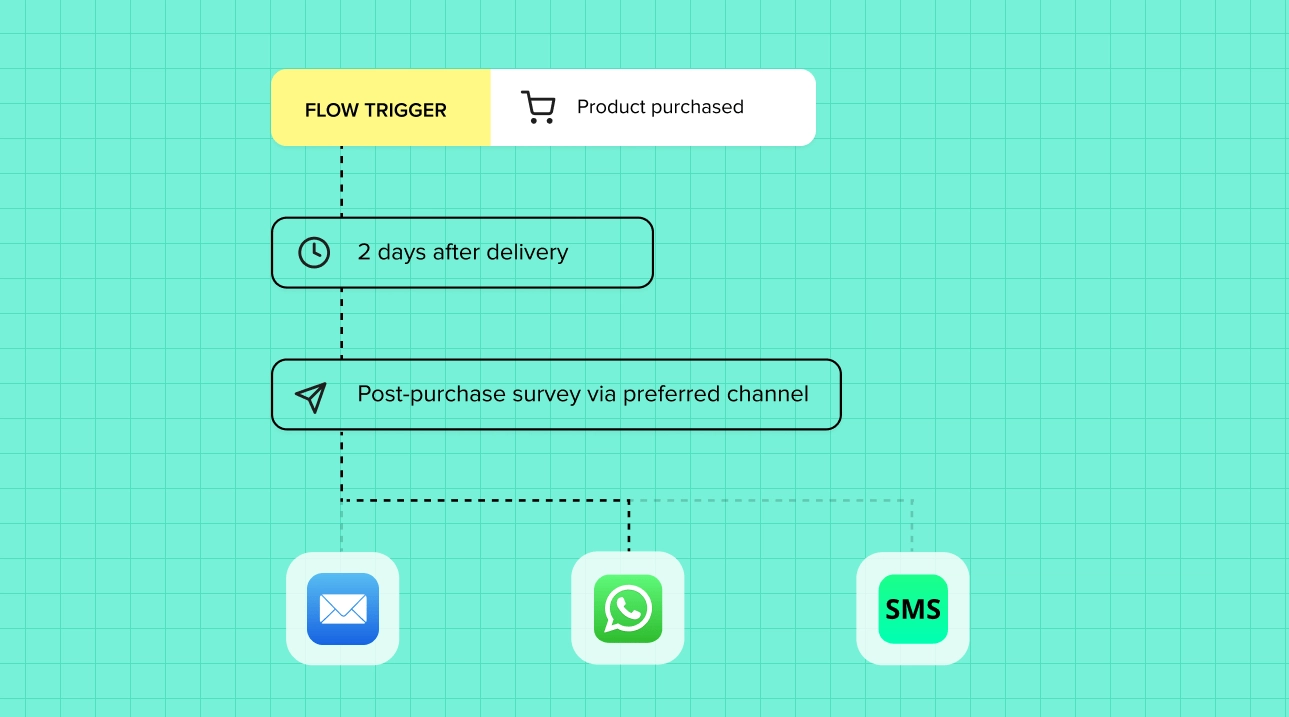
The most reliable post-chat program runs automatically: a resolved conversation triggers the survey, and results flow back into one analytics view. Responsly connects to the live chat and helpdesk tools support teams already use.
| Live chat / helpdesk tool | Integration | Typical trigger |
|---|---|---|
| Intercom | Intercom surveys | Conversation closed |
| Zendesk | Zendesk surveys | Ticket solved |
| Freshdesk | Freshdesk surveys | Ticket resolved |
| Help Scout | Help Scout | Conversation closed |
Using the LiveChat platform? Connect it through Zapier so a finished chat triggers a survey automatically—see how to set up the LiveChat integration. You can see the full catalog on the integrations and automation hub.
According to UX research from the Nielsen Norman Group, chat satisfaction hinges on speed and resolution quality—two things a post-chat survey lets you measure and improve directly.
How Responsly helps you run live chat surveys
Responsly is an AI-powered customer feedback platform that makes post-chat feedback effortless to collect and act on:
- Automated, omnichannel triggers: fire a CSAT or CES survey the moment a conversation is resolved—via the chat tool, email, or a shareable link.
- Ready-to-use templates: launch fast with a customer service satisfaction survey or a CES template.
- Helpdesk integrations: connect Intercom, Zendesk, Freshdesk, Help Scout, and more so surveys run without manual work.
- AI analysis with Athena: Athena reads open-ended chat feedback, surfaces recurring issues by agent and topic, and flags conversations that signal churn risk.
Explore everything on the feedback collection hub, and see how it supports CX teams.
Conclusion and next steps
Live chat surveys turn every conversation into measurable, coachable insight. Keep the rating to a single click, trigger it on resolution, add an effort or open-ended follow-up for detractors, and connect your chat tool so it all runs automatically. Then close the loop on low scores fast—real-time recovery is live chat’s superpower.
Start with a customer service satisfaction survey template, or create a free Responsly account and connect your chat tool today. To complete your measurement framework, pair post-chat feedback with the full guide to customer service metrics.
FAQ
What is a live chat survey?
Should you use CSAT or CES after a live chat?
When should a post-chat survey appear?
How do you survey customers after a chat in Intercom or Zendesk?
Tagged in
Published