Table of contents

In the digital age, where student experiences evolve, feedback connects learners and educational institutions. Responsly emerges as the game-changer, redefining the landscape as the best survey maker for students—and a trusted survey platform for education teams more broadly. This blog post explores why Responsly is not just a survey maker but the ultimate tool for enhancing student engagement and feedback.
The Evolution of Survey Makers for Students
In today’s fast-paced world, traditional survey-making tools have struggled to keep up with the ever-changing perspectives of students. However, a new wave of innovative survey makers has emerged, designed specifically to cater to the unique needs and preferences of the modern student population.
These cutting-edge survey makers have advanced features and functionalities allowing greater flexibility and adaptability. They enable students to express their thoughts and opinions more dynamically and engagingly, ensuring that their voices are heard loud and clear.
With these new tools, students can now participate in surveys tailored to their interests and preferences, enabling them to provide more accurate and insightful feedback. The agility of these survey makers allows for real-time adjustments and updates, ensuring that the data collected remains relevant and up to date.
The best survey maker for students
At the core of Responsly’s transformative capabilities lies its commitment to a user-centric experience. As we explore the key features that make Responsly the ultimate survey tool for students, the first pillar is its intuitive survey design. This design philosophy ensures that students can seamlessly navigate Responsly, focusing on the essence of their survey questions rather than grappling with the intricacies of the tool’s mechanics. Let’s delve into how Responsly’s user-centricity is a game-changer in the realm of student feedback and survey creation.
User-Centric Design
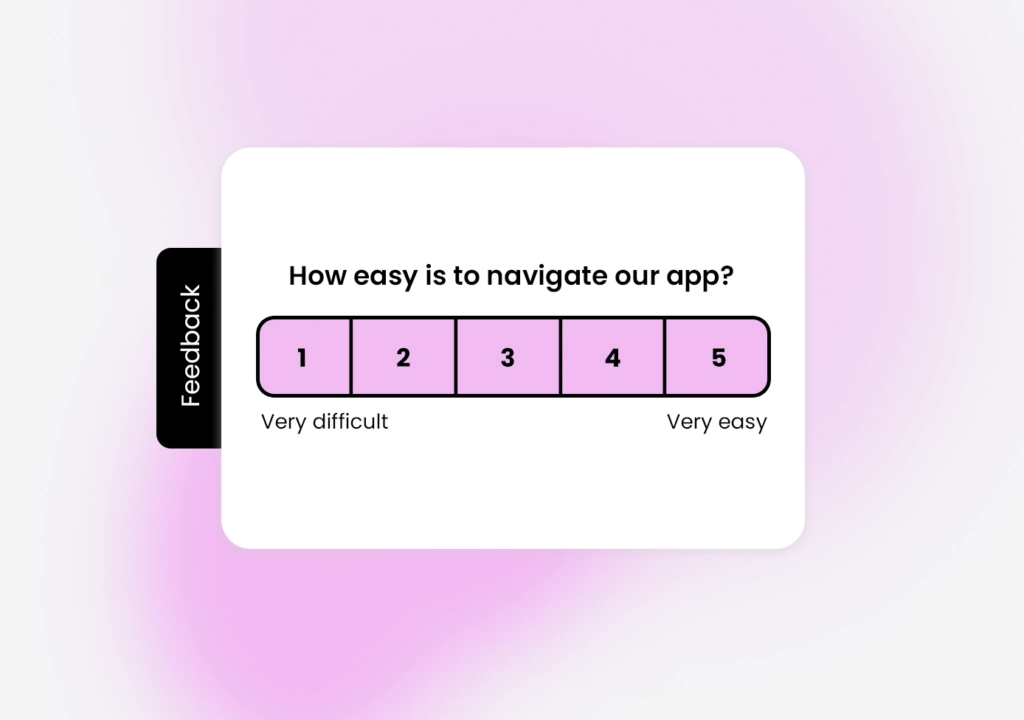
Navigating Responsly is an intuitive experience. Its user-centric design ensures students can create surveys effortlessly, focusing on the substance of their survey questions rather than getting lost in the tool’s mechanics.
Versatility in Survey Customization
Responsly acknowledges the diversity of educational needs. Its survey customization options are a testament to its versatility. Whether it’s a quick pulse check or an in-depth research survey, Responsly adapts to cater to the unique requirements of students and educators alike.
Real-time Analytics for Immediate Impact
Gone are the days of waiting for survey results. Responsly doesn’t just collect responses; it transforms them into real-time analytics. This immediacy empowers students to act promptly on the feedback received, fostering a sense of efficacy and impact.
Empowering Students as Survey Creators
Responsly isn’t just a survey maker; it’s a tool for empowerment. Students are not passive recipients of surveys; they become active creators, shaping the questions that drive meaningful conversations. This shift in dynamics not only enhances engagement but also cultivates a sense of ownership in the feedback process.
Privacy and authenticity with anonymous surveys
In a world where privacy is paramount, Responsly offers the option for students to create and respond to surveys anonymously. This feature not only encourages honest feedback but also ensures that students feel comfortable expressing their true opinions without fear of judgment.
Facilitating collaboration with shared surveys
Responsly recognizes that collaboration is key to a thriving learning community. The ability to create and share surveys collaboratively fosters teamwork among students, enabling them to address common concerns and gather collective insights.
Data-driven decision making
Beyond being a survey maker, Responsly propels students into the realm of data-driven decision-making. Analyzing survey results becomes a skill set that students develop, preparing them for a future where data literacy is a valuable asset.
Wrapping Up
In a world where student feedback is more than just a checkbox exercise, Responsly is the ultimate survey maker. It’s not merely a tool; it’s a catalyst for student empowerment, engagement, and creating a feedback loop that transcends the traditional boundaries of education.
Create an account and experience the power of the ultimate survey maker. Start now!
7-step framework for better student surveys
If you want higher response rates and better data quality, use this workflow:
- Set one objective per survey (for example: course clarity, campus services, or student well-being).
- Define your audience (new students, one class year, or all departments).
- Use mixed question types (rating scales + one open-ended question for context).
- Keep wording simple and avoid academic jargon.
- Pilot with 5-10 students before full launch.
- Share through student-first channels (email, LMS, class groups, messaging apps).
- Close the feedback loop by publishing what changed after responses.
KPIs to track survey effectiveness in education
A good survey maker helps you improve outcomes, not only collect answers. Track:
- Completion rate (target 60%+ for in-class surveys).
- Drop-off point (where students stop responding).
- Average time to complete (aim under 3 minutes for routine feedback).
- Response quality score (share of meaningful open-text responses).
- Action adoption rate (how many insights resulted in a concrete improvement).
If you also run quizzes in class communities, pair this with our guide on creating a quiz on Telegram.
FAQ
What is the best survey maker for students?
Can students create surveys for free?
What questions should students include in a school survey?
How long should a student survey be?
Tagged in
Last updated