
Free Customer Feedback Email Generator
Build customer feedback emails and embed the first question — a 1–5 smiley or 0–10 NPS rating — straight in the inbox so people answer in one click. Pick a template, customize it, and copy the HTML. Completely free, no registration required. Sending at scale? See email surveys.

Starmedica Customer Success Team
Copyright Starmedica. All rights reserved.
133 Avenue of the Stars, New York, NY 10013

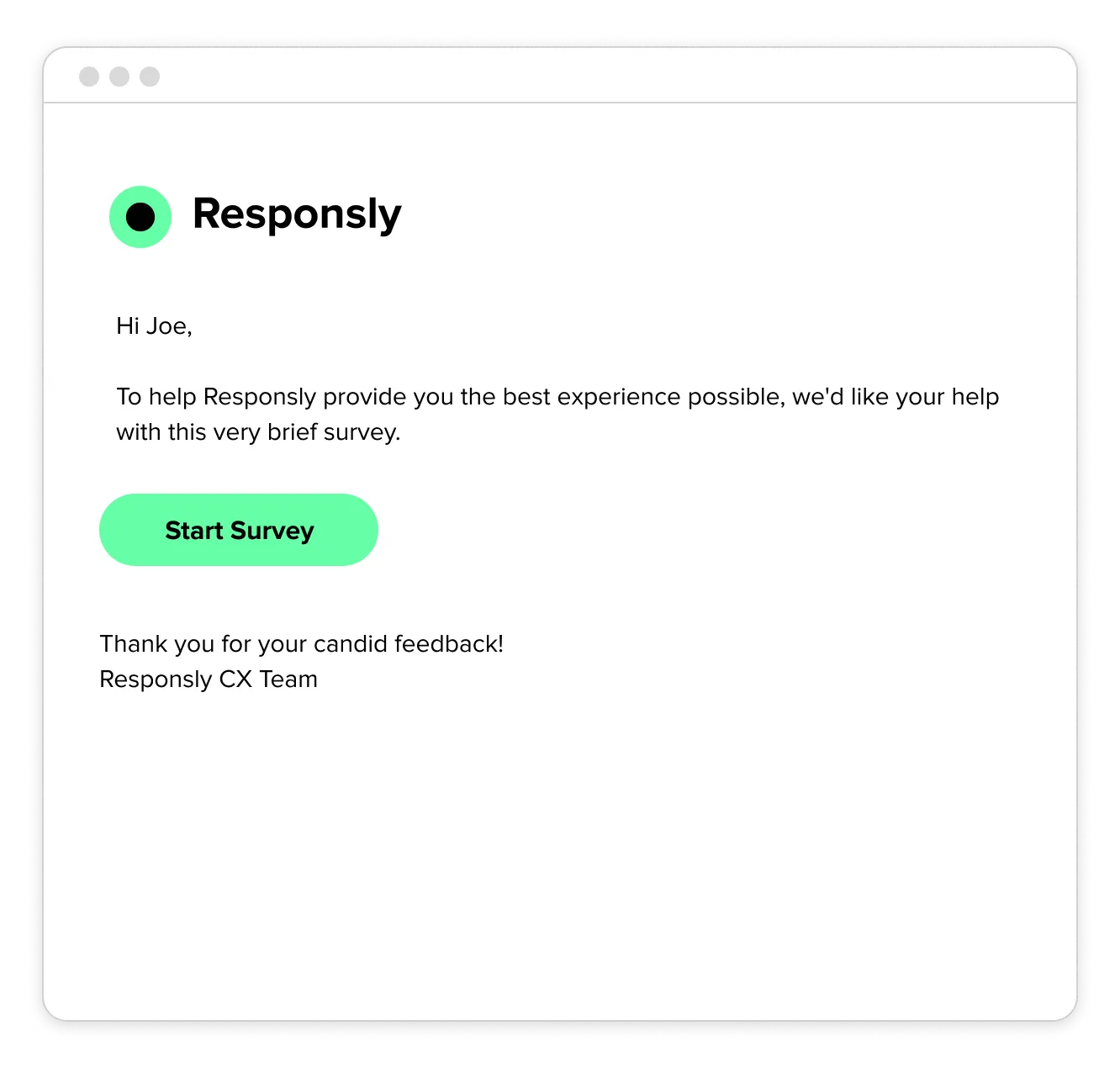
To help Responsly provide you the best experience possible, we'd like your help with this very brief survey.
Responsly CX Team





Starmedica Customer Success Team

Sixpoints Team
To help Responsly provide you the best experience possible, we'd like your help with this very brief survey.
Responsly CX Team
How the email survey generator works
Build a ready-to-send customer satisfaction email in three steps — no design or coding skills needed.
- 1
Pick a template
Start from a Survey Invite, CSAT 1–5, NPS 0–10, or CSAT list template — each built for a common feedback collection use case.
- 2
Customize & embed
Edit the copy, colors, and button, and embed the first question as clickable smiley or number ratings so customers can respond from the inbox.
- 3
Copy the HTML
Click “Get the code”, paste the HTML into your email tool, and replace
{{SURVEY_URL}}with your survey link before sending.
Why embed the first question in the email?
Every extra click costs you responses. Put the rating in the inbox and let customers answer in one tap.
By placing a 1–5 smiley rating or a 0–10 NPS scale right inside the email, customers answer in a single tap — and the rest of the survey opens with their first answer already saved.
It's a simple way to lift response rates on transactional CSAT, post-purchase, and support follow-up surveys. When you're ready to send at scale, Responsly handles survey distribution, ready-made survey templates, and real-time analytics for you.
5 email question types you can build
Pick the format that fits your moment — every example below was made with this generator and exports as ready-to-send HTML.
CSAT 1–5 scale
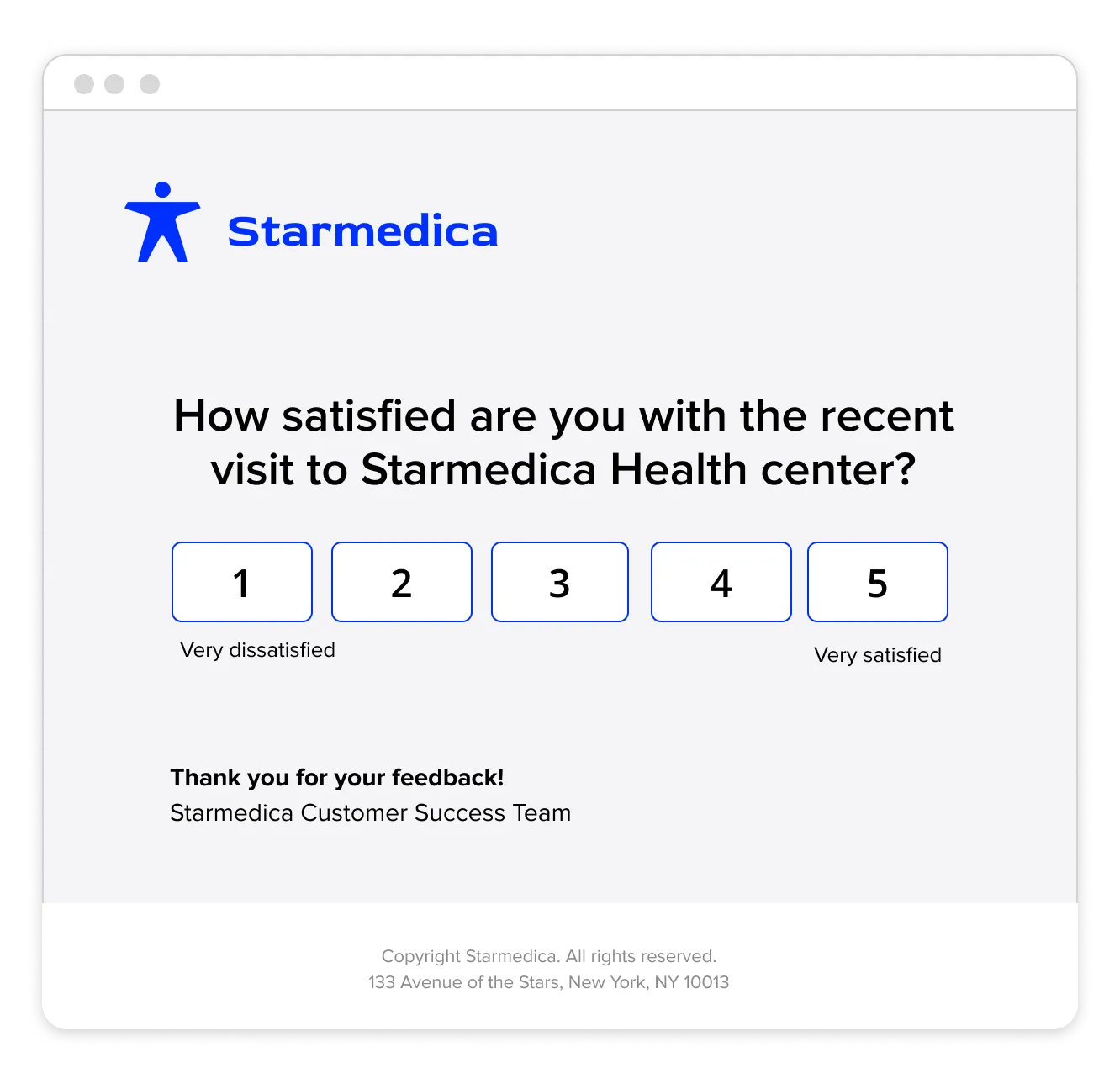
Five numbered cells rendered as bulletproof table buttons, so each rating stays clickable even in Outlook. The selected value passes through a query parameter (e.g. ?answer=4), pre-filling the survey so respondents never re-enter their score.
- Post-delivery satisfaction
- Help-desk ticket resolution
- Onboarding step completion
Smiley rating
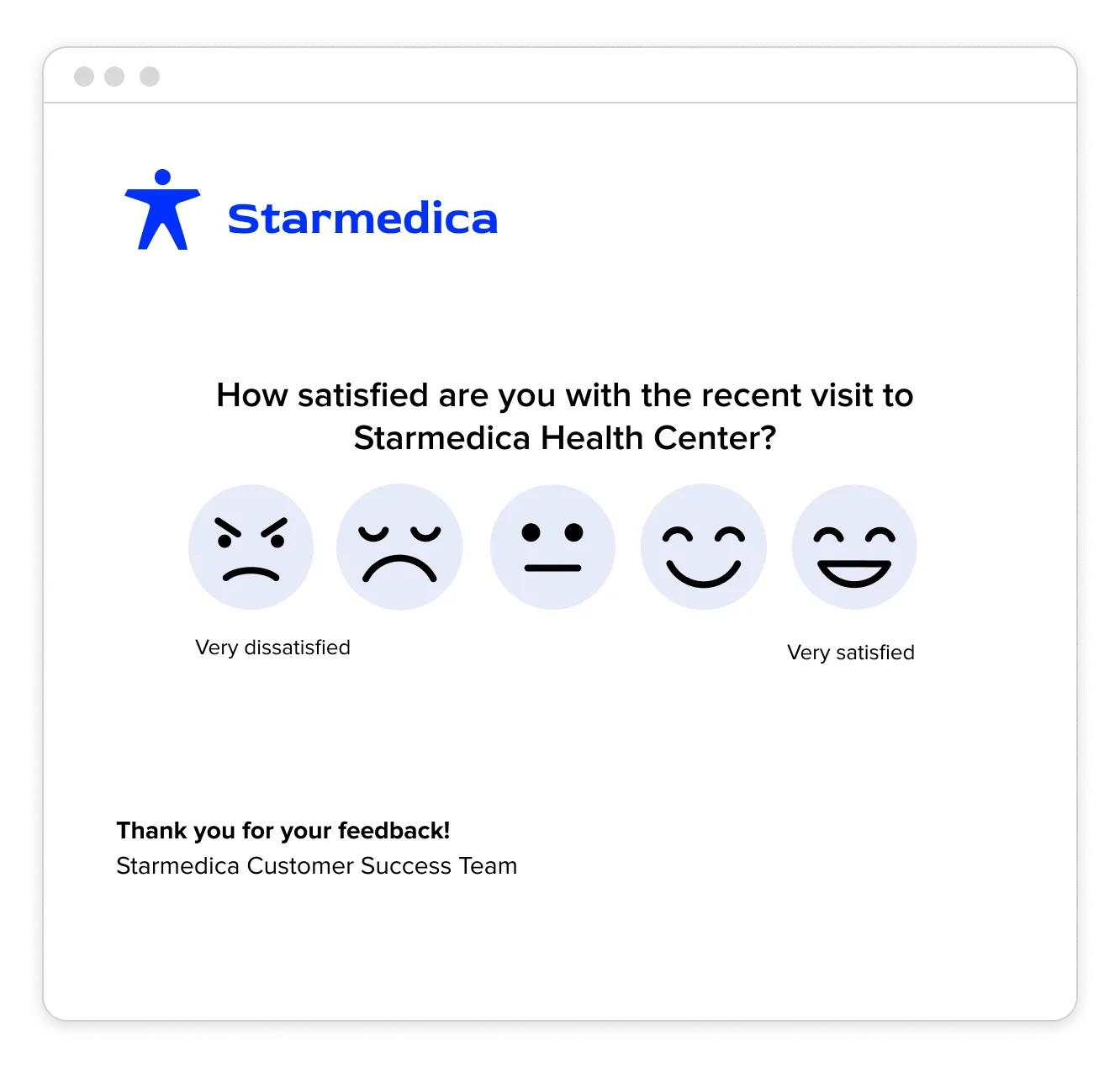
Emoji icons embedded as image links with descriptive alt text, so they degrade gracefully when a client blocks images. The visual scale removes reading load, which makes it ideal for multilingual lists and accessibility-sensitive audiences.
- Healthcare visit feedback
- In-store / QR follow-ups
- B2C app check-ins
NPS 0–10 scale
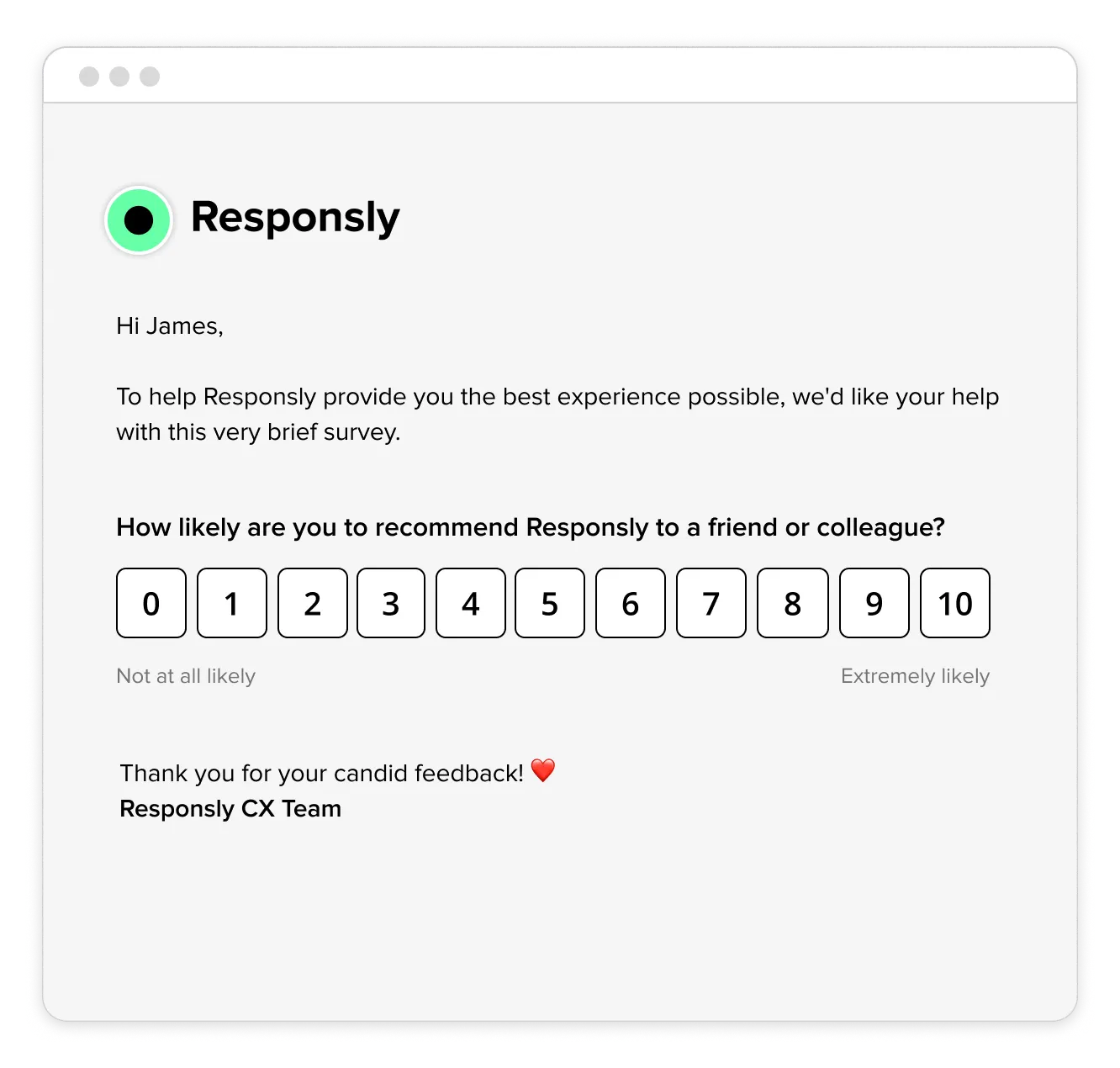
An eleven-point 0–10 row that auto-wraps to two lines on narrow screens, with detractor-to-promoter color mapping. Scores route respondents to a follow-up so you can capture the open-ended “why” behind each Promoter, Passive, or Detractor.
- Relationship NPS (quarterly)
- Post-onboarding loyalty
- Renewal-risk monitoring
Multiple-choice list
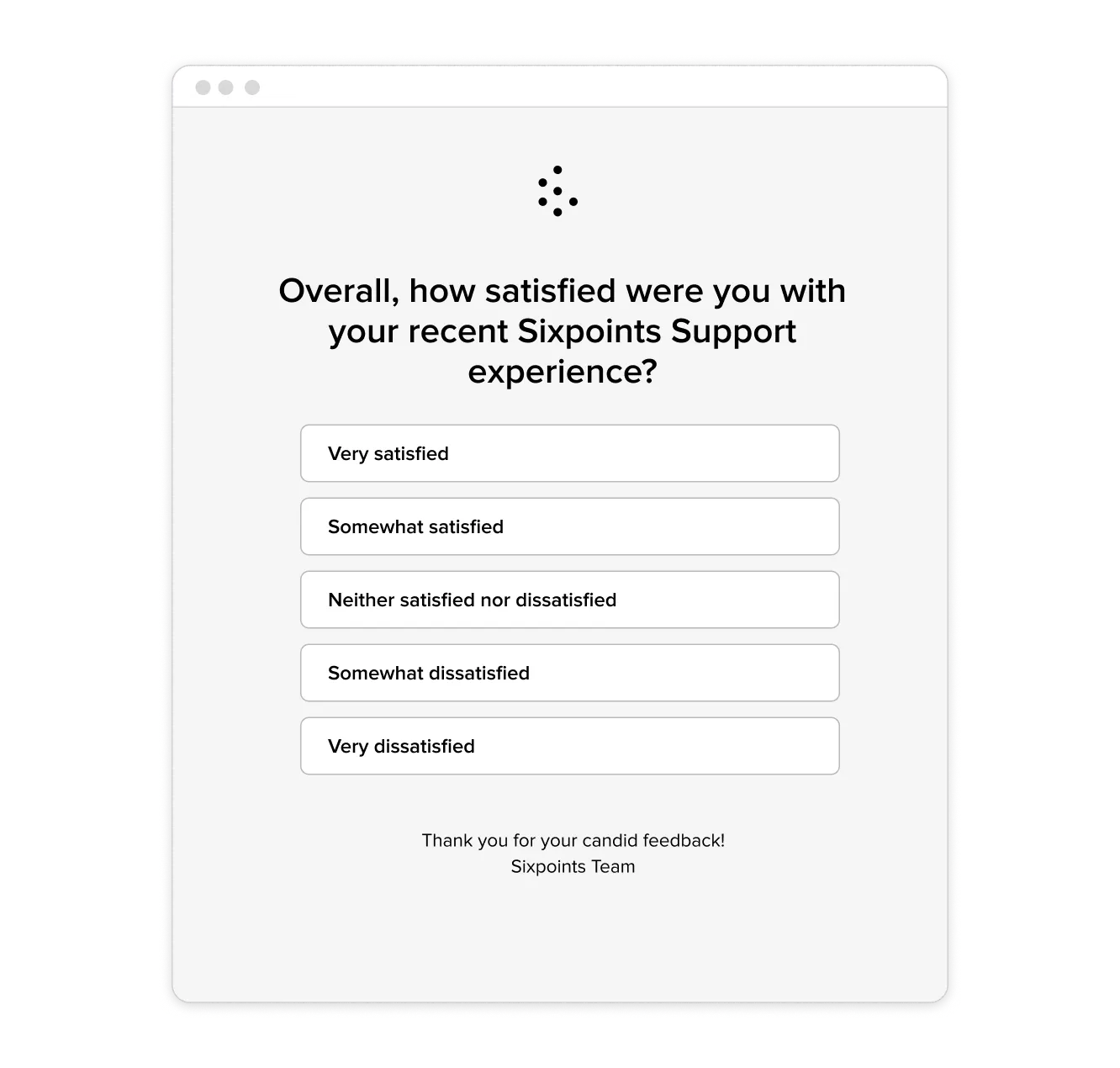
Full-width stacked options with large tap targets (44px+), so it stays thumb-friendly on mobile and screen-reader navigable. Best when wording matters more than a number — each label maps to a coded value for clean reporting.
- Support experience rating
- Effort / ease questions
- Reason-for-contact triage
Survey invite button
A single VML-backed CTA button that renders consistently across clients, with a {{SURVEY_URL}} placeholder you swap for any link. Use it when the questionnaire is too long to embed, or when you need UTM tracking on the click.
- Long or branching surveys
- Win-back campaigns
- Public review requests
Ready to send surveys automatically?
Responsly lets you create surveys, customize email invitations like these, and distribute them to your contact lists — with real-time analytics and closed-loop feedback.


