
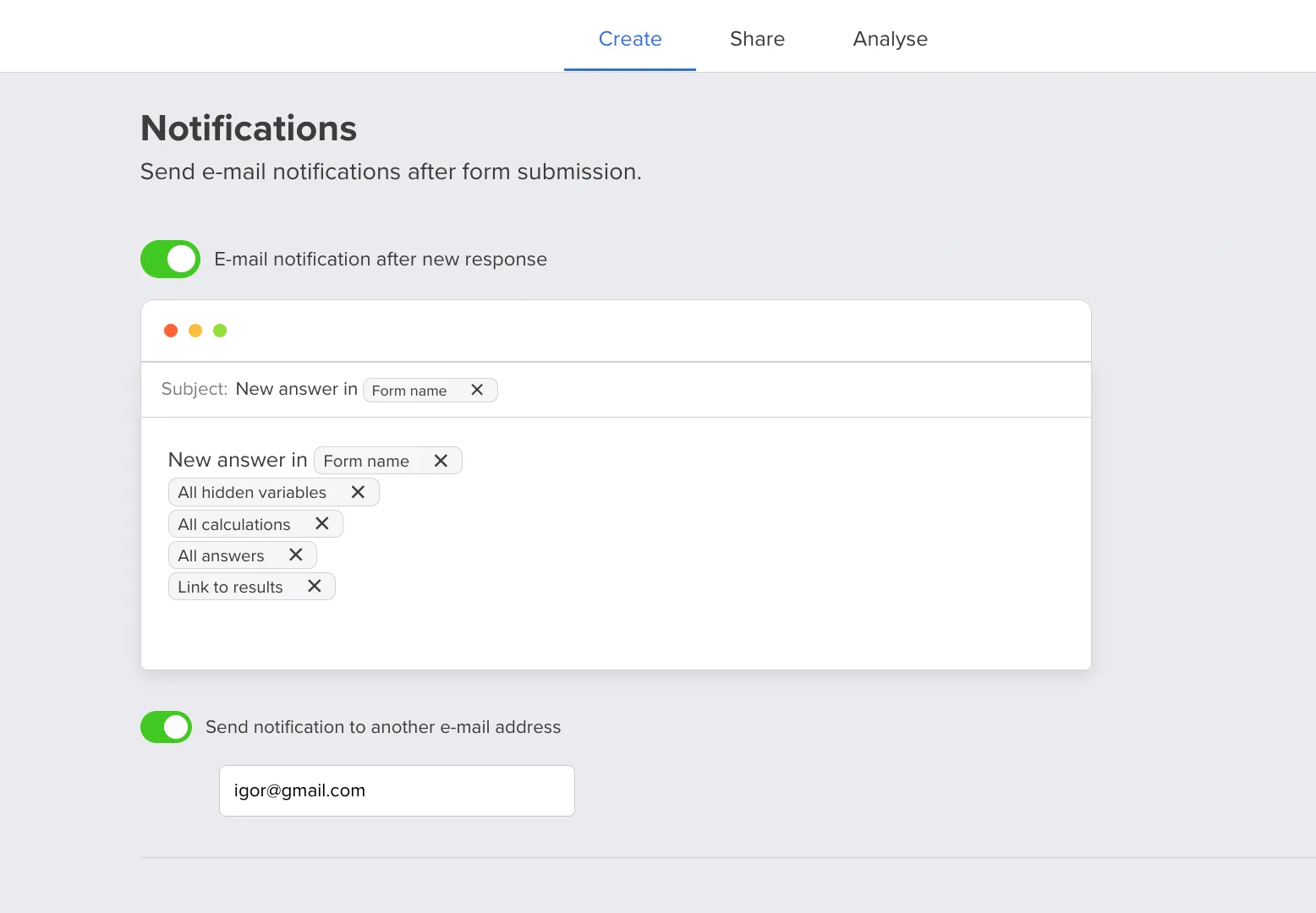
E-mail notifications in Responsly fire when someone finishes your survey, so you can alert your team about new responses and optionally e-mail the respondent (for example a thank-you or confirmation). You configure everything in the survey’s Notifications tab and can edit the message body for each channel.
Who receives which e-mails
Account / team notifications go to the e-mail address on the Responsly account you are using for the workspace or project—useful for sales, support, or research owners who need to know the moment a form is submitted.
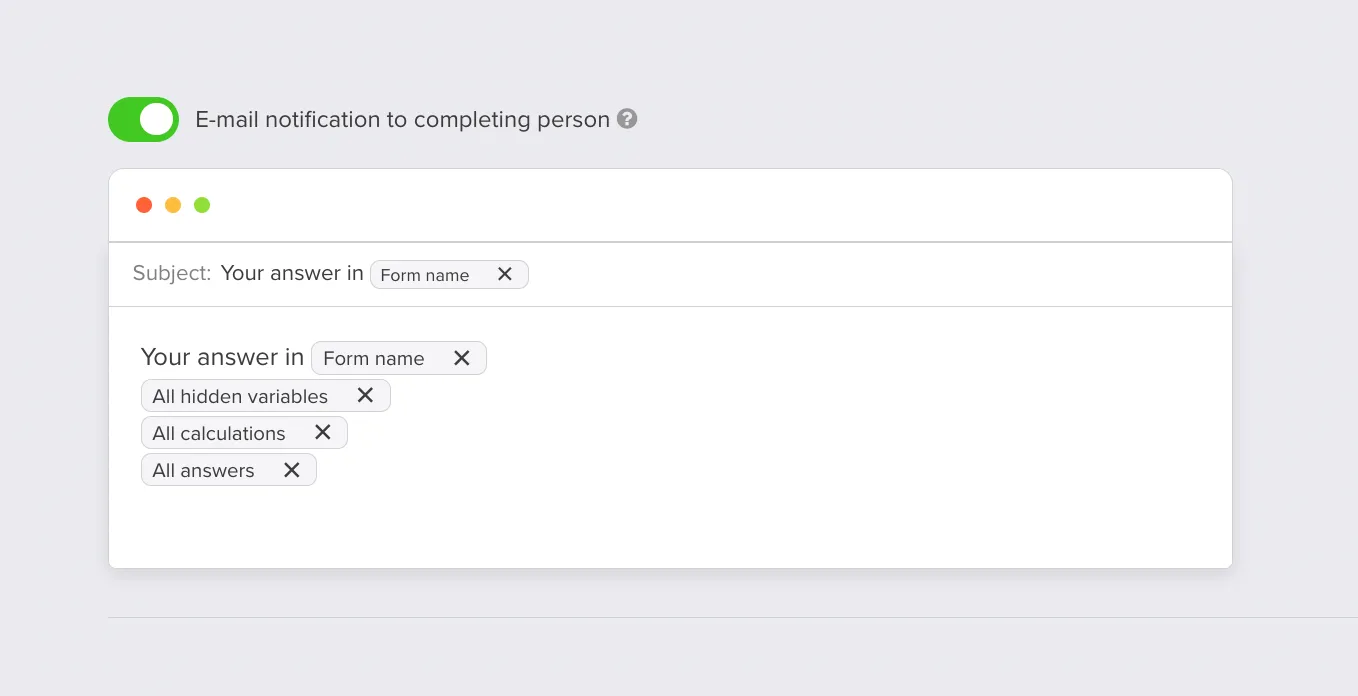
Respondent notifications can go to the person who completed the survey when:
- they used e-mail invitations to open the form, or
- the form includes an e-mail question and they provided an address.
Both kinds of messages support custom formatting and copy so they match your tone and brand.
Set up e-mail notifications
- Open the survey and go to the Notifications tab.
- Turn on the notification types you want (account alerts, respondent messages, or both).
- Edit the e-mail content for each enabled notification before you go live.
Respondent notifications in more detail
A respondent receives your configured notification when the completion came through an e-mail invitation or when they answered an e-mail field on the form—so you can confirm submission or share next steps without building a separate automation.
For sending surveys and invitations from your own domain and improving deliverability, see E-mail configuration. For distribution options and links, see Survey sending and E-mail embedding.


