
Two-factor authentication (2FA) is a type of multi-factor authentication (MFA) that provides an extra layer of security when logging into your Responsly account. You’ll need to verify each login attempt with a unique code generated by an authenticator app.
Due to our commitment to security, two-factor authentication (2FA) is available on all plans.
We strongly recommend all accounts enable MFA to ensure their account is as secure as possible.
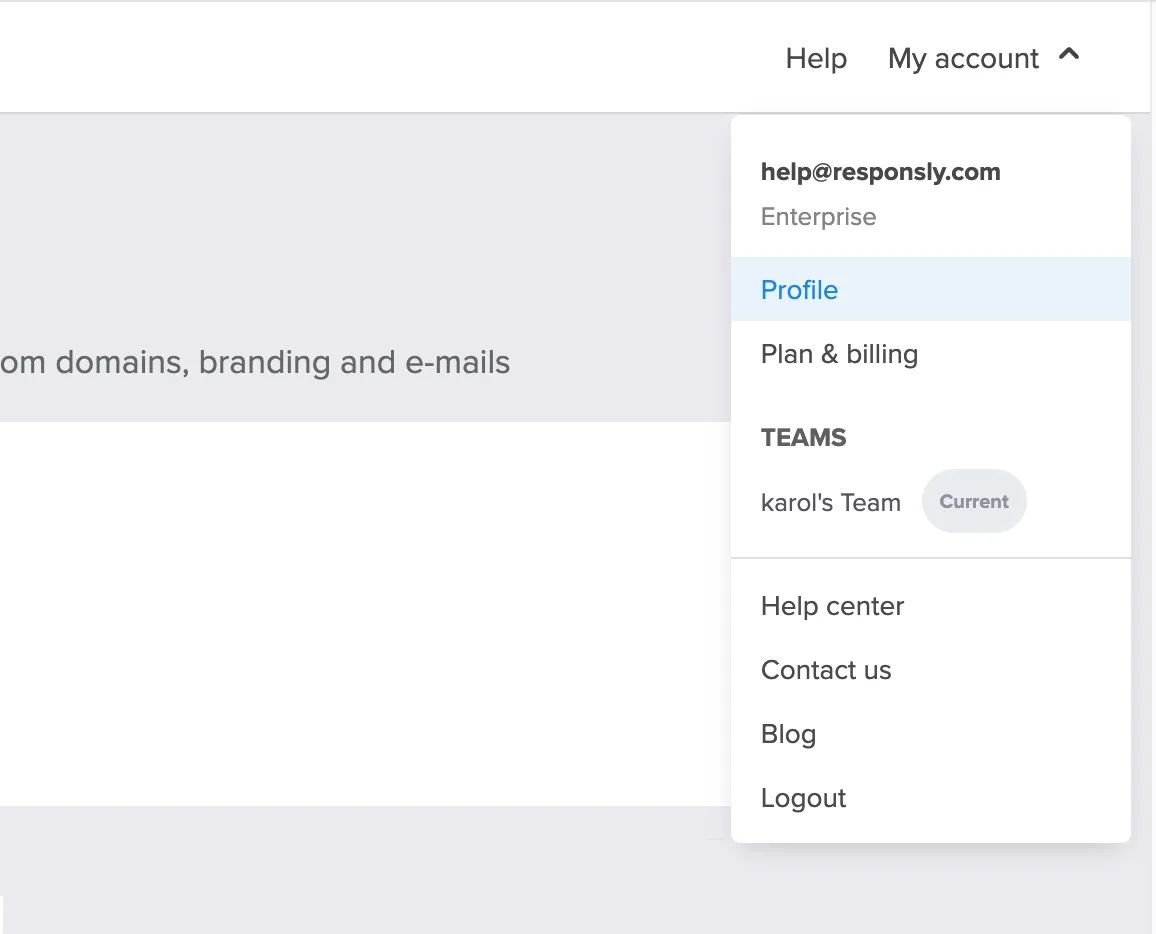
To set up 2FA for your account, log in to Responsly and click the circular avatar in the top right-hand corner of your Workspace. Click Profile.
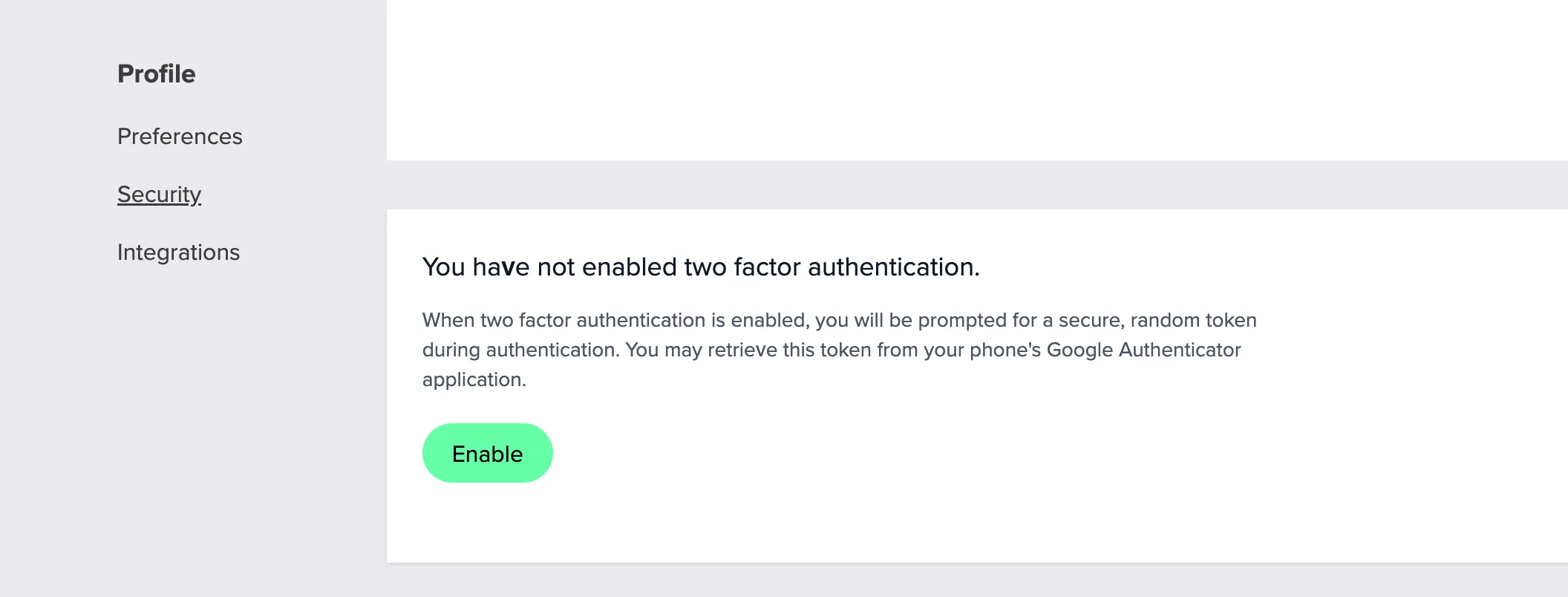
On your Profile page, choose the Security tab in the left-hand sidebar. Click the Enable button.
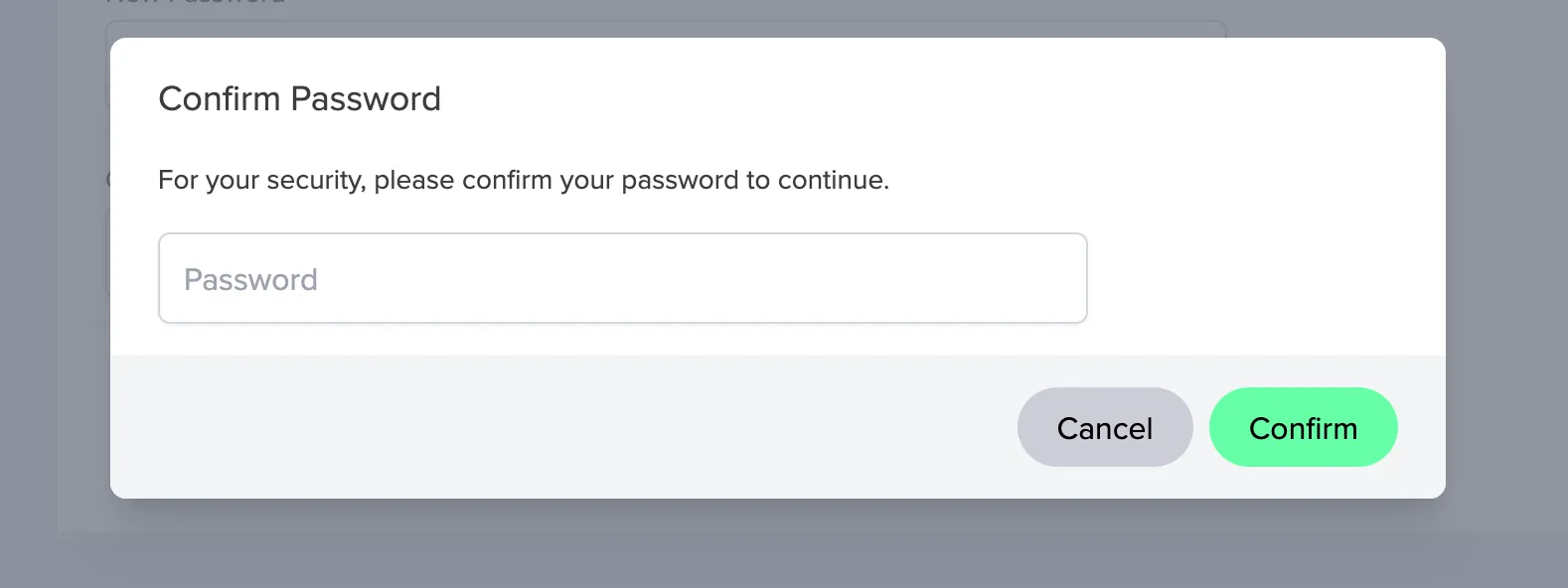
For security purposes, you will be asked to enter your current account password to proceed.
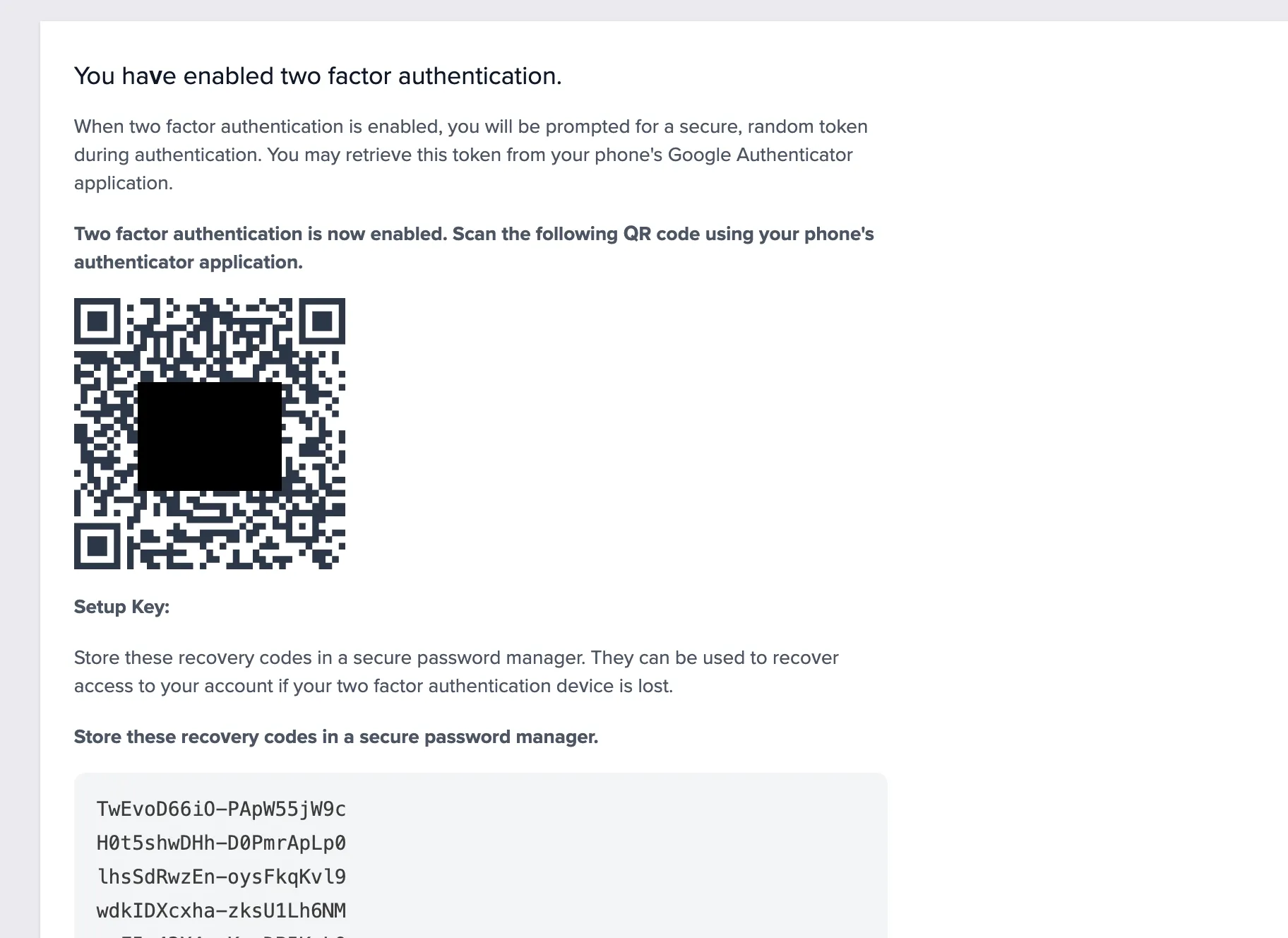
Open your preferred authenticator app (such as Google Authenticator, Authy, or 1Password) on your mobile device and scan the displayed QR code.
Important: You will also see a list of recovery codes below the QR code. Please print these codes or save them in a secure location. These are the only way to access your account if you lose access to your authenticator device.
Enter the 6-digit verification code generated by your authenticator app into the input field and click Verify to complete the setup.
- All done! Two-factor authentication is now active on your account.
You can turn off 2FA for your account by clicking the Enable button on the Security page and following the steps for verification. However, we recommend keeping 2FA activated to keep your account as secure as possible.






