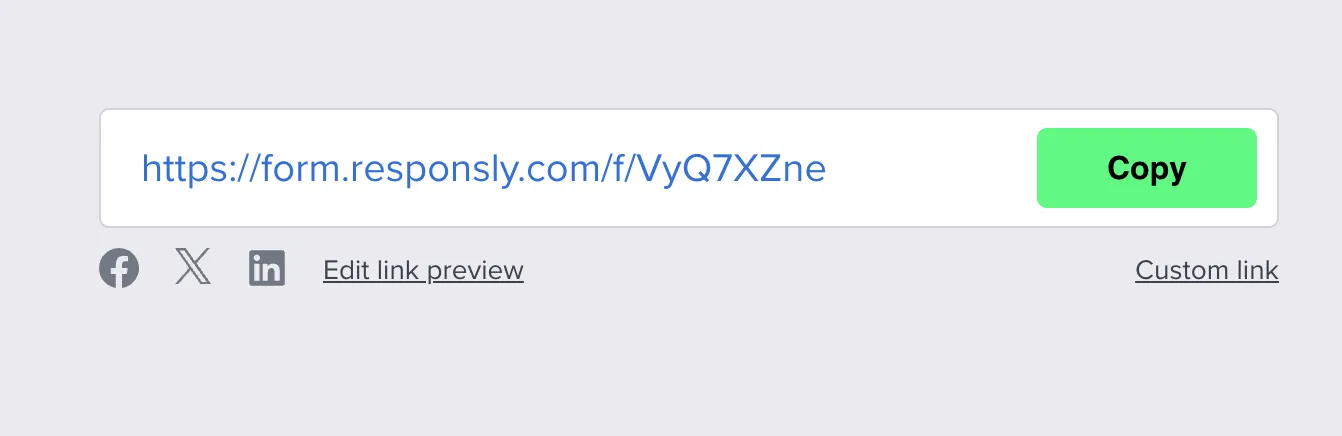
Every survey in Responsly has a unique URL on the Sharing tab. People who open it submit anonymously by default unless you use identified invitations, hidden variables in personalized links, or other patterns from Identification of respondents.
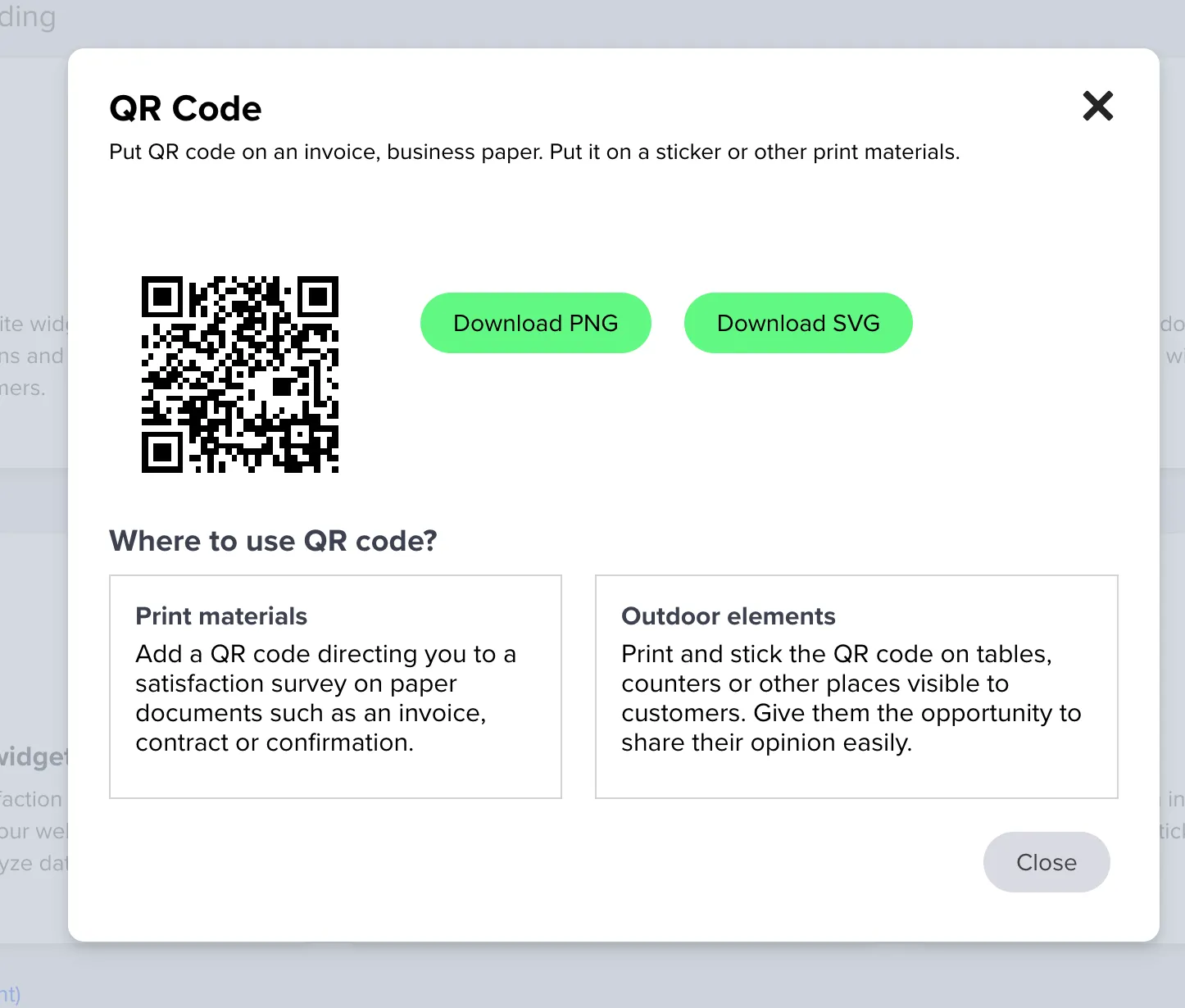
For offline or poster distribution, use the QR code below or read QR code surveys. For email delivery and reminders, see Survey sending and E-mail embedding. For on-site placement, Website embedding covers iframe and embed snippets.
Types of links
Standard link
https://form.responsly.com/f/VyQ7XZne
(in some workspaces it may start withhttps://survey.responsly...)Custom link
https://survey.responsly.com/a/my-custom-linkCustom subdomain
https://acme.responsly.com/f/VyQ7XZneCustom domain
https://surveys.acme.com/f/VyQ7XZne
You can share the link on social media by copying and pasting it, or use built-in shortcuts to publish it directly. A common pattern is a short Facebook Page or Group post that invites people to tap through to your survey—for structured one-question wording and options first, see the Facebook Poll template.
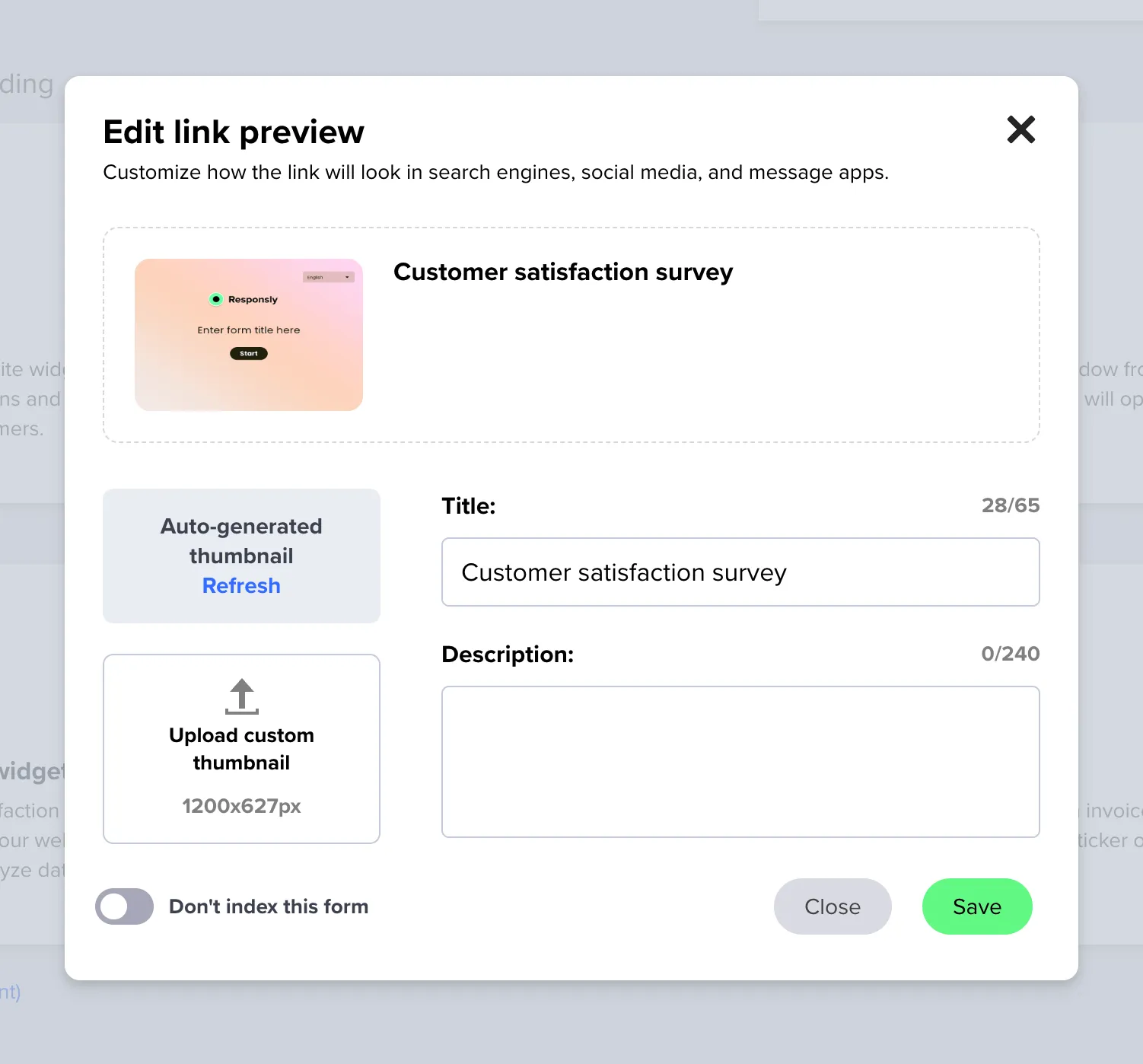
Customising survey meta data
You can control how the survey link appears on social media:
- by default, we generate a thumbnail using the Survey Welcome Page,
- you can upload your own image instead,
- if you don’t want Google or other search engines to index your survey, you can turn indexing off.
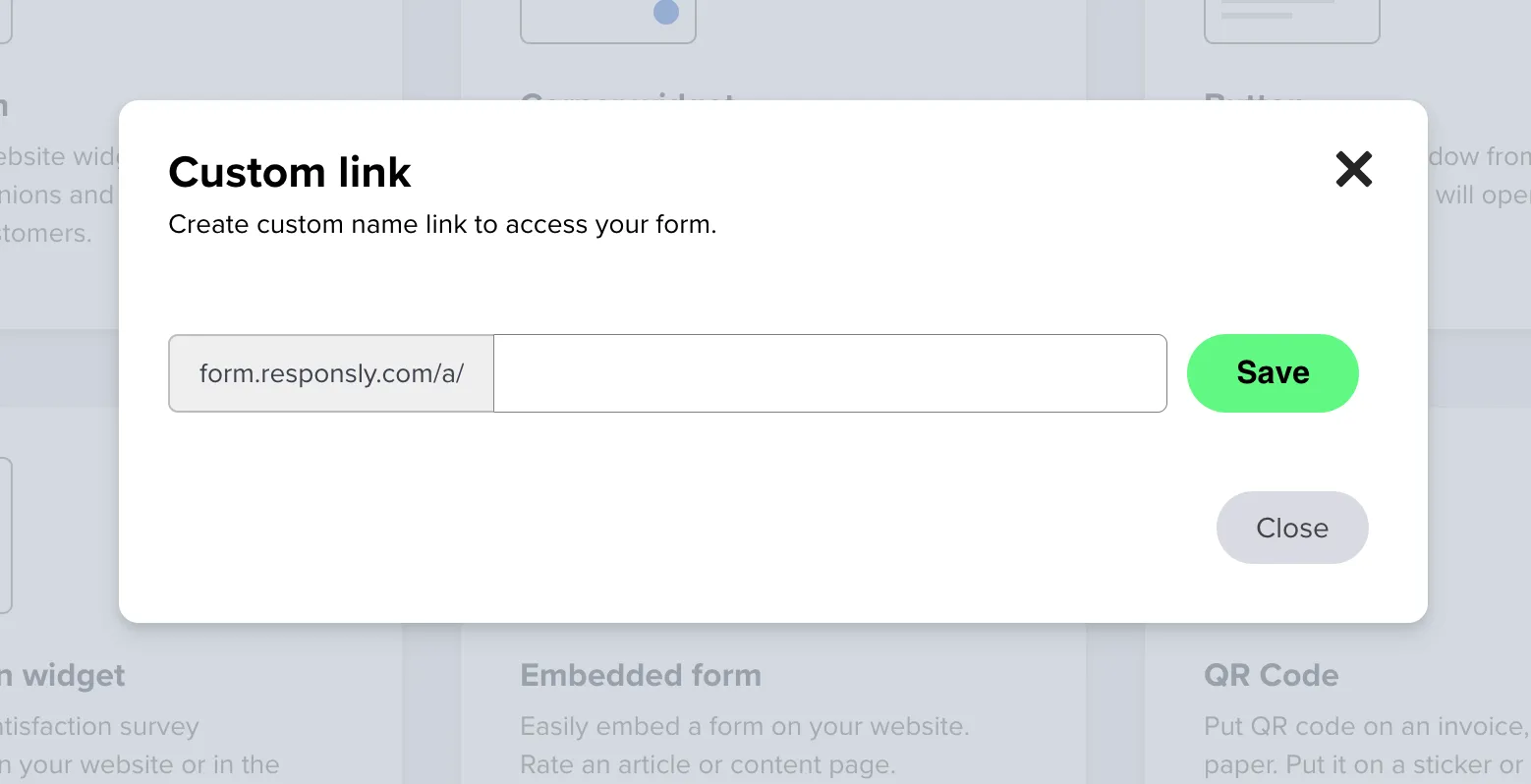
Custom survey link
You can create an easy-to-remember custom link name:
- open the sharing settings,
- enter your custom name,
- save.
Survey QR code
Every survey has an auto-generated QR code.
On the sharing page, click QR code to preview it and download as:
- PNG – for general digital or light print use,
- SVG – for high-quality print materials.