
Use the Slack integration to get instant notifications when someone completes your form or survey—new submissions post to the channel or DM you choose so CS, research, or ops teams can react without refreshing Analysis.
Slack integration is available in all Responsly plans.
How it works
The Slack integration sends survey submission notifications to a selected Slack channel or direct message whenever a response is received. You can customize notifications to include only key details or a full copy of the response.
For email-style alerts, see E-mail notifications. For Microsoft Teams, see MS Teams survey notifications. For server-to-server automation, see Webhooks. For the routing patterns teams build on this — detractor alerts, wins channels, per-squad feedback — see the Slack integration.
1. Connect to Slack
You’ll find Slack in the Connect tab in your form.
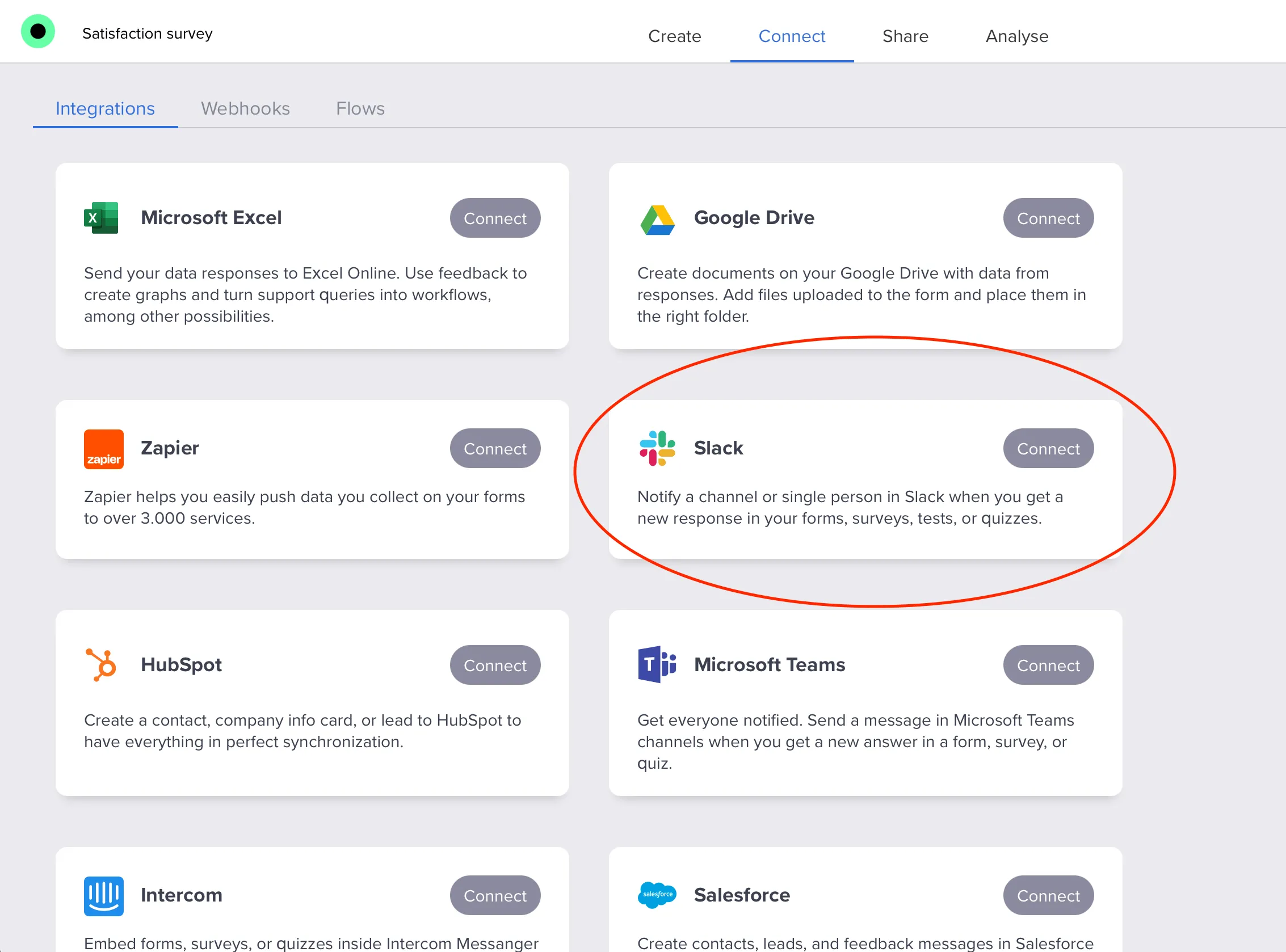
- Click Connect to set up the integration.
- Then click Login with Slack.
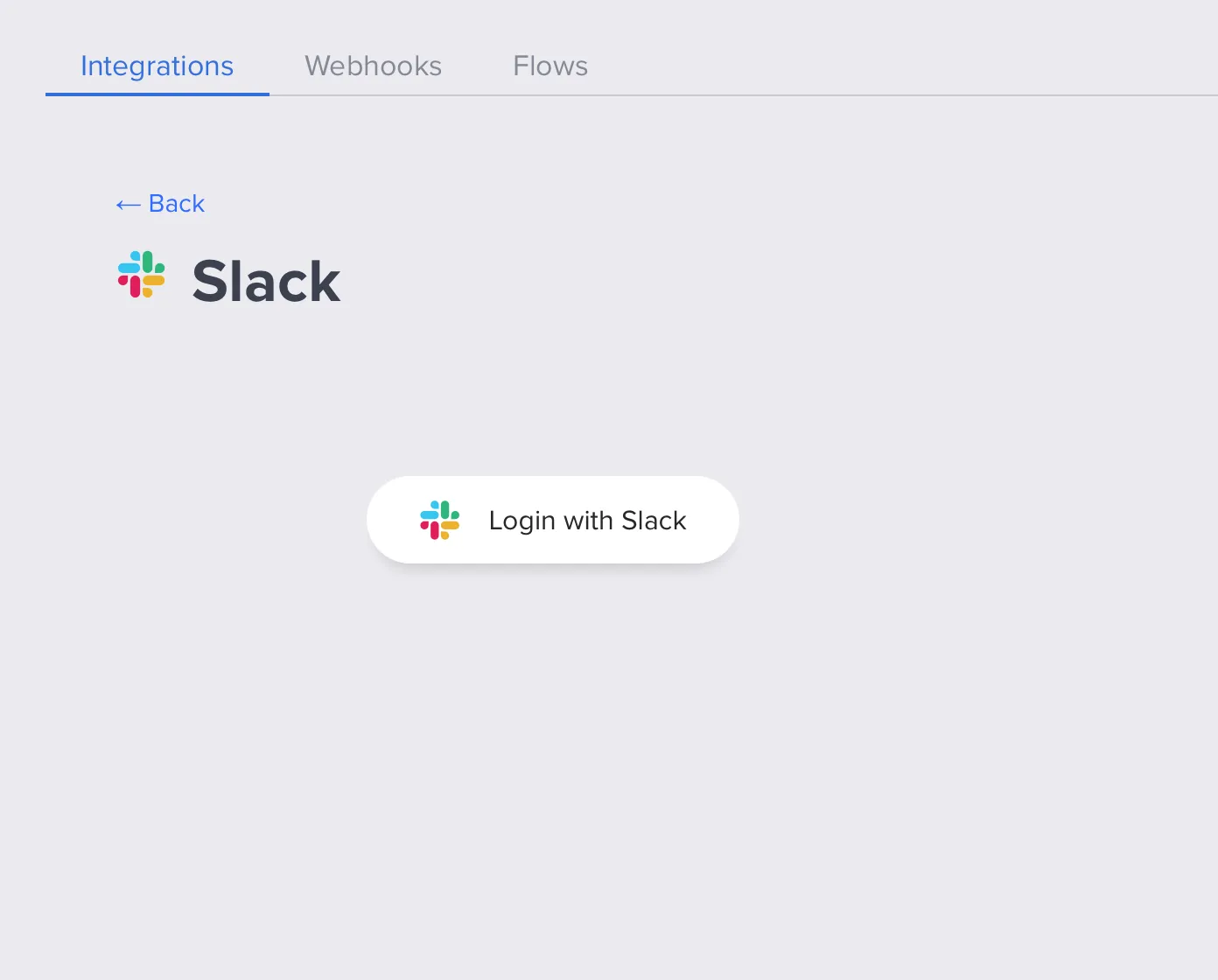
- Sign in to your Slack workspace and click Continue.
- Enter your Slack credentials using one of the sign-in methods and click Allow to grant Responsly access.
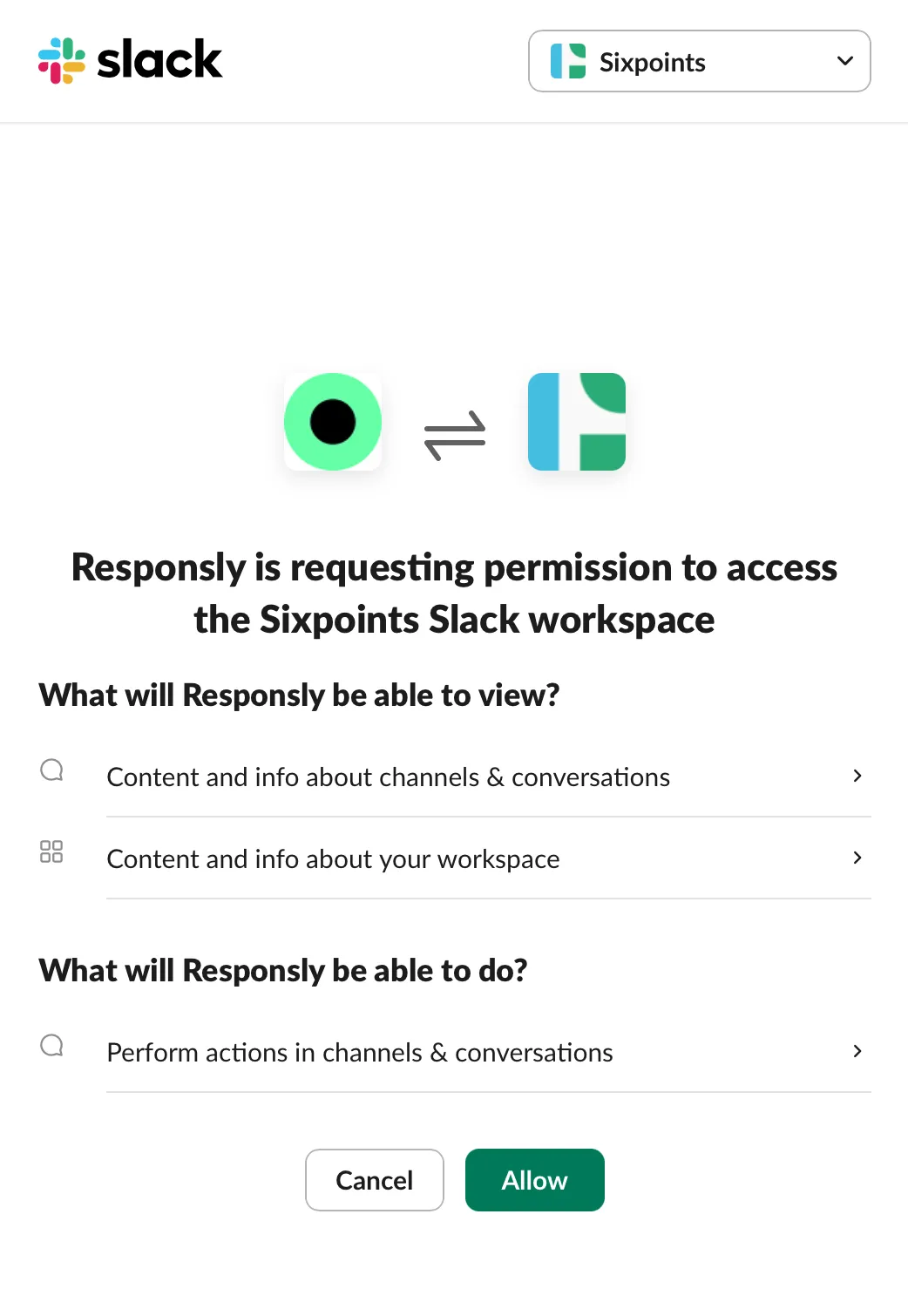
To approve Responsly in Slack, your Slack workspace admin must accept the app – they’ll see a notification from Slackbot with the approval request.
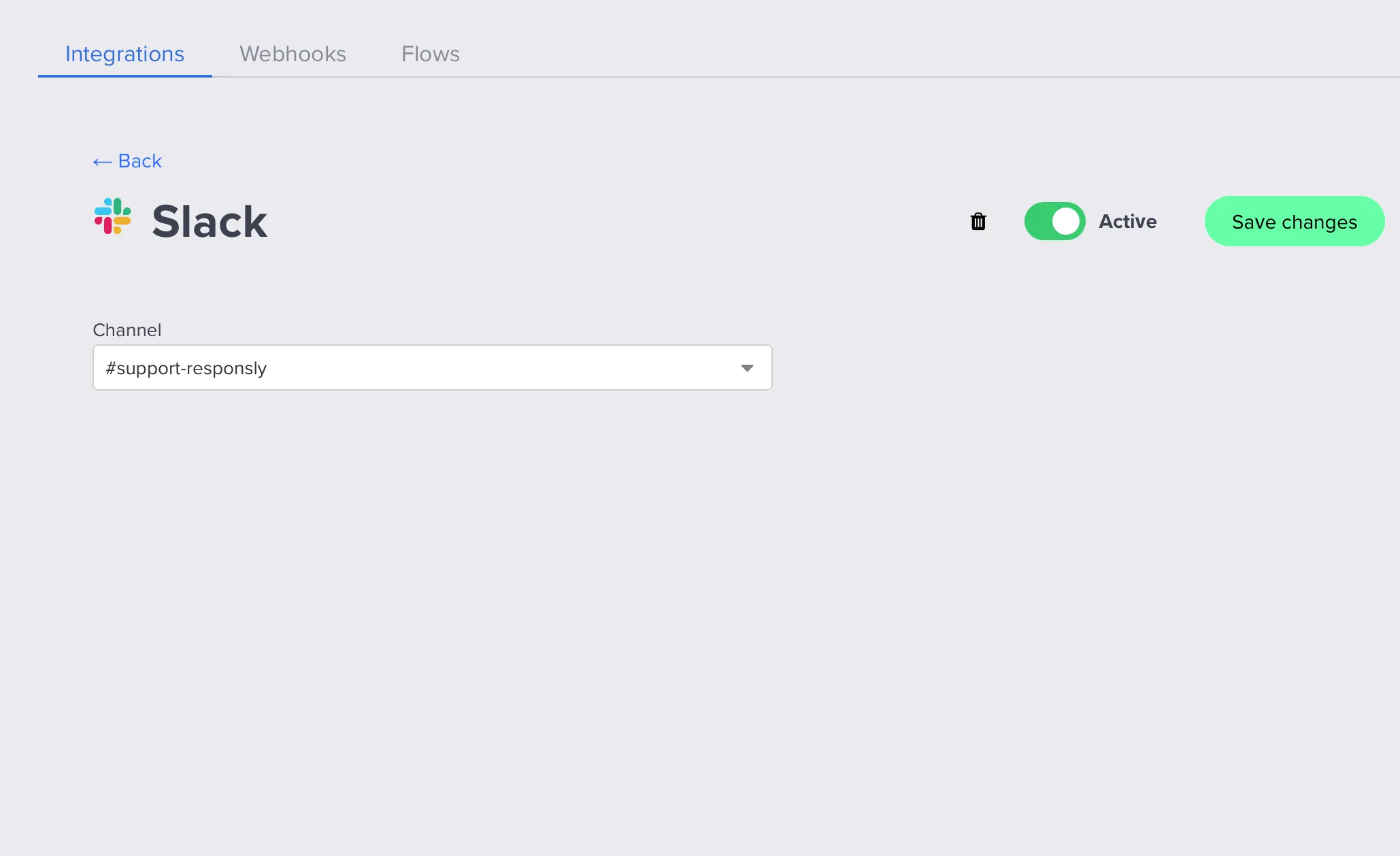
2. Choose a channel
Once authorized:
- pick the workspace (if you have more than one),
- choose the channel where you want notifications to be sent,
- click Connect.
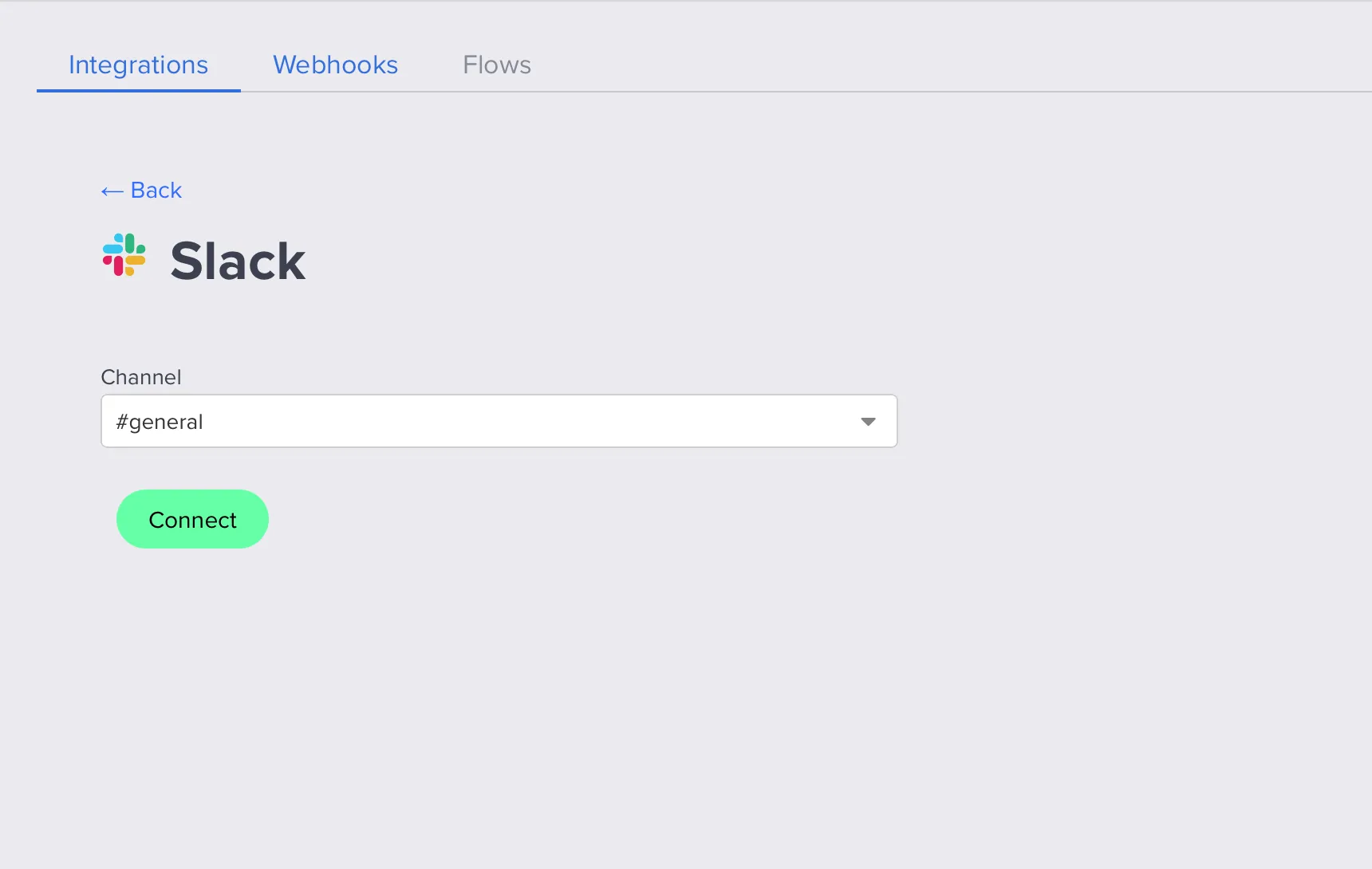
Then:
- toggle the switch in the top-right to Active,
- click Save changes.
Personal data & privacy
When you connect Responsly to Slack, we use:
- Your user e-mail in Slack – shown in the Responsly panel so you can see who connected the integration.
- User name – when sending feedback from Slack to Responsly, the feedback note contains the user’s name so you can identify the author.
For full details, see our Privacy Policy.


