
Slider questions let respondents drag a handle along a line to show intensity, agreement, or satisfaction. They feel more interactive than tapping a single radio on a scale and can capture fine-grained values across a continuous range.
Single and multi-aspect sliders
You can use a slider as a visual alternative to a standard scale:
- instead of clicking one point, respondents move the slider to their level.

Sliders also help when you want several related ratings in one question instead of many separate steps.
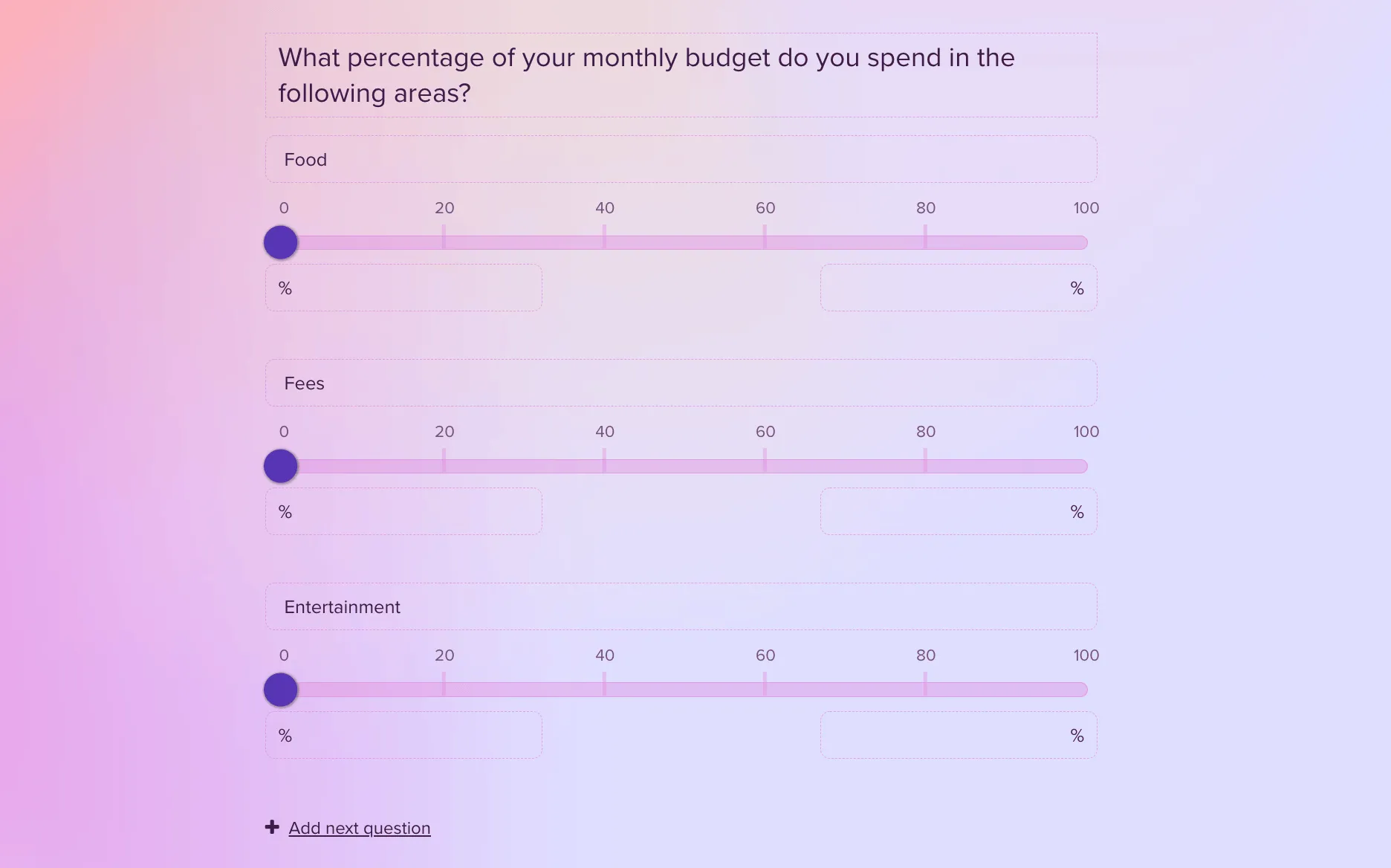
Configure range and labels
In the right-hand panel you can:
- adjust the scale range (for example 0–100),
- hide or show segments and labels as needed.
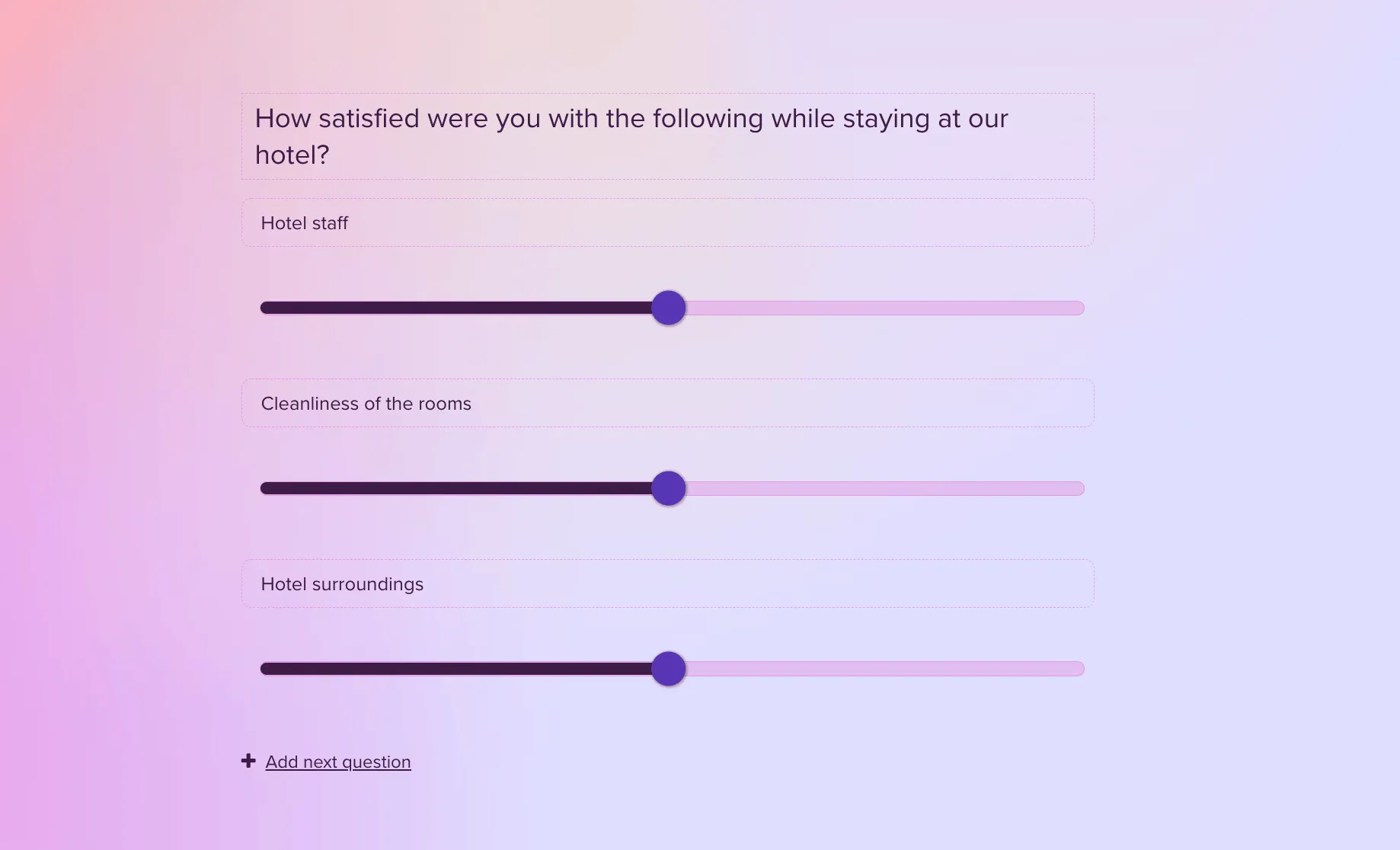
Sliders work well in satisfaction flows when you need more than one topic on the same screen:
Continuous values versus discrete scales
Sliders help when someone’s true answer sits between fixed options—if only 5, 10, 15, and 20 were listed, a feeling like “13” would be forced into the wrong bucket. A 0–100 (or similar) drag restores that precision.
Compare with numerical scale questions for discrete steps and with semantic differential when paired adjectives define the poles. For design pitfalls, read Survey response bias.



