
Responsly supports several ways to deliver survey links—collectively survey invitations—so you can match email campaigns, compliance, and tracking to each study.
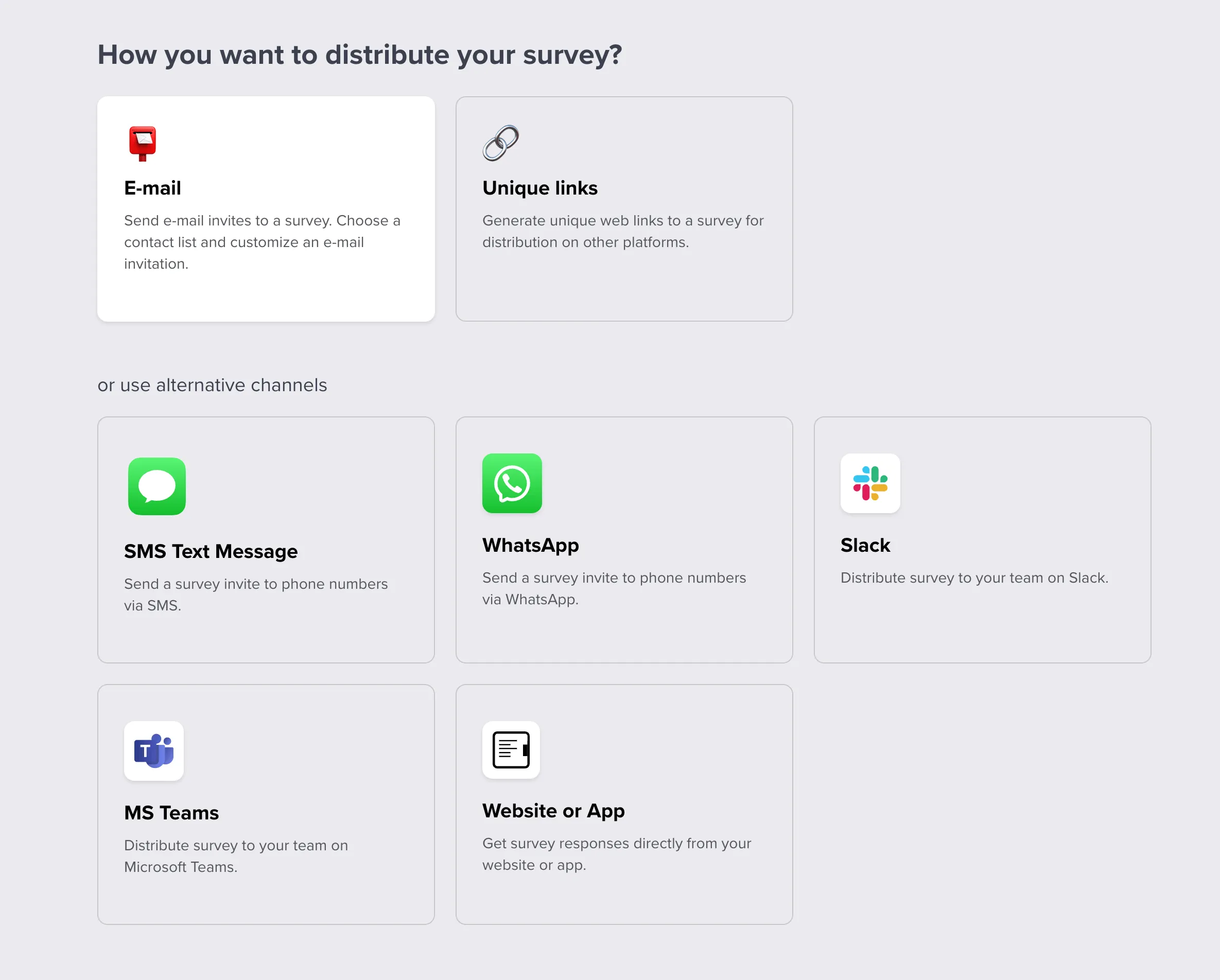
Email survey distribution
Email is the most common channel. The built-in sending tools support:
- scheduled sends,
- identified respondents when you need rows tied to an inbox,
- one response per email address when you want to prevent duplicates on that channel,
- anonymous invitations when you should not store identity,
- custom templates for branding and clarity,
- auto-reminders for people who have not finished,
- a custom email platform via API or SMTP for deliverability you control.
The email editor is simple but powerful:

Connect your mailbox or SMTP under E-mail configuration. For the public URL you paste into any message, see Sharing survey link. For alerts when someone finishes—not the invitation itself—see E-mail notifications.
FAQ
How do I email a Responsly survey to a list?
Use survey invitations inside Responsly: compose the message in the email editor, choose your audience and schedule, and send tracked or anonymous invites depending on your settings.
Can I limit responses to one per email address?
Yes. Invitation settings can tie each link to a single completion per address when you enable that pattern for your project.
How do I send from my own domain or SMTP?
Connect a custom sending platform via API or SMTP as described in the email configuration guide so messages come from your infrastructure.



