
Response Time Settings control how long people may work on a survey and when the form is open or closed. They complement per-question pacing and are especially useful for tests, quizzes, and time-limited votes.
You can:
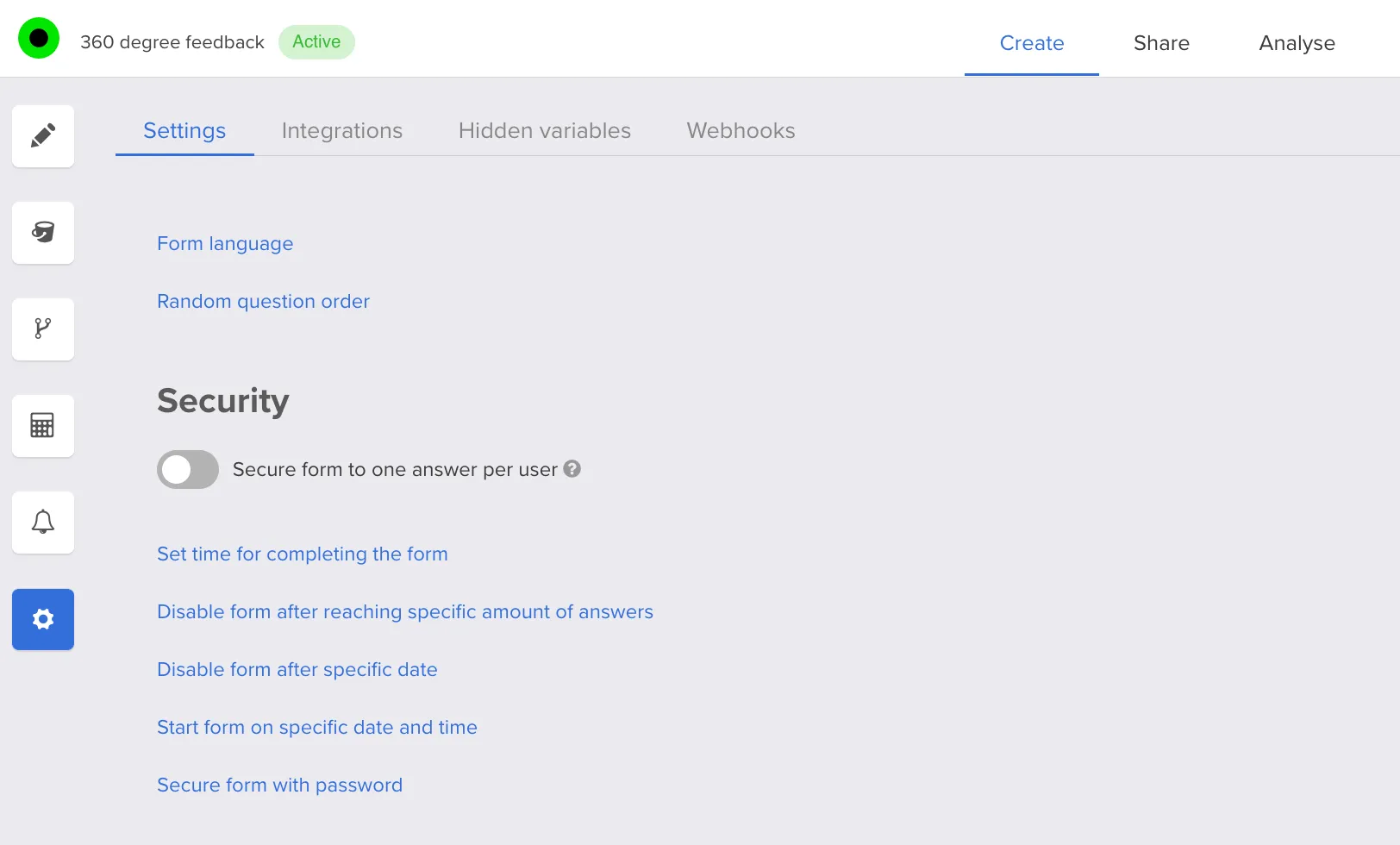
- set a time limit to complete the entire survey,
- open the form starting from a specific date and time,
- automatically turn off the form after a chosen date/time or after reaching a maximum number of responses.
All these options live in survey Settings:
For the live countdown respondents see while answering, see Timed Survey. To cap individual answer options (for example seats), use Survey quota limits. Always validate windows with Testing the survey.
FAQ
What can I control under Response Time Settings?
You can cap how long someone has to finish the survey, choose when the form becomes available, and automatically close it after a calendar deadline or after a set number of responses.
Is this different from the per-session countdown timer?
These settings govern availability and overall duration rules at the survey level. A visible countdown while someone answers is covered in Timed Survey.
When are time windows most useful?
Use them for exams, quiz windows, registration periods, or elections that must open and close at exact times.


