
Webhooks push each new survey completion to an HTTPS endpoint you operate or proxy—ideal when you need custom automation, private data pipelines, or real-time sync beyond the built-in app integrations.
What is a webhook?
A webhook is an automatic HTTP callback when an event fires. For Responsly, the event is a completed submission: your server receives a POST whose body contains JSON with the response fields you map in your integration layer.
Webhooks are advanced: your stack must validate, authenticate, and process inbound HTTP traffic safely (for example only accept traffic from known IPs or verify signatures if you add that layer).
Setup guide
Open your Workspace.
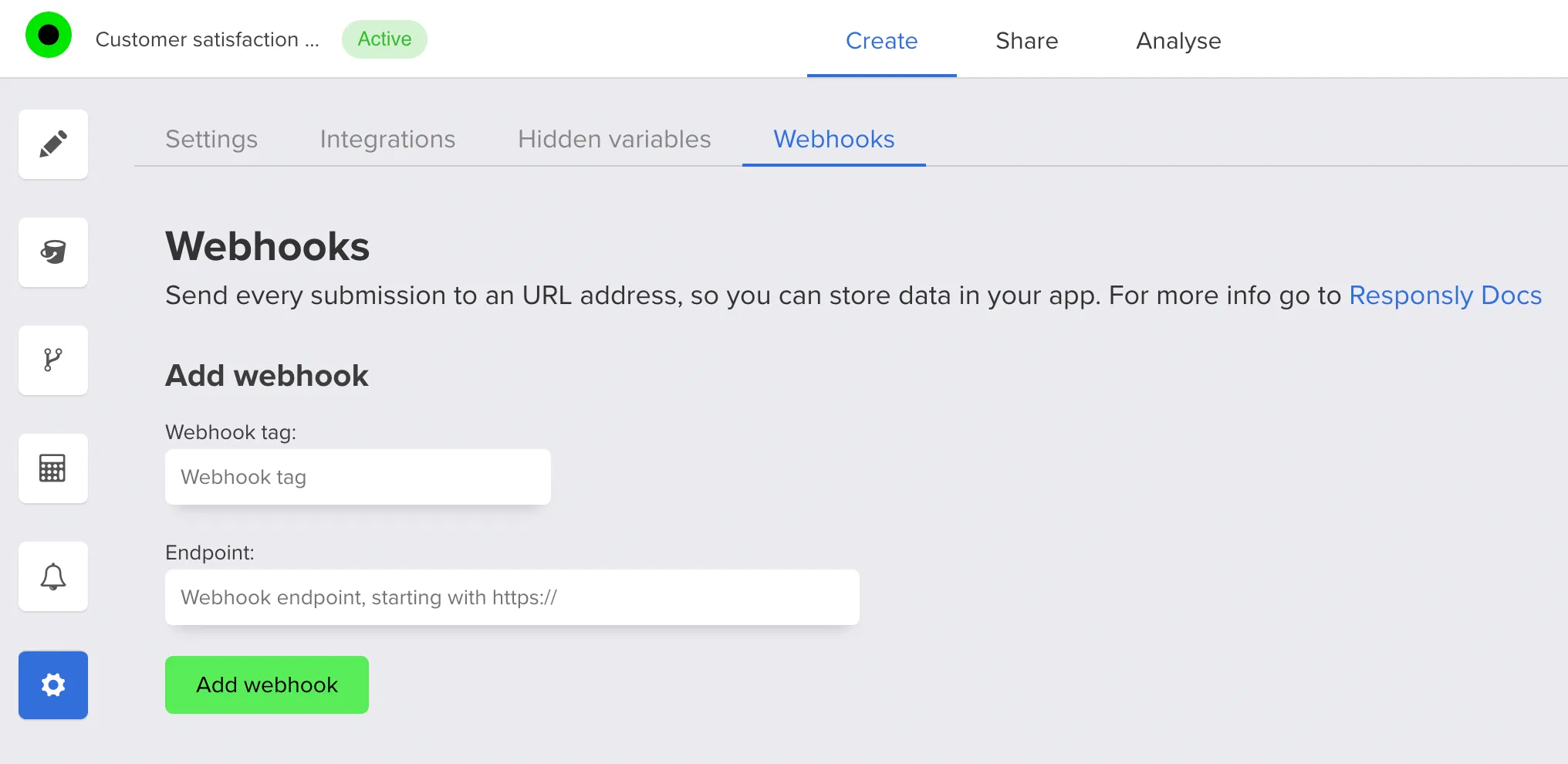
Go to Settings and open the Webhooks tab:
Add a label and your Endpoint URL:
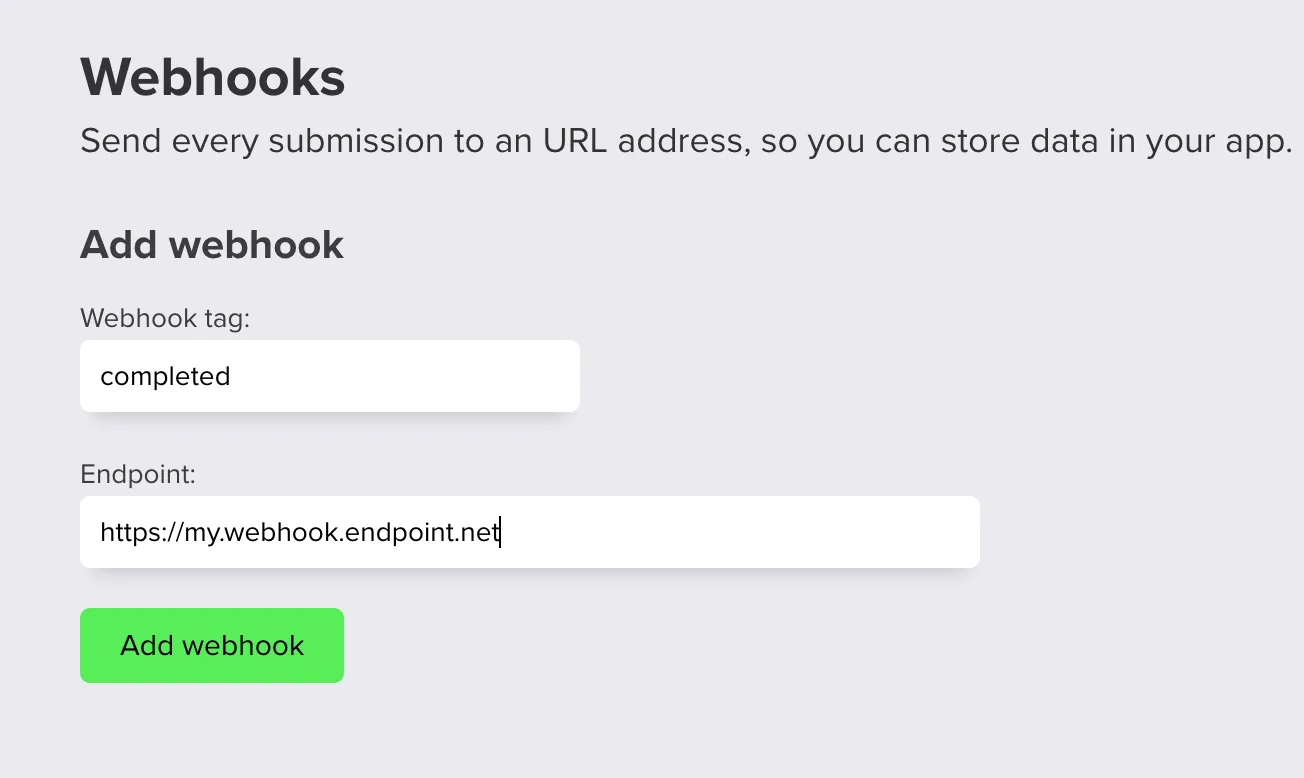
Click Save webhook. Return to the Webhooks tab anytime to edit, disable, or add more destinations.
Prefer a hosted automation layer? Use Connect Responsly to Zapier. For productized destinations, see Notion integration or Microsoft Excel integration. The Zapier, Make and n8n integrations describe when each layer is the better fit for a workflow.


