Kiosk surveys on a tablet, answered on the spot






Built for a tablet that runs unattended
A rating in one tap
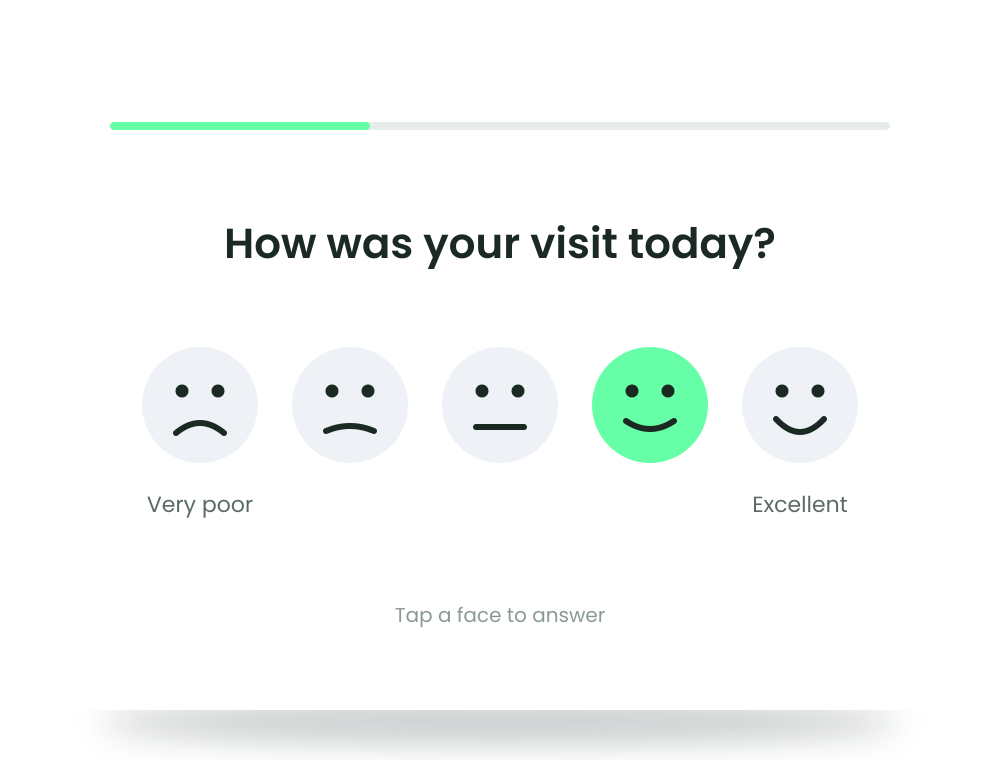
A smiley-face scale or a short CSAT or NPS question takes seconds, so people answer while they wait or on their way out. No typing, no account, no app on their phone.
Ready for the next person
The form starts again after every response. If someone walks away halfway, it clears itself after the time you set, so the next person never sees their answers.
The tablet stays on your form
An exit PIN keeps people in the form. Guided Access on an iPad or screen pinning on Android keeps them in the app.
Where a feedback kiosk belongs
Reception desks
Ask about the welcome and the wait while visitors are still in the building.
Shops and showrooms
A tablet by the till or the exit gets a rating right after the purchase, also from customers whose email you do not have.
Events and trade fairs
Ask visitors at the stand or by the exit how the day went, before they head home.
Clinics and practices
Patients rate the visit in the waiting room or at the desk, without installing anything or logging in.
Hotels and restaurants
A quick rating at check-out or by the door, while the stay or the meal is still fresh in mind.
Offices and service desks
Employees and guests rate the canteen, the facilities or an internal help desk on the spot.
One tab for the loop, the lock and every tablet
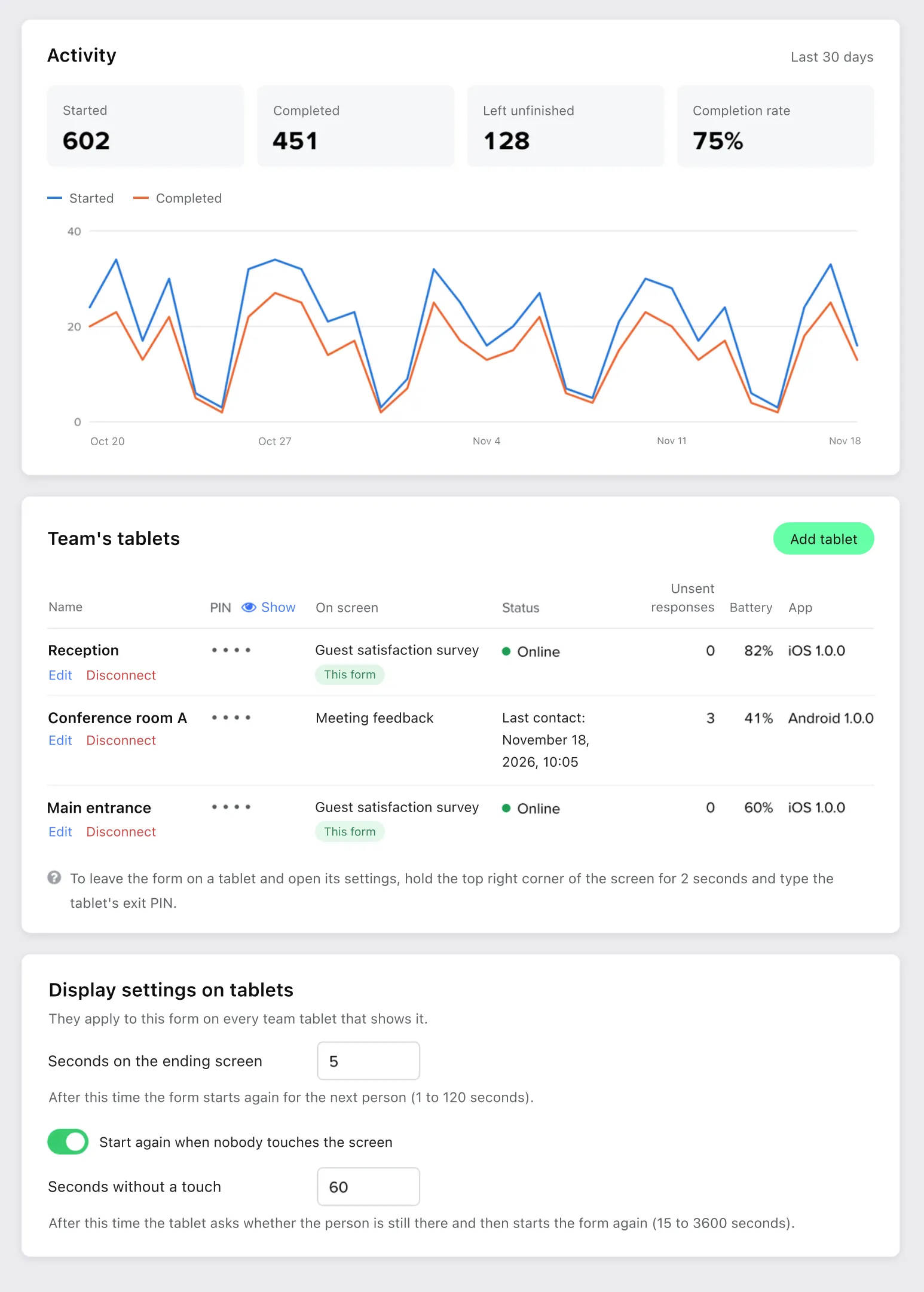
Everything sits in the form's Share → Kiosk tab. Decide how long the ending screen stays and when an abandoned form starts again, check which questions behave differently on a tablet, and follow every tablet of your team in one list.
Connect a tablet with a pairing code or QR, no password typed on it
Ending screen for 1 to 120 seconds, or a touch to start at once
An “Are you still there?” check before an abandoned form starts again
Notes on the questions that work differently on a tablet
Status, unsent responses, battery and app version for every tablet
Kiosk answers next to every other channel
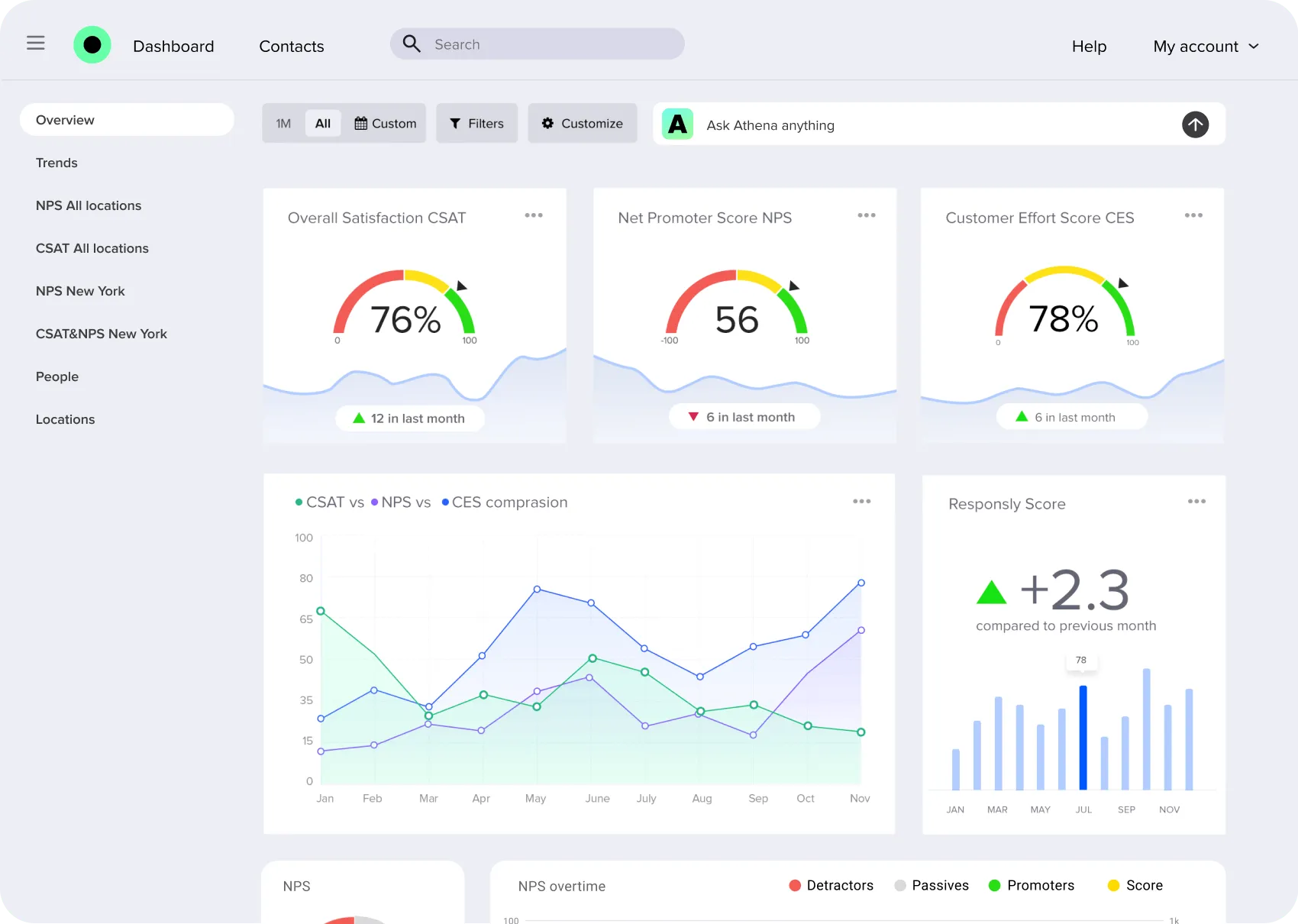
Responses from the tablet land in the form's results with those from links, emails and your website, in the same summaries, filters and exports. A CSAT score from the front desk sits next to the one from your follow-up email, and Athena reads the open answers and groups them into themes.
Same results, filters and exports as every other channel
Each response keeps the time it was given
A location value per tablet for filters and exports
CSAT, NPS and CES charts in one dashboard
Themes from open answers with Athena
Monitoring customer experience is easy with Responsly. The survey builder is incredibly user-friendly.

Robert Blok
Customer Experience Manager
Kiosk survey features
Full-screen kiosk mode
The form fills the screen, with nothing of the tablet's system around it
Smiley-face ratings
Face scales, CSAT and NPS questions people answer with one tap
Restart after each response
The ending screen stays as long as you set, then the form starts again
Abandoned forms cleared
After an “Are you still there?” check, half-filled answers are discarded
Exit PIN
4 to 8 digits per tablet, and the keypad locks after five wrong tries
Guided Access and screen pinning
The tablet's own lock keeps people inside the app
Pairing code or QR
Connect a tablet once, without typing a Responsly password on it
No staff accounts
People at the tablet need only its exit PIN, not a login
A location for every tablet
A hidden field value on each response tells your sites apart
Updates between respondents
A changed form downloads in the background and never switches mid-answer
Kiosk numbers
Started, left unfinished and completed over the last 30 days
Athena on open answers
The AI agent reads comments from the kiosk and finds the themes