
One survey link you can share anywhere

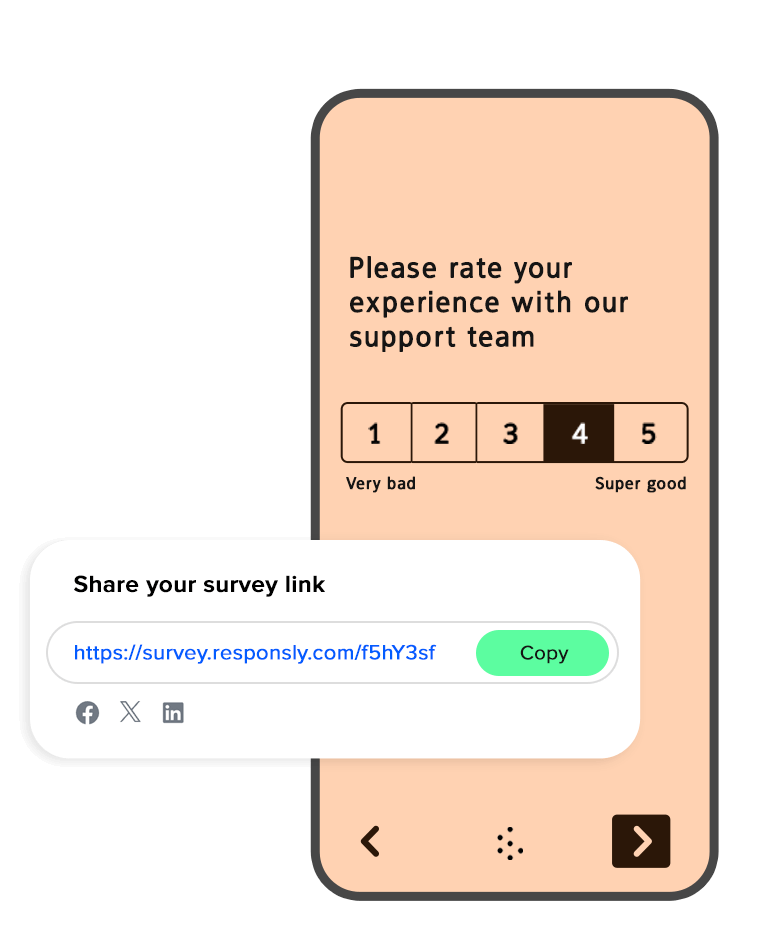






One address you can put anywhere a customer already looks
Nothing to install
No code on your site, no integration to wait for. You copy an address and the survey is live for everyone you send it to.
Every channel at once
The same link works in an email signature, a LinkedIn post, a chat reply and on a printed receipt, and each source is reported separately.
Opens well on a phone
Most people tap a link on mobile, so the survey is built for a thumb first: one question per screen, large targets, no zooming.
Put the link where the conversation already happens
Every channel gets its own tracked version of the address, so you can see later which one actually brought the answers.
Make a QR code in the free generatorEmail signature
A quiet, permanent invitation under every message your team sends.
Social media
A post, a bio or a story, with your own preview image, title and description.
QR code in print
A poster, a receipt, a package insert or a table stand — scan and answer on the spot.
Chat and messengers
Paste the link into a support conversation right after the issue is solved.
SMS and WhatsApp
A short address that survives message limits and still opens in one tap.
Tablet on site
Kiosk mode keeps the survey open on a device in the shop, clinic or office.
A link that looks like it came from you
Publish the survey on your own domain, choose the wording after the slash, and decide what people see when the address is pasted into a chat or a post. The invitation stops looking like a random tool and starts looking like part of your brand.
Your own domain instead of a foreign one
A readable address you write yourself
Preview image, title and description under your control
Survey styling that matches your brand
Order number or customer id passed inside the link

You decide who answers, for how long and how many times
A public address does not have to mean an open door. Close the survey on a date or after the last response you need, ask for a password, and keep one answer per person so a single enthusiast cannot skew the result.
Password for surveys that are not meant for everyone
Automatic close on a date or after a response quota
One response per person, with repeat submissions blocked
Anonymous mode when you do not want to know who answered
Kiosk mode that resets the survey after every respondent
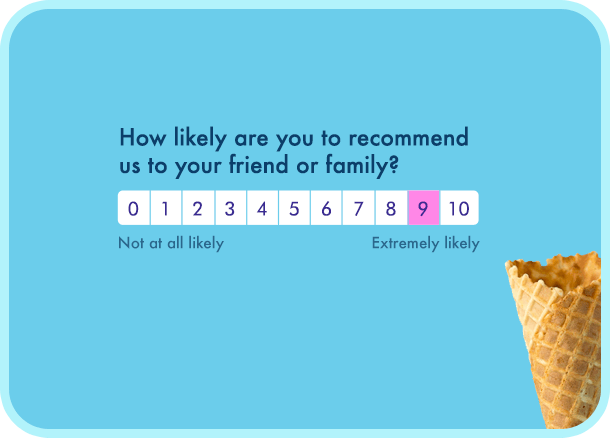
Link survey features
One link, every channel
The same address works in an email, a chat, a post or a printout
Your own domain
Share a link on your domain instead of a foreign one
QR code
Generate a code for a poster, a receipt or a product package
Data in the link
Pass an order number or a customer id and keep it with the response
Source tracking
See which channel and campaign the responses came from
Password protection
Only people with the password can open the survey
Close on a date or a quota
The survey closes itself after the deadline or the last response
One response per person
Block repeat submissions from the same respondent
Link preview
Decide on the title, description and image shown when the link is shared
Kiosk mode
Run the survey on a tablet on site and reset it after each answer
Built for the phone
Most people answer on mobile, so that is where it looks best
Live reports
Charts start filling in with the very first response
Direct link survey FAQ
What exactly is a survey link?
Using the right survey software, you can improve response rates and gather valuable customer insights to make confident, informed business decisions.
How do I create survey links?
Can I monitor responses and see the results of my survey?
How can I evaluate survey responses and share them with my team?
To share survey results with your team, you have several options:
- Invite your team to Responsly and manage their access. Add unlimited users for free with each subscription.
- Share links to individual responses or overall results.
- Export results to Excel or Google Sheets for team review.
- Download PDF or PNG slides of specific questions for presentations or reports.
- Set up conditional Slack or email notifications to keep stakeholders informed of new responses immediately.
Can I post survey links on social media?
Want to connect with your followers on LinkedIn, Twitter, or Facebook? You can easily share surveys with just one click.
Additionally, you can customize the OG image, title, and description for a professional appearance.
Are survey links customizable?
How do QR codes work with survey links?
Can I send surveys via email using survey links?
Using our supported providers, you can automatically capture customer data and save their attributes with the responses. If preferred, you can also choose to store responses anonymously.

