Offline surveys that keep every response until it is sent

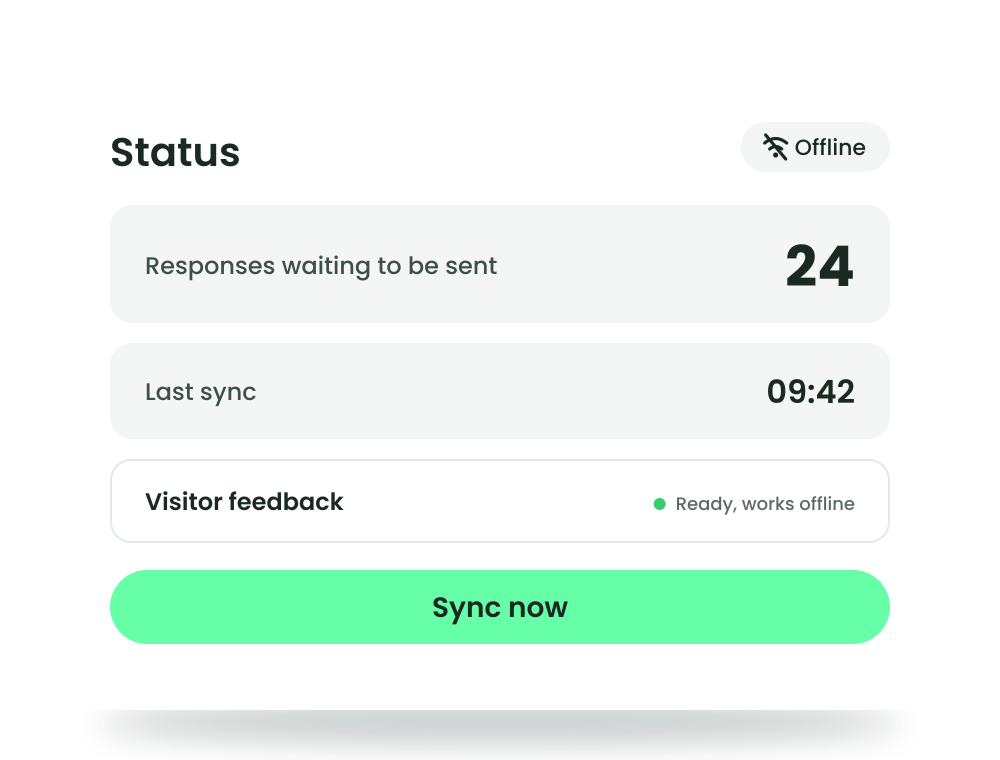






When the connection drops, the responses stay on the tablet
The whole form is on the tablet
A connection is needed once, to download the form with its pictures, fonts and translations. After that, logic, scoring and the ending screen work without one.
Saved before the ending screen
Each response is written to the tablet before the ending screen appears, online or not. It stays there when the app is closed, the tablet restarts or the battery runs out.
Sent by itself, saved once
The tablet sends what it collected as soon as it can and keeps each response until Responsly confirms it. A response that arrives twice is recognised and saved once.
For places where the connection cannot be trusted
Field research with interviewers
The interviewer starts the form and hands the tablet over. After the ending screen it is ready for the next person, and interviewers need no Responsly account, only the tablet's exit PIN.
Remote sites
Rural areas, building sites and outdoor locations where coverage comes and goes. The tablet keeps collecting and sends everything the next time it is online.
Factories and warehouses
Ask shop-floor and warehouse staff who have no company email, on a tablet in a hall the Wi-Fi does not reach.
Transport
Ask passengers on trains, buses or ferries, where the signal drops between stops. Each response keeps the time it was given, not the time it was sent.
Trade fairs and events
Venue Wi-Fi often fails once the hall is full. The form keeps running, and responses wait on the tablet until the network is back.
Schools
Students take turns on a shared tablet, and the form starts empty for each of them. When the school network drops, the responses wait on the device.
See from the office what each tablet still holds
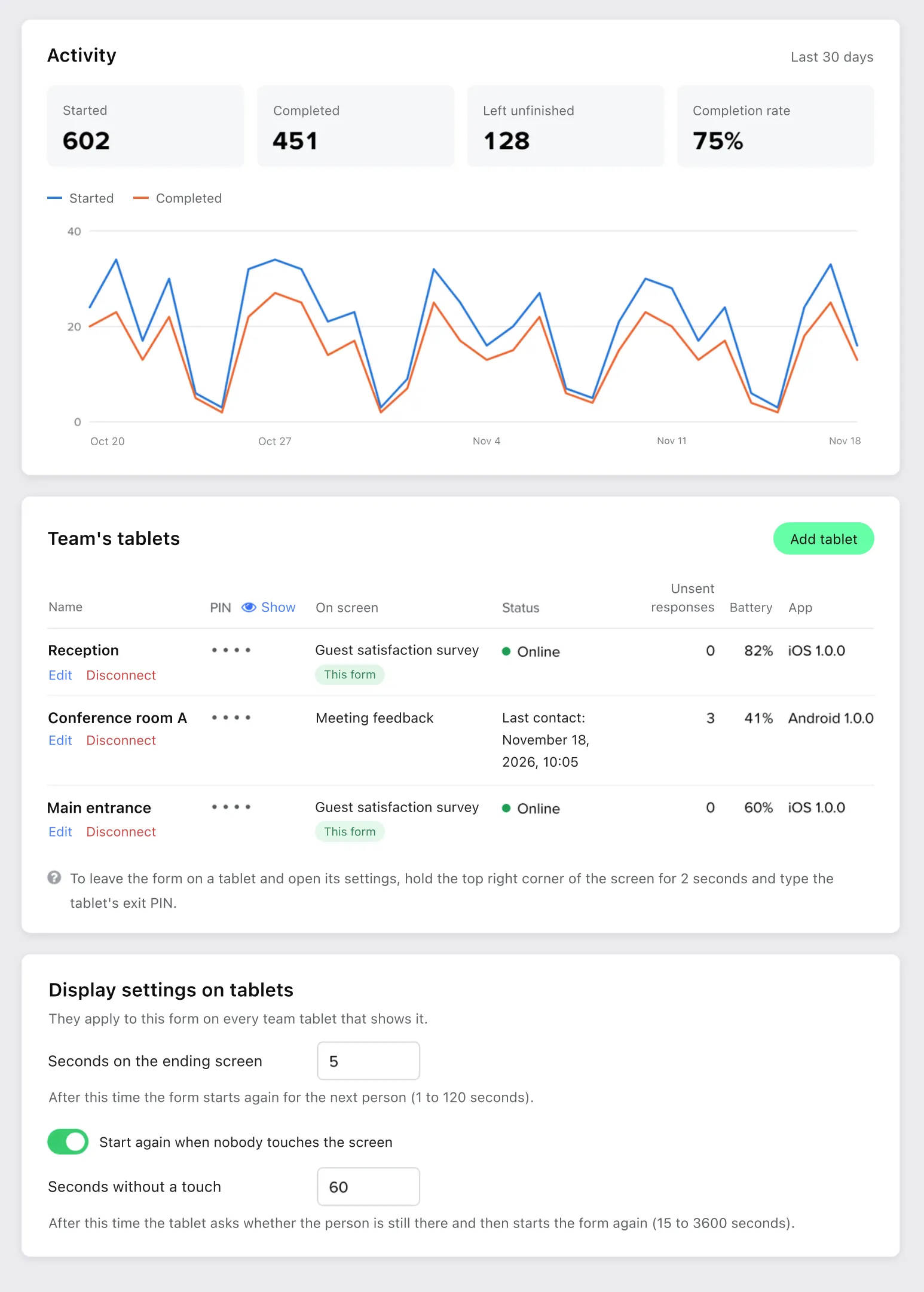
The Kiosk tab of a form holds the tablet settings and your team's tablets list. Each tablet shows whether it is online, how many responses it has not sent yet and its battery level, as of its last contact. A lost tablet is disconnected here, after which it can no longer download your forms or send anything to your results.
Status, unsent responses, battery and app version for every tablet
A fresh form for the next person after 1 to 120 seconds on the ending screen
Restart after inactivity, or let a begun form wait through a long interview
The questions that work differently on a tablet, listed for your form
Hidden field values per tablet, such as the region or the interviewer
Offline responses in the same results as every other channel
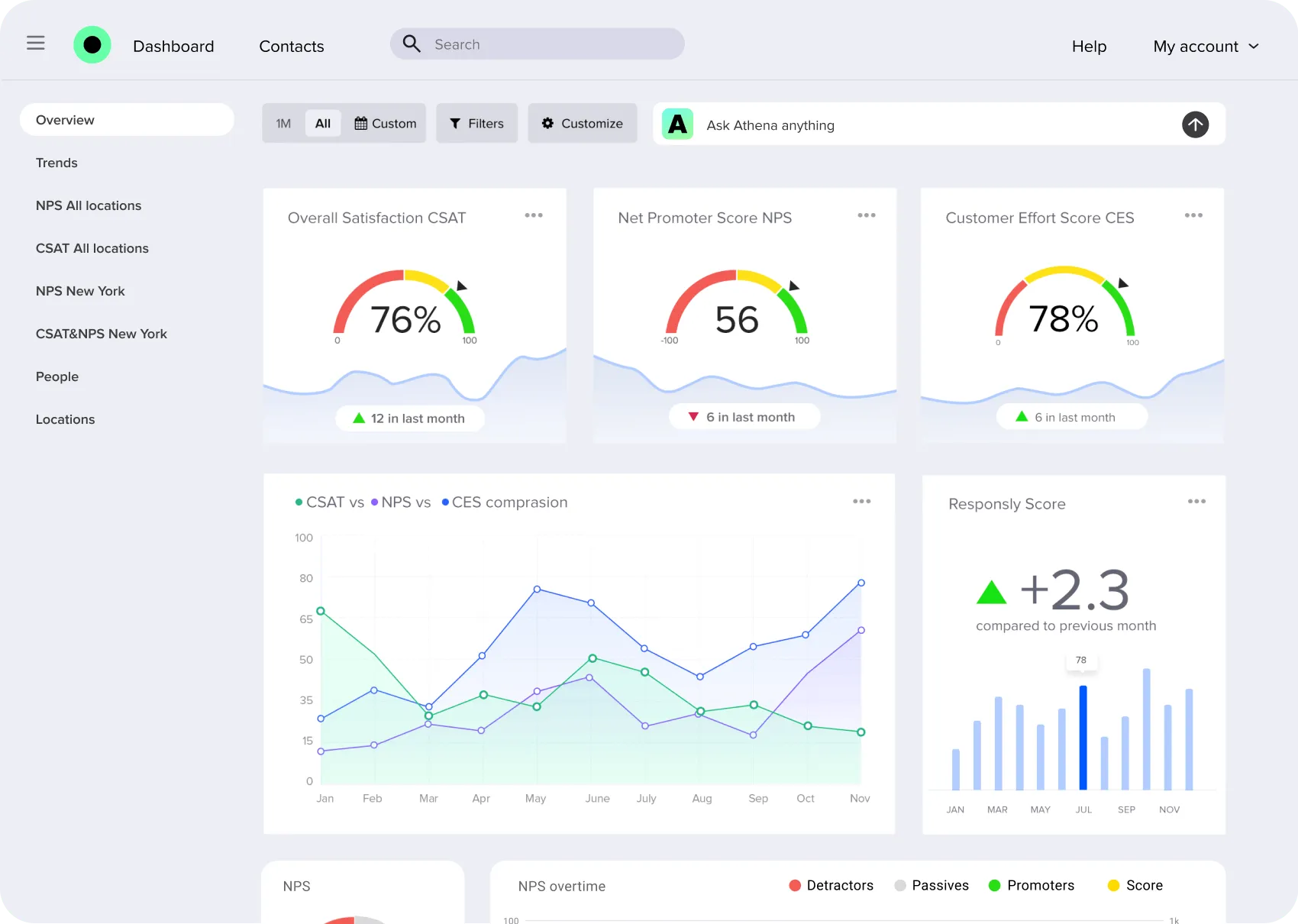
Responses from tablets sit in the form's results next to answers from links, email and your website, and count in the same summaries, filters and exports. A response collected on Monday and sent on Wednesday is a Monday response in your charts. Follow CSAT, NPS and CES in feedback analytics, and let Athena, our AI agent, read the open answers and group them into themes.
The same reports, filters and exports as links, email and website
The time each response was given, with a wrong tablet clock corrected
Filters by tablet or region through hidden field values
Notifications, webhooks and integrations once a response arrives
Responses over a limit wait on the tablet until the limit allows
We decrease the drop rate from our surveys by 40% after moving to Responsly

Alice Matyla
CX Manager
Offline survey app features
Forms that work offline
Pictures, fonts and translations are downloaded once and shown with no connection
Saved on the tablet first
Every response is stored on the device before the ending screen appears
Automatic sending
Right after each response, when the connection returns and every few minutes
Sync now
The staff screen shows what is waiting and the last sync; one tap sends it at once
Saved once
A response sent twice after a dropped connection is recognised and kept once
Real response time
Each response keeps the time it was given, corrected for a wrong tablet clock
Logic and scoring offline
Logic, scoring and ending screens work without a connection
Updates between respondents
Changed forms download in the background and never switch mid-answer
Limits without losses
Responses collected over a limit wait on the tablet until the limit allows
Every tablet in view
Status, unsent responses, battery and app version in the team's tablets list
Pairing code or QR
Connect a tablet once, with no password typed on it and no accounts for staff
Exit PIN and app lock
The exit PIN keeps people in the form; Guided Access or screen pinning keeps them in the app