



Opinions & Expertise

Create engaging quizzes that are fully customizable and fun. Generate your quiz in seconds and easily integrate it with other platforms.






Engage an audience with a quiz and ask for an email before the result. The contact lands straight in your CRM or mailing list.
Check what stuck after training and onboarding. Automatic scoring returns results without anyone grading by hand.
Build a pop quiz or a revision round students can take on their phone, with a time limit and shuffled questions.
A few questions that end in a matching recommendation — a "which product fits me" quiz instead of a long form.
Our clients fell in love with quizzes and surveys

Question types in a quiz, from single choice to questions built around an image or a clip
25+
That is all it takes for AI to draft a quiz from a topic
30 seconds
Integrations that receive quiz results and captured contacts
100+
Lines of code needed to publish a quiz on your site or share it as a link
0
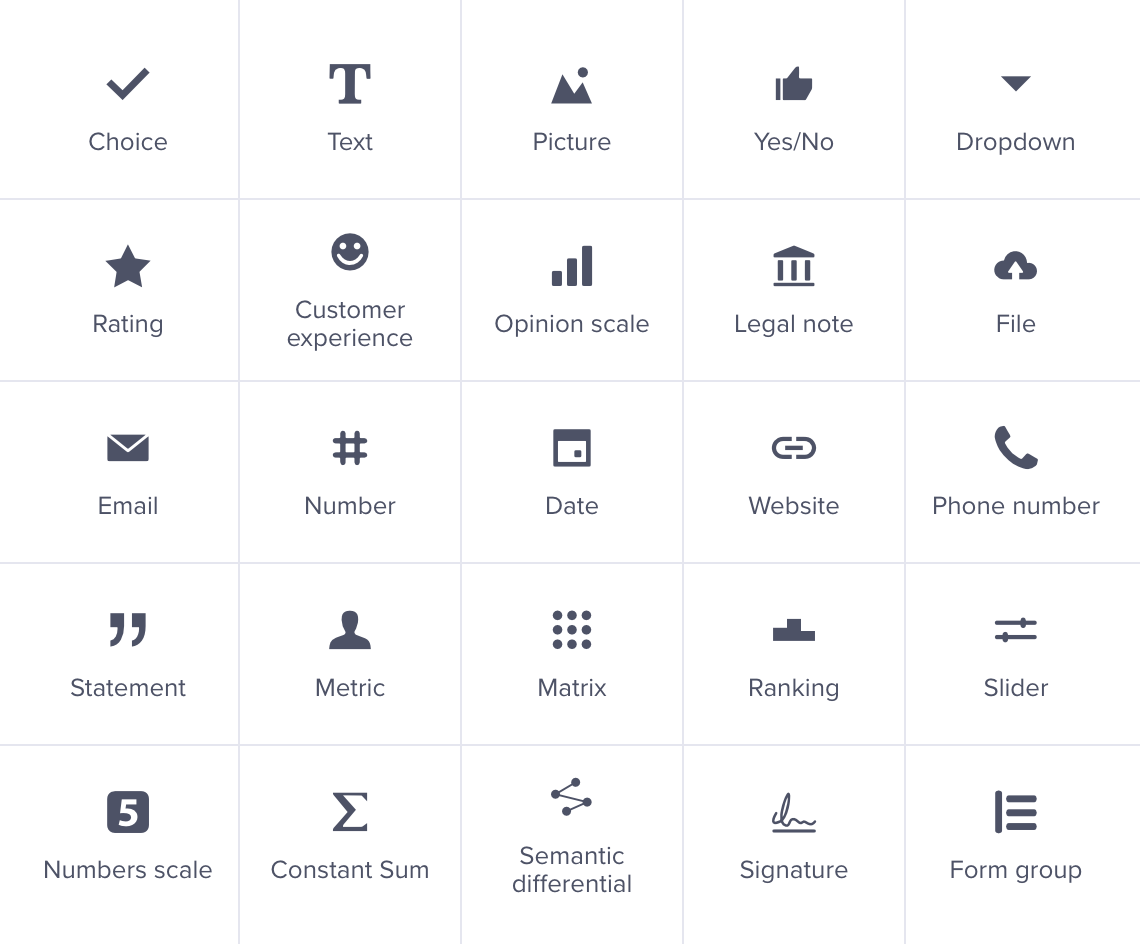
Single and multiple choice, matching, questions built around an image, a clip or a map. Each one can carry a correct answer and its own number of points.
Browse quiz templates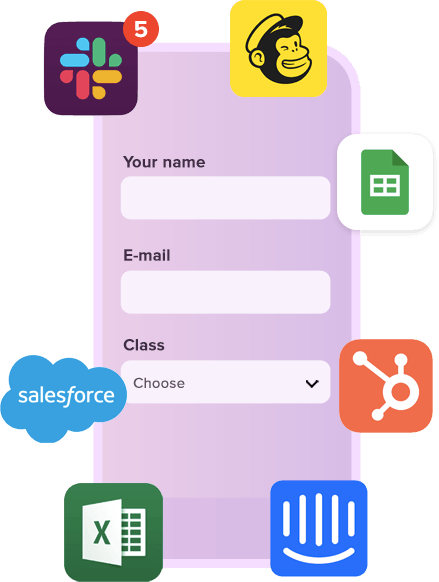
Push results and captured contacts to your CRM, email marketing tool or a spreadsheet automatically. Notifications can go to your team and to the participant.
All integrations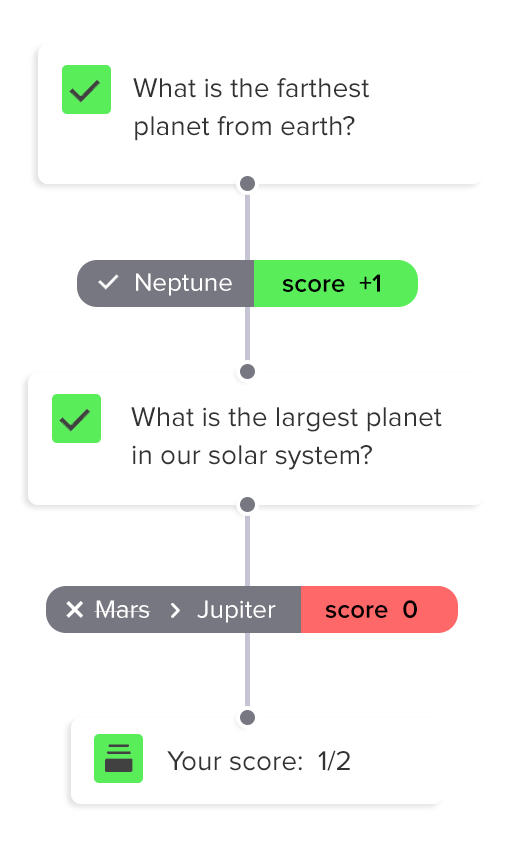
Weight questions differently, add up points and show the total on the end page. You can prepare several endings — one for a high score, another for a low one.
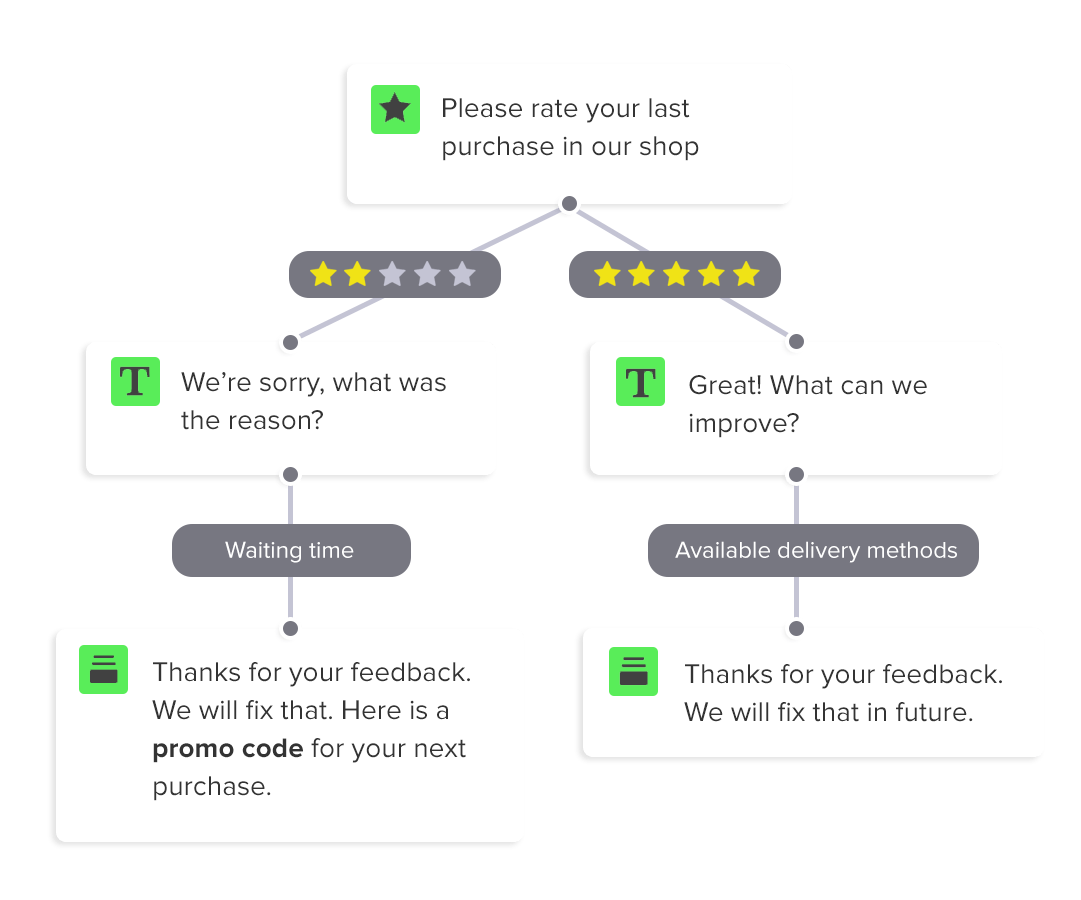
Send participants down different paths based on their answers: harder questions for the ones doing well, an extra explanation for everyone else.

Put the whole quiz or a single question on the clock, and randomise the order of questions and answers so no two attempts look alike.

Run one quiz in several languages and let people switch between versions. Add translations by hand or generate them automatically.
Prefer step-by-step instructions? Read our guide: how to build a scored quiz.
Describe the topic and difficulty, and the generator drafts the questions, the correct answers and the scoring. The same engine powers our AI survey generator and test maker.
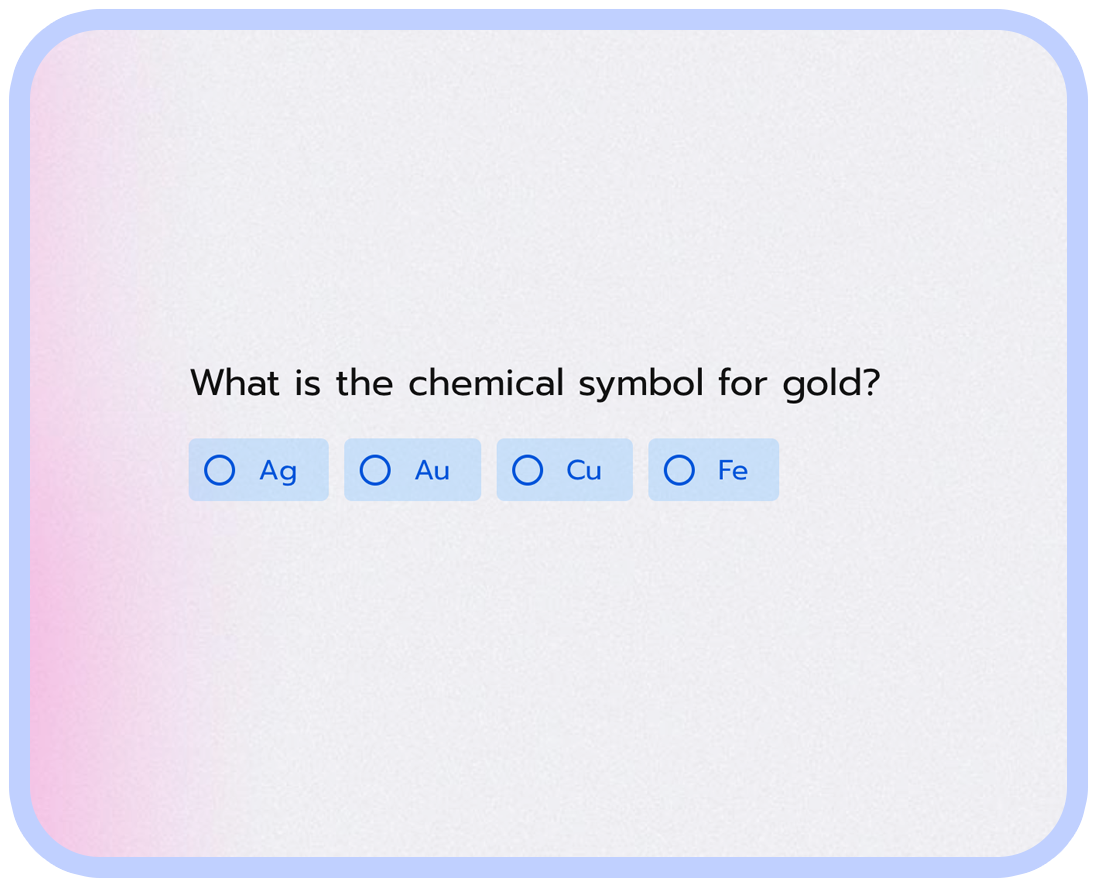
Write what the quiz should cover, how many questions you want and how hard they should be. Seconds later you get a full set with correct answers already marked.
Already have a question bank in a document or spreadsheet? Paste it in and AI recognises the question types and turns them into an editable quiz.
The generator adds points, reveals the correct answer after each question and summarises the total score on the end page.
Creating an online quiz in eight steps — from a blank page to a quiz you can share in minutes.
Signing up takes a minute and needs no card — an email address or a Google account is enough. You can build and publish a quiz on the free plan.
Start from a ready-made quiz template and change whatever you want, or give the topic to the AI generator, which drafts the questions and correct answers.
Choose from more than 25 question types and drop in images, video and GIFs. A quiz is only as good as its questions, so keep them short and specific.
Flag the right option on every question and assign points to it. The quiz adds up the score on its own, with no manual marking.
Reveal the correct answer right after a question or the total score on the end page — with a different ending for a high and a low score.
Count time down for the whole quiz or a single question, and shuffle the order of questions and answers so two attempts never look the same.
Ask for an email before the result, send the participant their score, and pass the contact on to your CRM or email marketing tool.
Send the quiz as a link or an email, embed it on your website, or post it on social media to reach your target audience.
Our platform allows you to experience real no-code behavior. Create quizzes without any coding knowledge.
For businesses, quizzes can be used as part of social media marketing strategies to generate brand awareness and engagement. Quizzes can be designed to test customers' knowledge of a product or service, or to help them identify their needs and preferences. They can also be used to strengthen lessons from onboarding or training sessions — much like a knowledge test.
For individuals, quizzes can make learning more interactive and engaging. Regular quizzes, not intended for grading or evaluation, have been shown to boost memory retention, drive engagement, and make learning fun. If you need opinions rather than knowledge, reach for the survey maker or an online poll.
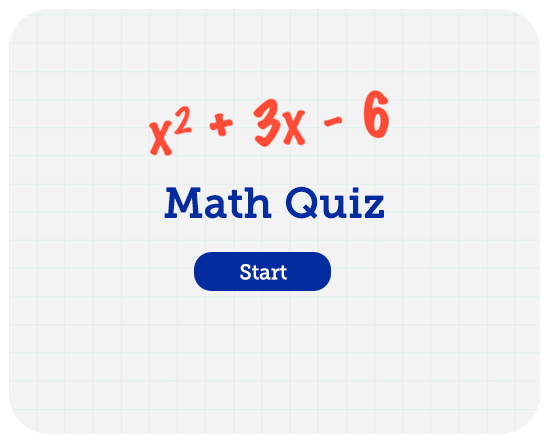
Pick a ready-made quiz and adjust the questions, scoring and look in a simple editor.
Captured contacts and results flow straight into your CRM, email marketing tool or a spreadsheet through 100+ integrations and our API.







Give the topic and get questions, answers and scoring ready to edit
Mark the right option and let the quiz grade itself
Weight questions differently and build a total worth showing
End with a score or a matching profile, from a knowledge test to a recommendation
Put the whole quiz or a single question on the clock
Randomise questions and answers so no two attempts look alike
Send people down a different path based on how they answer
Ask about a picture, a clip or a product photo
Show how a result compares with everyone else who played
Send the score and the answer key straight to the participant
Let people post their outcome and bring new players in
Collect an email before the result and pass it to your CRM

You can modify this template in every possible way.
All templates work great on every device.
Use template Open form in a new window
