
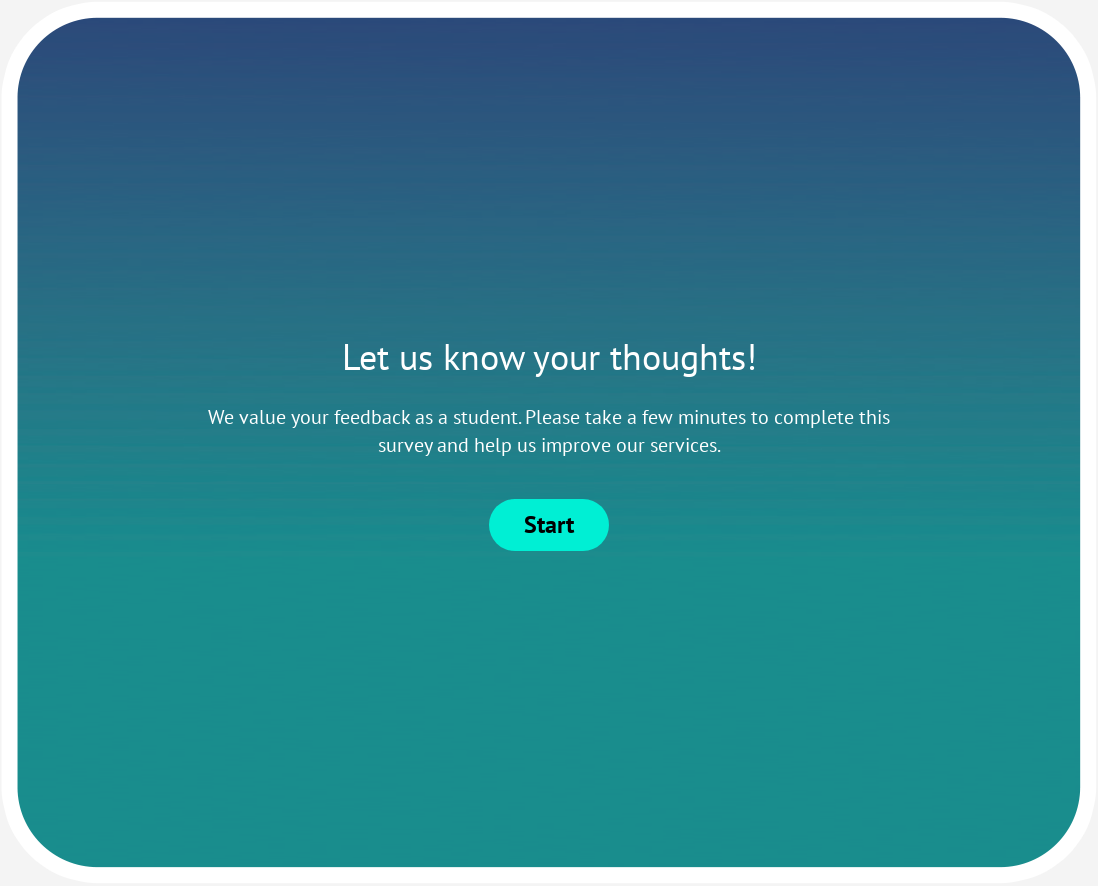
Student Feedback Survey Template

Collect student feedback that shapes the next lesson, not only the end-of-term report.
Use template

Grades show outcomes. Student feedback shows what is creating those outcomes while there is still time to improve. This Student Feedback Survey Template helps educators capture learning experience signals early enough to adjust teaching, materials, and support.

It is designed for schools, universities, bootcamps, and cohort-based programs that want practical course improvement cycles, not end-of-term data archives.

What this survey should measure

Measure factors that affect actual learning:

  • clarity of lesson goals and explanations,
  • usefulness of instructional materials,
  • fairness and clarity of assessments,
  • availability of support and feedback.

If you are only measuring “overall satisfaction,” you usually miss where learning quality is actually breaking down.

How to structure by learning stage

Different course moments need different question intent:

  • Mid-term check-ins: pace, clarity, and support access so instructors can correct in the current run.
  • End-of-course reviews: curriculum sequencing, assessment design, and what should change before the next cohort.

For blended delivery, keep one shared core block and use skip logic so online and in-person students see context-specific items.

Question design guidance for better response quality

Use simple scales and one concept per question. For example, keep “clarity of instruction” separate from “engagement in class” so teams can act on results without guessing.

Use one short open-ended prompt to capture what structured items miss, but avoid long essay-style forms that reduce completion.

Timing and delivery channels

Deploy through LMS links, class announcements, or post-session email. If your program serves multilingual cohorts, use multilingual surveys so wording does not become a hidden barrier to response quality.

For recurring programs, keep timing consistent across cohorts so trend comparisons are meaningful.

Turning student feedback into course improvements

  • Low clarity scores -> simplify instructional flow and examples.
  • Low assessment fairness scores -> revise rubric transparency.
  • Low support scores -> strengthen office hours and help resources.

Use survey data analysis to compare courses, cohorts, and delivery formats, then publish a short “what we changed” update to students and instructors. Visible follow-through is what improves future response quality.

For deeper design practices, review survey design and qualitative vs quantitative research.

Build your student feedback process in Responsly

Use this template in Responsly to run mid-course and end-course feedback loops with consistent structure, cleaner segmentation, and action-ready outputs for your teaching team.

What should student feedback surveys focus on?

Focus on learning clarity, teaching effectiveness, assessment fairness, and support accessibility.

When should this survey be sent?

Run at key points such as mid-term and course-end so educators can adjust while learning is still underway.

Should student surveys be anonymous?

Anonymous responses usually improve candor, especially when students evaluate instruction quality.

How should schools use results?

Use results for teaching improvements, curriculum updates, and support planning, not as a single high-stakes score.

Examples of Student Feedback Survey Template questions

Here are examples of questions most commonly used in Student Feedback Survey Template. When using our template, you can edit and adjust all the questions.

On a scale of 1 to 5, how satisfied are you with the quality of teaching?

What is your favorite thing about our school?

How likely are you to recommend our school to a friend or colleague?

Not likely at all
Extremely likely

Which extracurricular activities are you currently participating in?

Rank the following subjects based on your interest level (1 - lowest, 5 - highest):

When did you join our school?

What is your contact phone number?

How many hours do you spend studying per week?

What is your email address?

Try this template

Use template
  • 62%

    62% of our surveys are opened on mobile devices. Responsly forms are well optimized for phones and tablets.

  • 2x

    Responsly get 2x more answers than other popular tools on the market.

  • 98%

    Responsly service get an average satisfaction score of 98%

Customer Experience example

Customize template for your needs

  • Modify or add questions

    You can modify every question, delete or add more; there are 24 types of questions with options to select.

  • Add your branding

    Make it looks like it's your own. Add branding of your organization and modify the theme to match the graphic standards of your brand.

  • Connect with your apps

    Easily connect Responsly to apps that you’re using. Use ready integrations to move data from Responsly to your apps automatically.

100+ apps integrations

Connect tools that you are using, Responsly easily integrates with multiple apps.

  1. Google Sheets
  2. HubSpot
  3. Intercom
  4. Mailchimp
  5. Google Analytics
  6. Salesforce
  7. Zapier
Responsly platform helps us to manage customer satisfaction and communication within our organization.

Alicja Zborowska, Administration Specialist

Red bull
Bayer

We automated the product experience management process.

KraftHeinz

Managing customer experience is made easy with Responsly.

Danone

Our suppliers are surveyed quickly and efficiently.

Feel the Responsly advantage over other products

Talk to us!







