
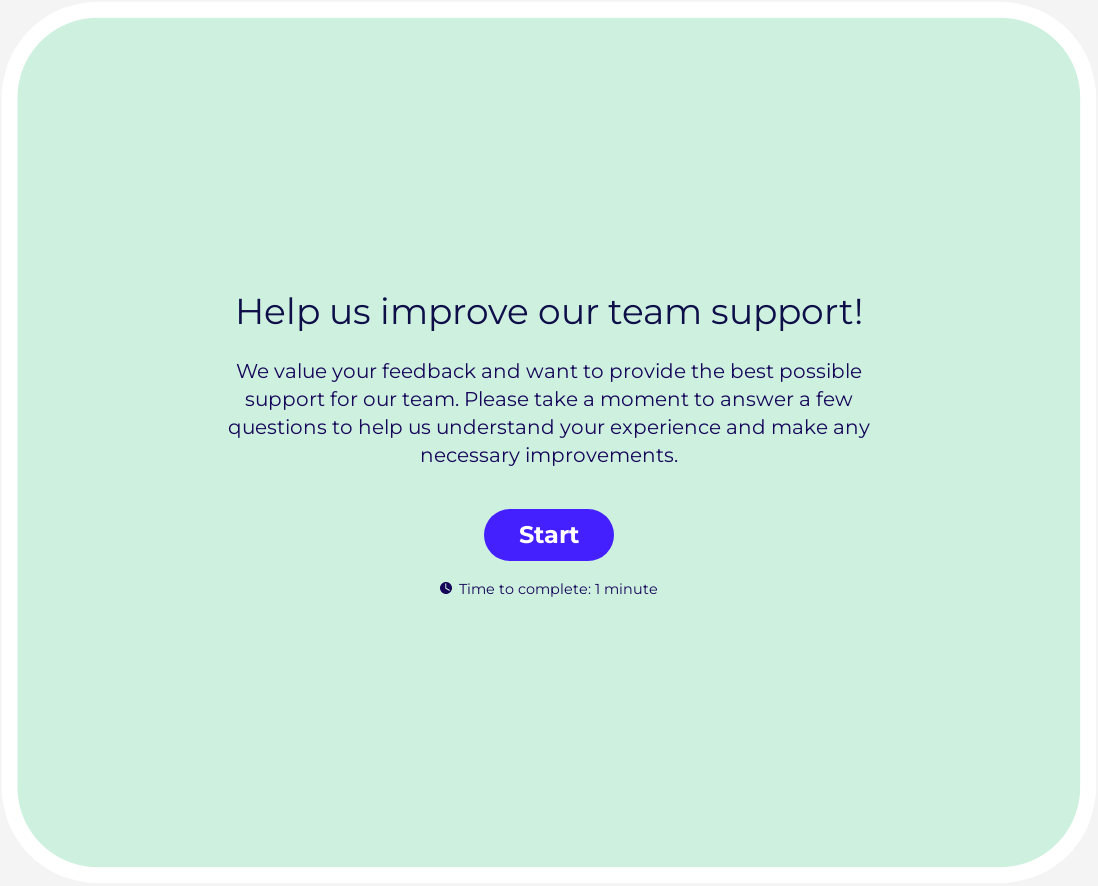
Team Support Survey Template

Find where teams feel unsupported across tools, information, coaching, and cross-functional handoffs.
Use template

Automate HR processes with Office Harmony

Book a demo

Identify support gaps, strengthen collaboration, and boost day-to-day team effectiveness with this Team Support Survey Template.

This template helps people managers and HR teams gather reliable feedback about how well employees are supported in their roles and workflows.

Why team support surveys matter

When teams do not feel supported, productivity and morale decline quickly. A structured support survey helps identify where processes, communication, or management practices need improvement.

Establishing a regular team support feedback loop lets you:

  • measure support perception across teams and roles,
  • detect recurring blockers in collaboration and communication,
  • monitor confidence in leadership and decision clarity,
  • and prioritize support initiatives based on evidence.

What to include in a team support survey

For meaningful results, your team support survey should address:

  • clarity of responsibilities and goals,
  • access to tools and resources,
  • manager availability and coaching quality,
  • quality of collaboration across teams,
  • confidence in escalation and issue resolution,
  • and one open-ended question for support recommendations.

This structure gives you measurable trends plus practical context for action planning.

Team support survey best practices

To improve survey quality and adoption:

  1. Keep survey length short and focused.
  2. Use neutral wording without leading phrasing.
  3. Segment results by team and function where action is possible.
  4. Use consistent scales for trend comparison.
  5. Share outcomes and next steps after each cycle.

For stronger implementation, pair this template with survey setup basics and survey data analysis.

Team culture and performance use case

This template is especially useful during reorganization, growth, and hybrid work transitions. It helps leaders protect productivity by improving support systems where teams need it most.

To deepen your team effectiveness strategy, connect this survey with resources on workplace communication, psychological safety, employee engagement surveys, employee engagement tools, and employee experience.

Build and launch in Responsly

Personalize this team support survey with your branding, then share it internally via link or embed. Run it on a regular cadence to continuously strengthen support quality, collaboration, and team outcomes.

What is a team support survey template used for?

A team support survey template helps organizations measure how supported employees feel by managers, peers, and internal processes. It identifies friction points that affect collaboration and productivity.

What questions should I include in a team support survey?

Include clarity of role expectations, access to resources, quality of manager support, cross-team collaboration, and confidence in problem resolution. Add one open-ended question for practical support improvements.

How often should I run a team support survey?

Run short pulse surveys monthly or quarterly and deeper assessments after organizational changes. This cadence helps teams track support trends and respond quickly.

How can I improve response quality in team support surveys?

Keep surveys concise, use clear and neutral wording, and communicate how feedback will be used. Teams provide stronger input when they see visible follow-up actions.

Examples of Team Support Survey Template questions

Here are examples of questions most commonly used in Team Support Survey Template. When using our template, you can edit and adjust all the questions.

Which channel(s) do you prefer for contacting our team? (Select all that apply)

On a scale of 1-10, how satisfied are you with the responsiveness of our team?

Not Satisfied
Very Satisfied

How likely are you to recommend our team support to others?

Not likely at all
Extremely likely

What is one thing we can improve about our team support?

Rank the following aspects of our team support in order of importance (1 being the most important):

Try this template

Use template
  • 62%

    62% of our surveys are opened on mobile devices. Responsly forms are well optimized for phones and tablets.

  • 2x

    Responsly get 2x more answers than other popular tools on the market.

  • 98%

    Responsly service get an average satisfaction score of 98%

Customer Experience example

Customize template for your needs

  • Modify or add questions

    You can modify every question, delete or add more; there are 24 types of questions with options to select.

  • Add your branding

    Make it looks like it's your own. Add branding of your organization and modify the theme to match the graphic standards of your brand.

  • Connect with your apps

    Easily connect Responsly to apps that you’re using. Use ready integrations to move data from Responsly to your apps automatically.

100+ apps integrations

Connect tools that you are using, Responsly easily integrates with multiple apps.

  1. Google Sheets
  2. HubSpot
  3. Intercom
  4. Mailchimp
  5. Google Analytics
  6. Salesforce
  7. Zapier
Responsly platform helps us to manage customer satisfaction and communication within our organization.

Alicja Zborowska, Administration Specialist

Red bull
Bayer

We automated the product experience management process.

KraftHeinz

Managing customer experience is made easy with Responsly.

Danone

Our suppliers are surveyed quickly and efficiently.

Feel the Responsly advantage over other products

Talk to us!







